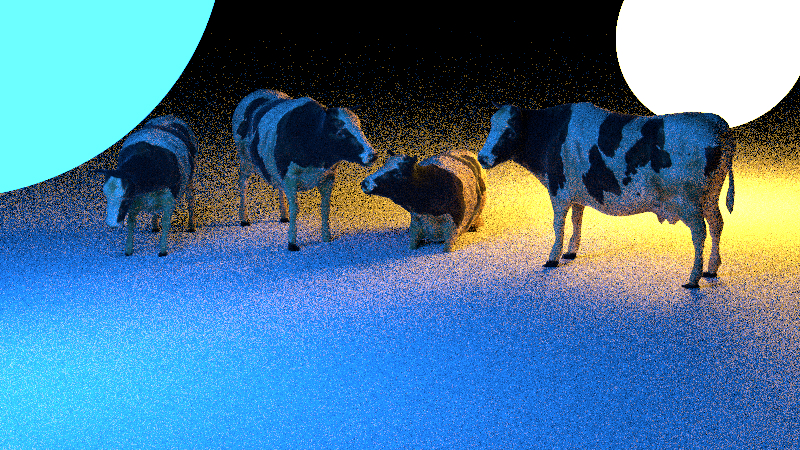
The scene with emissive spheres. The farther away we get the noisier it gets.
Area Lights: Basic & Improved
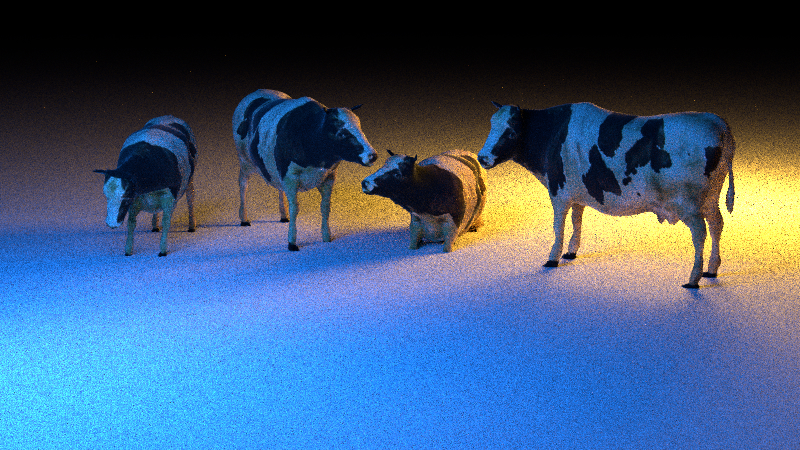
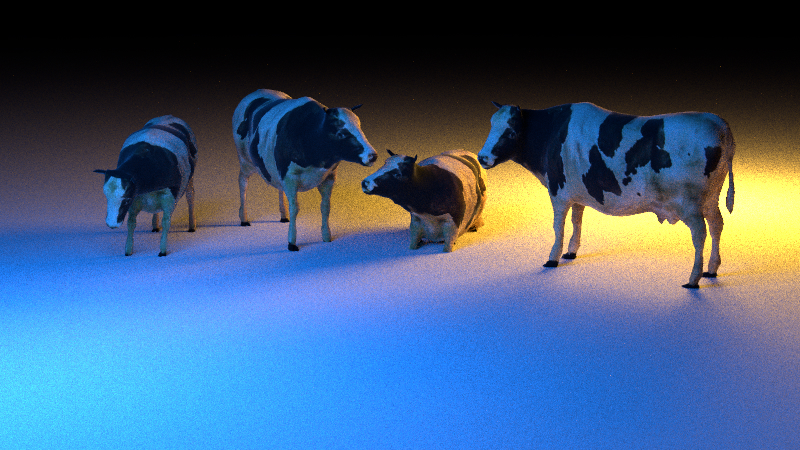
To implement Area Lights we followed this tutorial on Scratchapixel. The main problem we encountered was how to know how the area of a shape changes just from its transformation. At the end we handled it the c-way: We scale the area by the square of the cube root of the determinant which gives us correct results for uniformly scaled shapes - non-uniform scalings are simply declared undefined behaviour and are therfore not our problem anymore. We implemented area ampling and cone sampling for spheres and area sampling (and a shitty, very slow "cone sampling") for meshes. Below are 3 renders of the same scene with 128 samples, the first using emissive shapes, the second using area sampling and the third using cone sampling.
Code:
src/lights/area.cppsrc/shapes/sphere.cppsrc/shapes/mesh.cpp
The scene with area sampling. The image is now way less noisy, especially in the areas that are far away from the light. One may now notice though, that it has become more noisy when close to the light. This makes sense, as when we uniformly sample points on a sphere, the closer a point to that sphere, the less of its area it can be illuminated by. In fact a point always only sees < 50% of the sphere's surface making more than half our samples useless. To solve this problem we should only sample points on the part of the sphere that can actually illuminate our point. That's where cone sampling comes into play!
The scene with cone sampling. We now see that we have greatly reduced the noise even if we are close to the light. The main problem we faced here was that the tutorial we were following was wrong. According to it we were supposed sample directions of the cone of what the point sees of the sphere and scale the pdf by its angle, then intersect the sphere. The problem that arose was that the angle scaled the pdf in a way such that the light was too bright when close and too dark when far away. What we did was switch this approach around. We now sample points in the cone of the area of the sphere the point sees and scale the pdf by its angle. It was a complete Hail Mary but it worked so hey who cares?
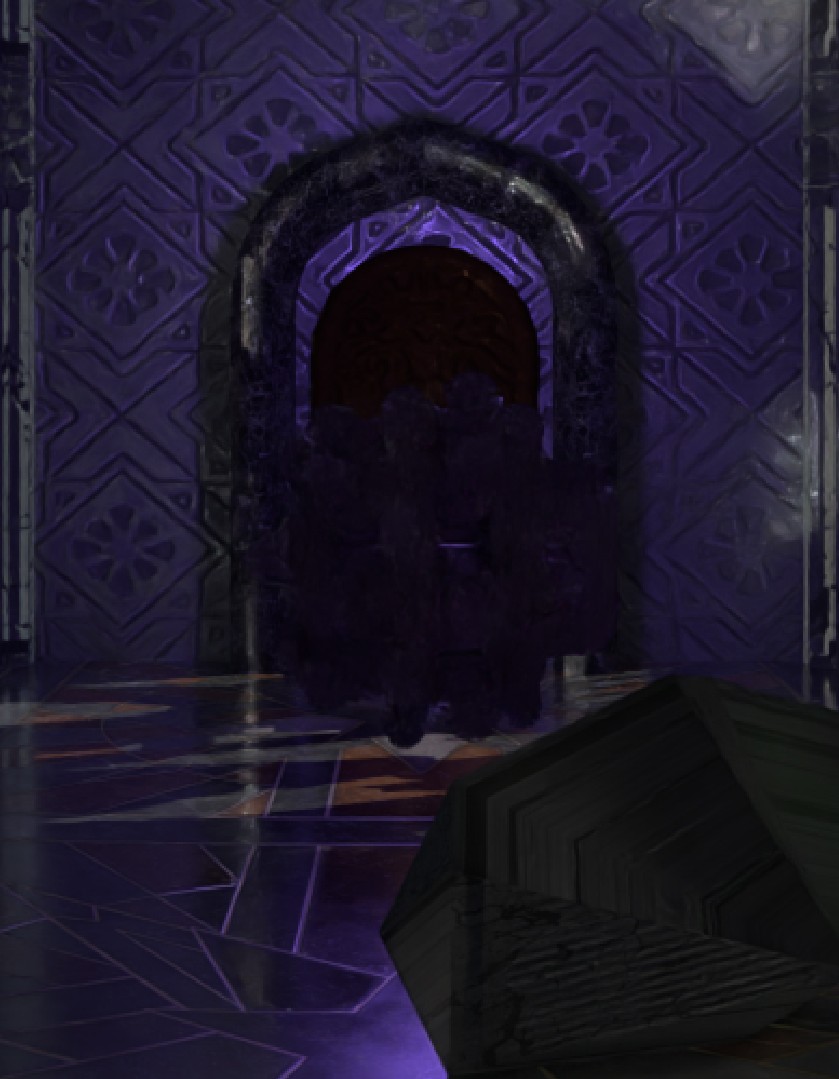
Spoiler: Implementation of this feature in our final render
- The back of our scene is illuminated by a spherical area light using cone sampling.