Area Light
Area light introduces explicit sampling of area lights to reduce variance caused by emissive geometry. Instead of relying on random path intersections with light sources, the renderer directly samples points on area light surfaces, resulting in faster convergence and cleaner illumination.
Implementation Overview
Area lights were implemented as a new light plugin in
src/lights/area.cpp, where each light references an underlying emissive shape and
samples
points on its surface to compute direct lighting contributions. Area sampling for spherical emitters
was added by implementing the sampleArea method for the sphere primitive.
Limitation
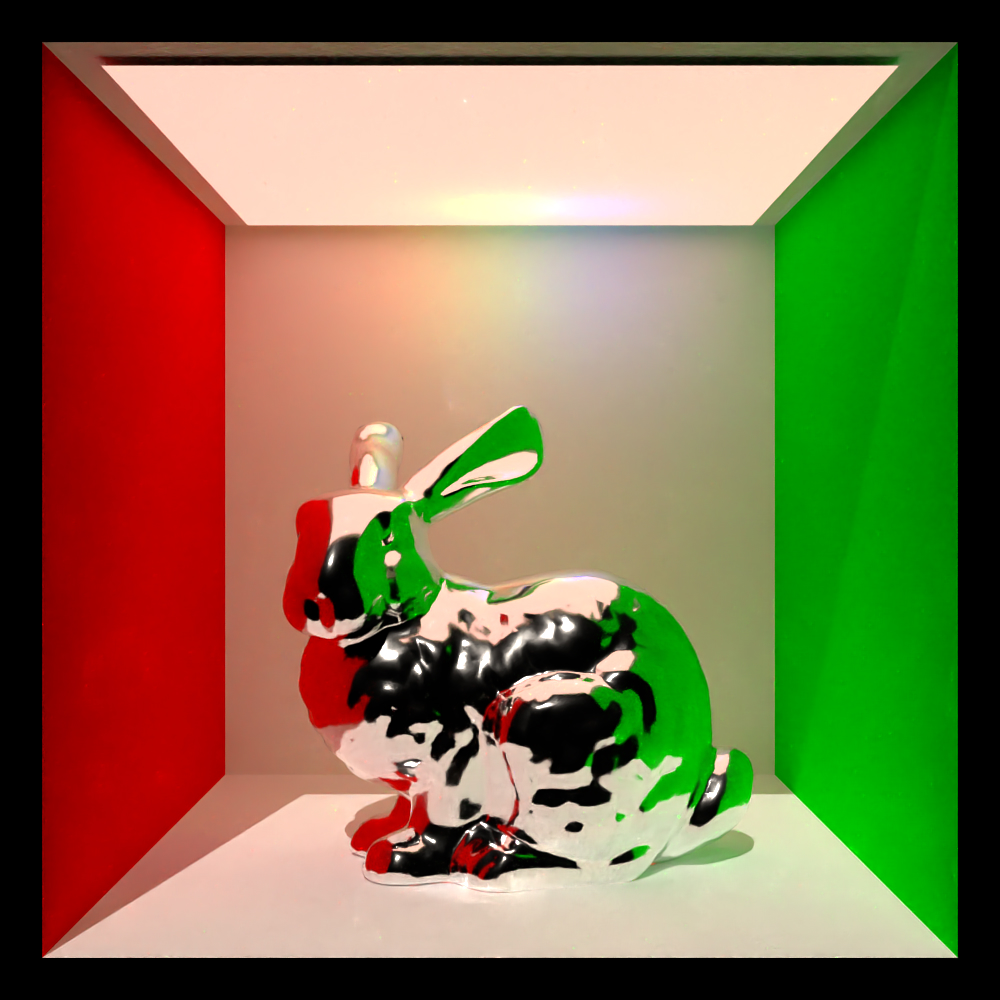
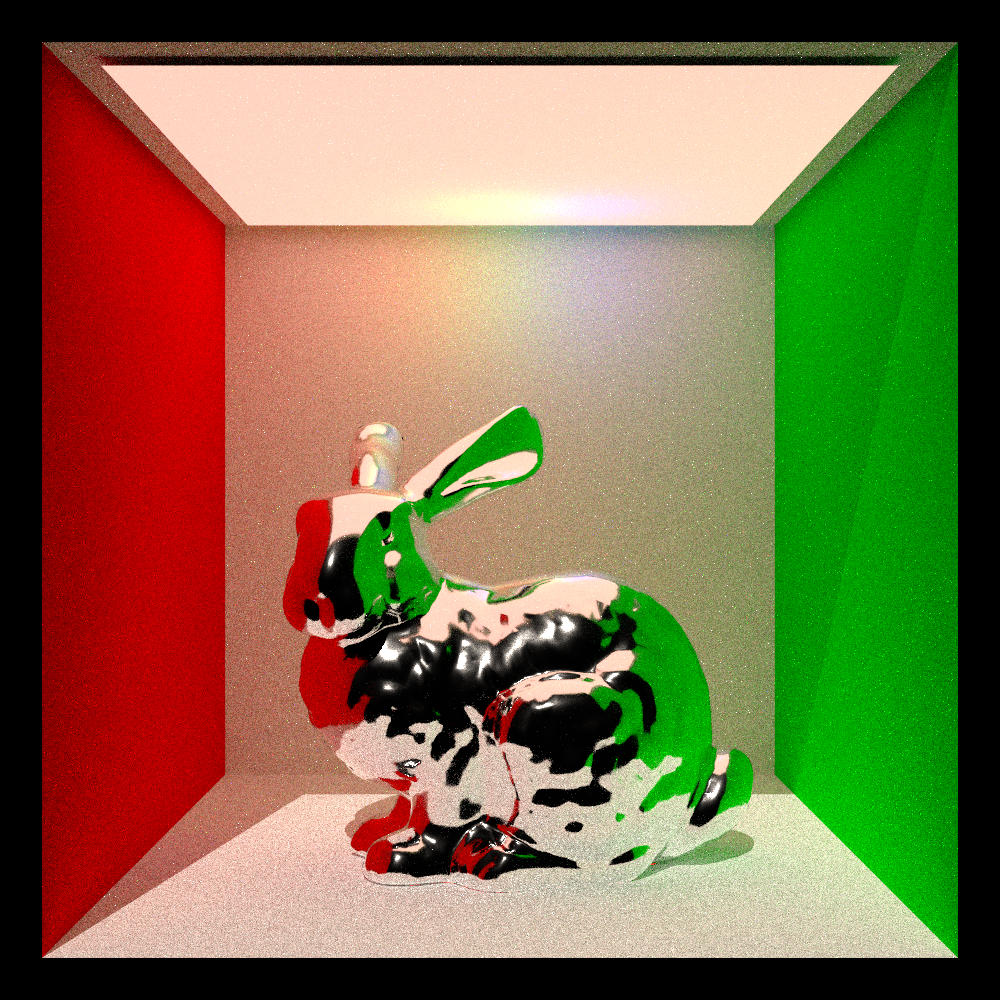
The current implementation does not yet produce lighting that perfectly matches the reference result obtained with spherical light sources, as visible in the left picture of the comparison. I validated the implementation using test scenes and comparisons. The results always showed less light emission than expected.
Main Challenge
The main challenge was identifying why the area light produced lower illumination than the reference spherical light, as visible in the comparison. I experimented with different ways of accumulating the area light contribution and validated the emission evaluation, but the results consistently showed reduced intensity. My conclusion is that the area light sampling logic itself behaves as expected, and that the issue most likely originates elsewhere in the light transport or light contribution accumulation code. Even though I was not able to identify it.
Normal Mapping
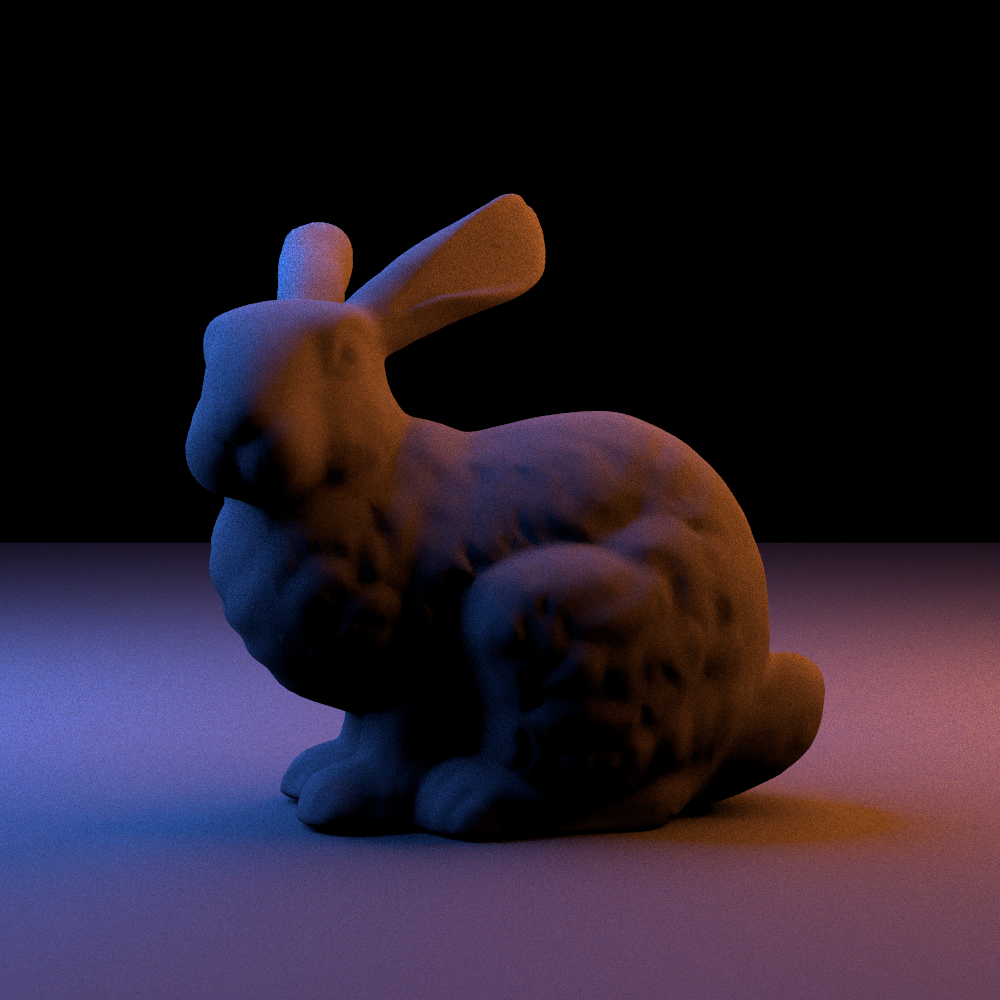
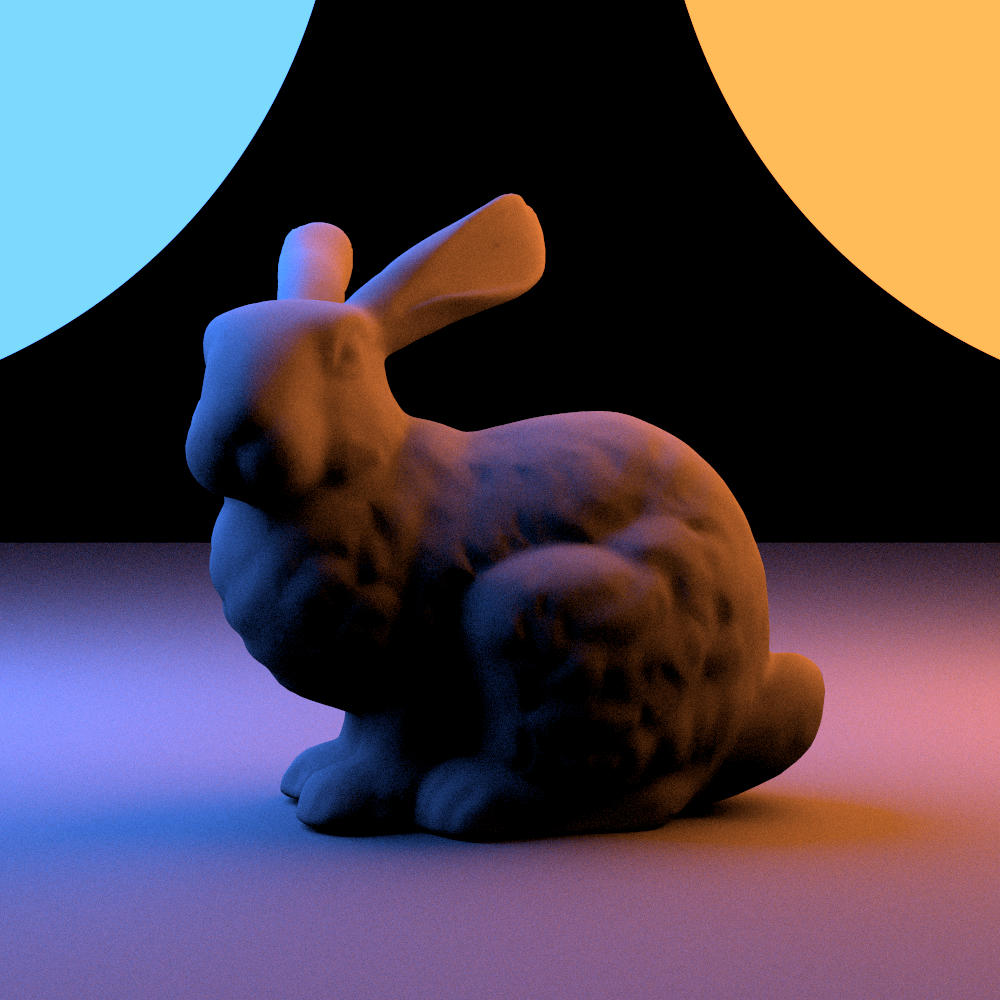
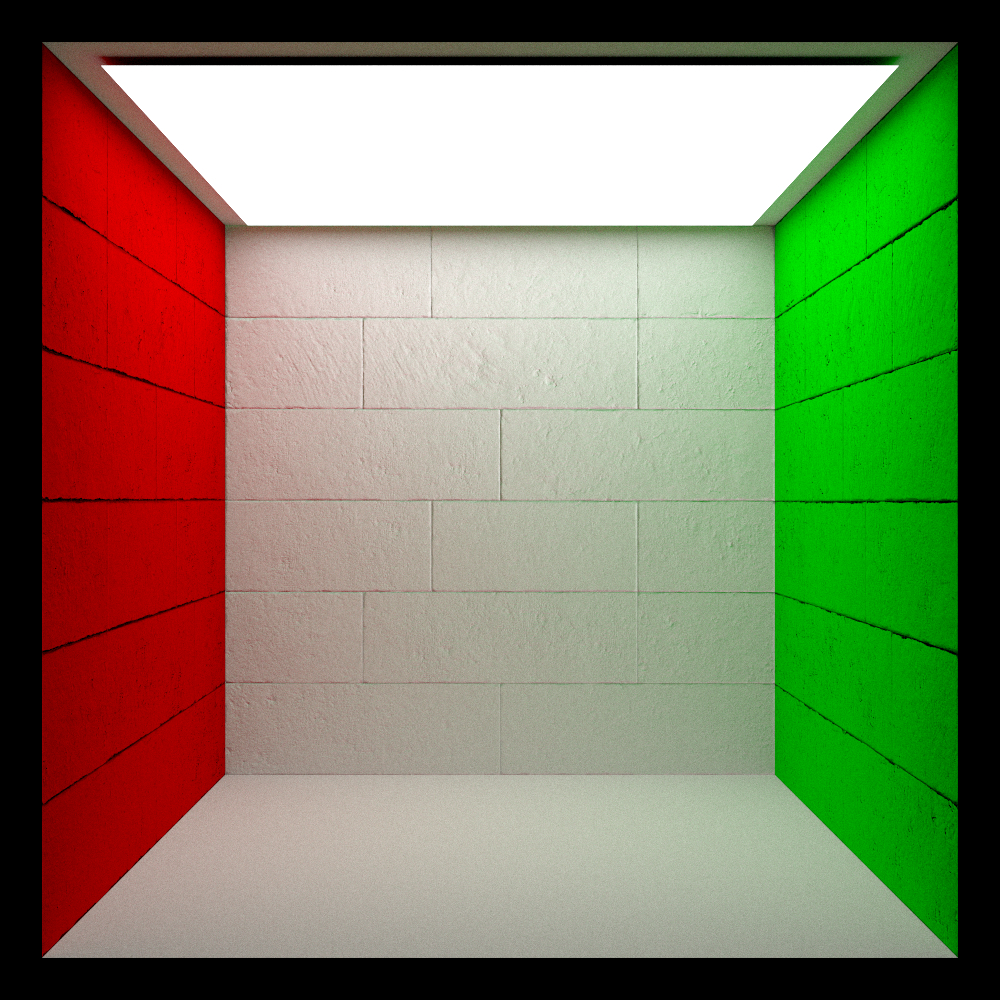
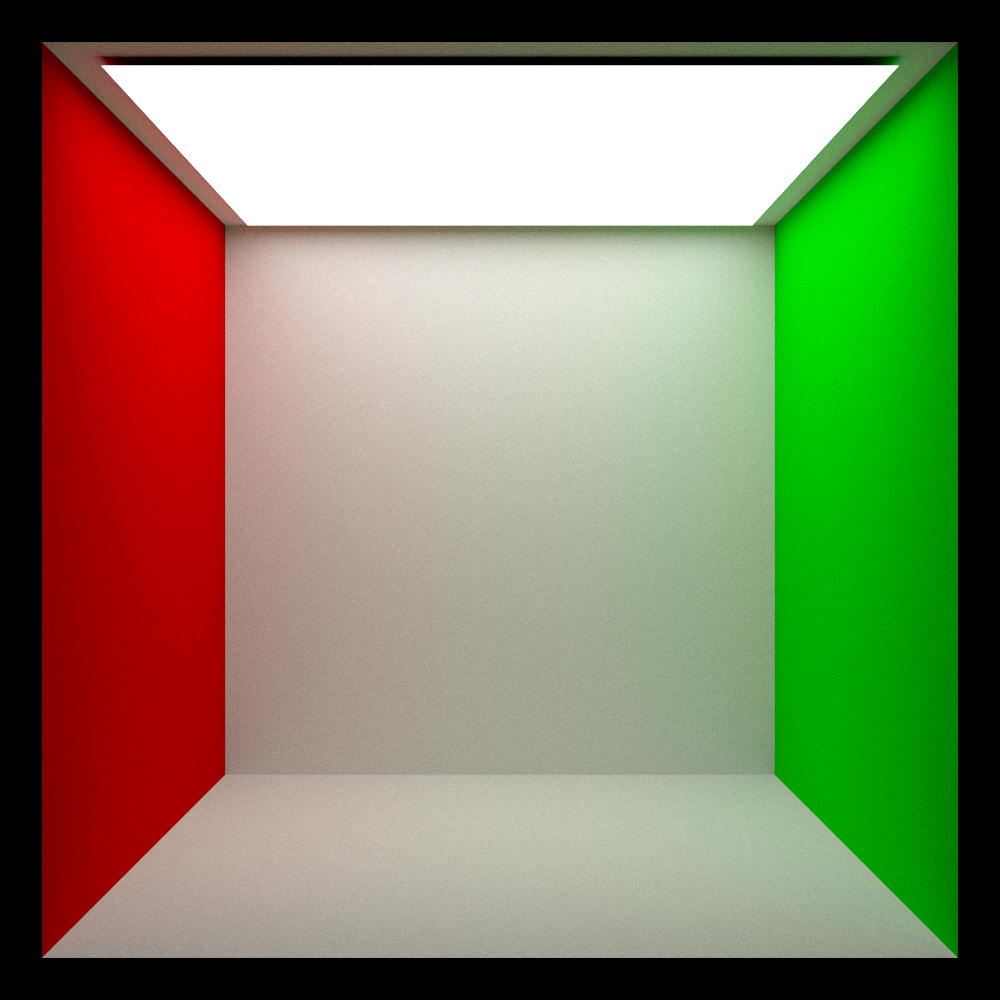
The main contribution of normal mapping is to increase surface detail without increasing mesh complexity. A normal texture is used to influence how lighting is computed across the surface.
Implementation Overview
I implemented normal mapping by extending the Instance system in
include/lightwave/instance.hpp to support an optional
normal texture.
In src/instance.cpp, if a normal map is present, its values are remapped from [0,1] to
[-1,1], converted from the local
shading frame into world space, and then used as the final shading normal.
Main Challenge
The main challenge was handling coordinate spaces correctly. The normal map is defined in tangent/local space, while lighting expects a world-space normal. Initially, I tried to perform the tangent-to-world conversion manually, but I then realized that the basis conversion is already provided by the shading frame.
Postprocessing: Bloom
This feature introduces a post-processing step to simulate the scattering of bright light, adding a realistic glow to emissive geometry and specular highlights. By isolating high-luminance pixels and blurring them, the renderer enhances the perceived dynamic range of the final image.
Implementation Overview
Bloom was implemented as a post-processing plugin in src/postprocess/bloom.cpp. The pipeline operates in three stages: first, a Bright Pass extracts pixels above a user-defined threshold, using a "knee" curve to smooth the transition. Next, a Separable Blur is applied to this map, the 2D Gaussian convolution is decomposed into horizontal and vertical 1D passes to improve performance. Finally, the blurred result is added back onto the original image.
Limitation
The current implementation relies on a single-pass Gaussian blur performed at the original image resolution. As a result, the effect cannot easily reproduce the wide, soft tails of light scattering seen in multi-pass downsampling techniques, limiting the bloom to a tighter, more local halo
Main Challenge
The primary challenge was achieving a visually pleasing result without the downsampling pipeline standard in modern game engines and rendering systems. State-of-the-art techniques (such as the "Next Generation Post Processing" methods used in Call of Duty) rely on iterative downscaling and upscaling to generate high-quality, wide-radius bloom efficiently. Finding resources on implementing good bloom strictly in a single pass on the CPU was difficult, as most literature assumes a GPU-accelerated, multi-resolution approach. I had to carefully tune the sigma and radius to approximate the look without the performance benefits of downsizing.
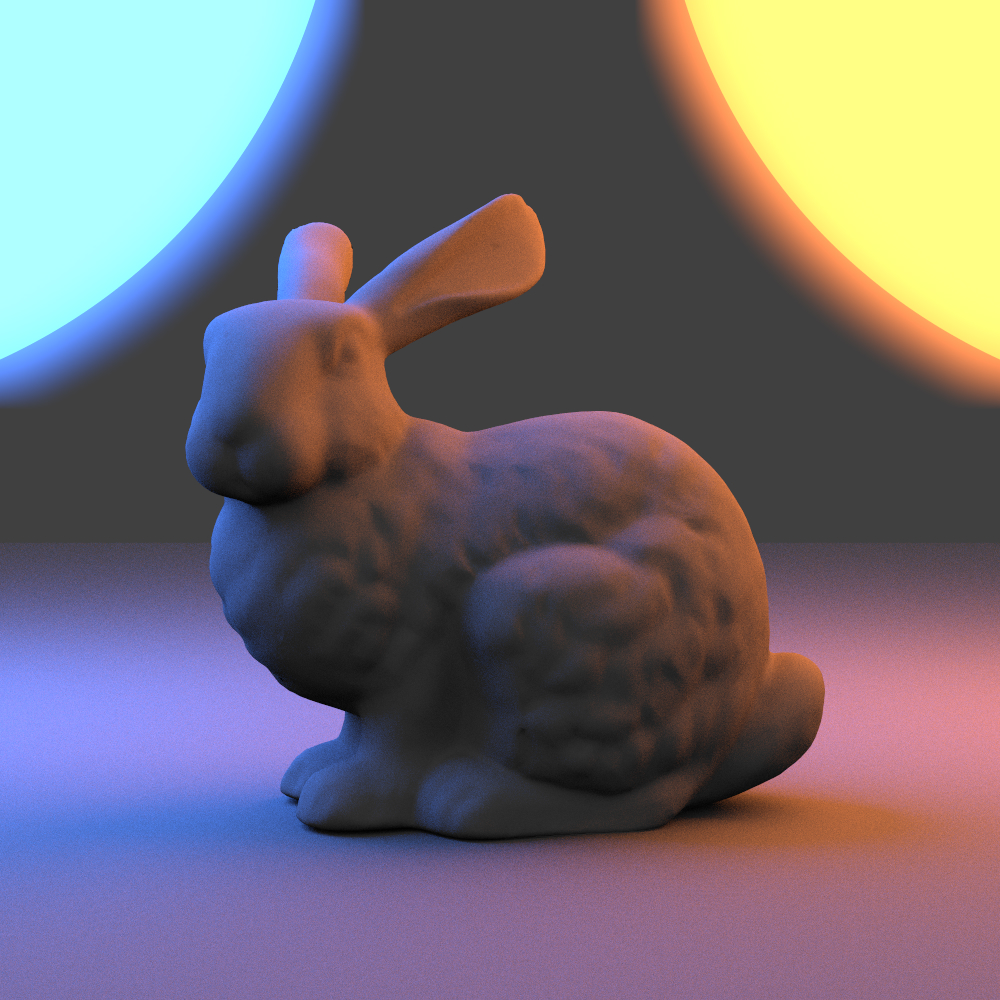
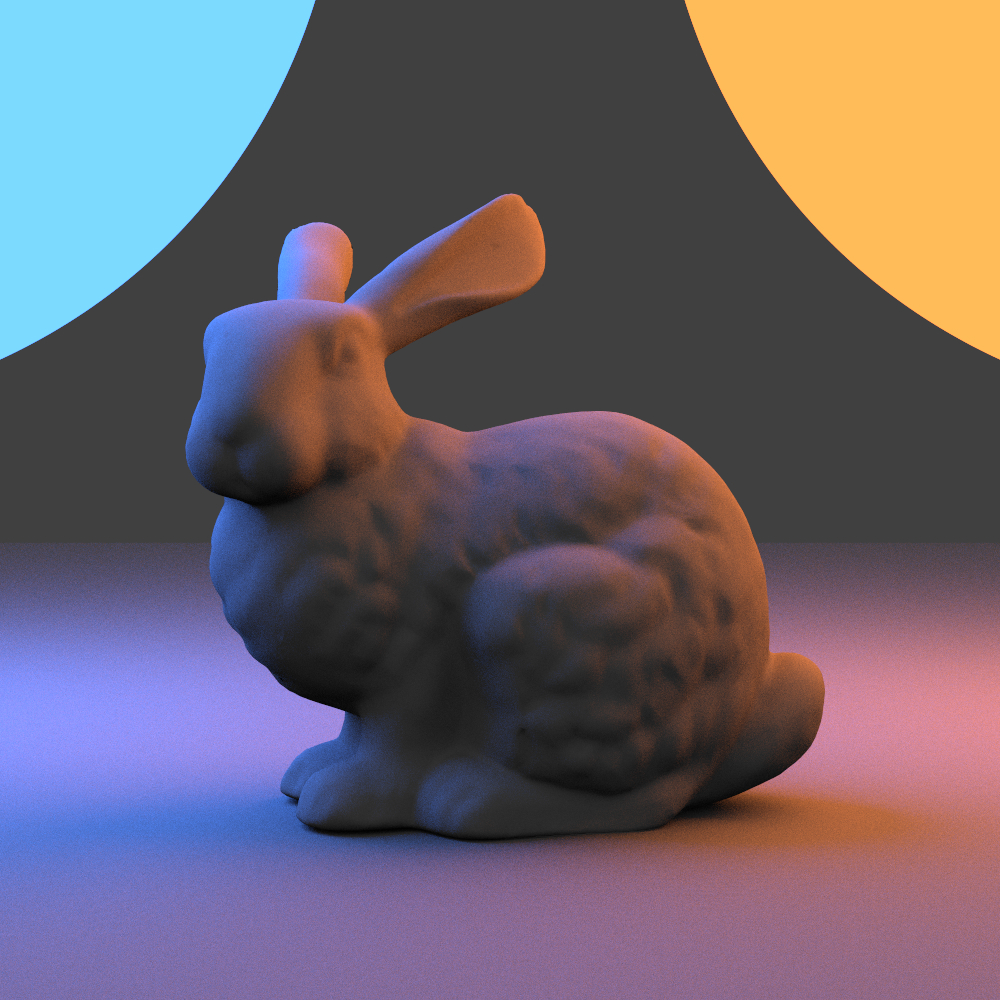
Image Denoising
This feature integrates the Intel Open Image Denoise (OIDN) library to remove noise from the final image. By using deep learning-based filtering, the renderer produces clean results with significantly fewer samples, drastically reducing overall rendering time.
Implementation Overview
The integration uses the OIDN C++ API to filter the final output. The main work involved modifying the renderer to generate arbitrary output variables (AOVs). In addition to the noisy color image, the path tracer now outputs Albedo and Shading Normal buffers. These extra feature maps are passed to the denoiser to help it distinguish between noise and actual geometric edges or textures.
Main Challenge
The integration was straightforward thanks to excellent documentation from Intel. The primary effort was architectural.