Chaos in Harmony - "Infinite Void"
Participants: Nils Selvidge, Mestay Murzabayev (GitLab: "Burmy")
Theme: Chaos in Harmony
Concept
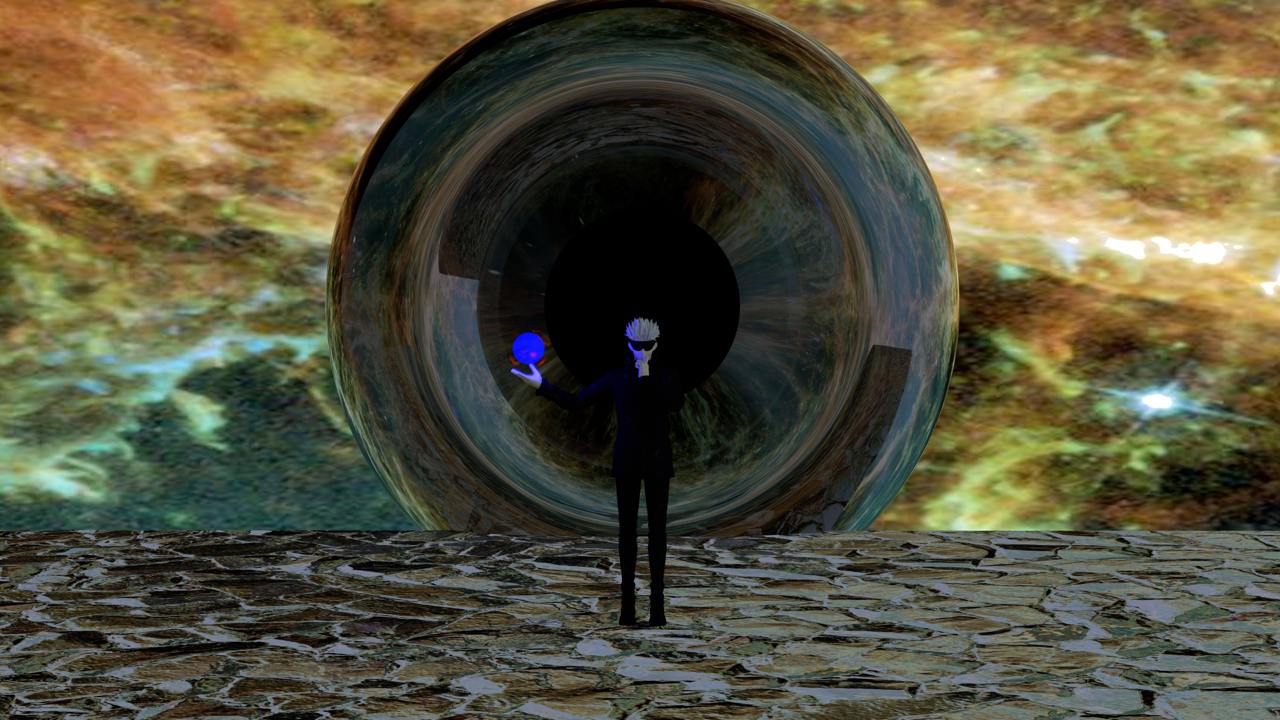
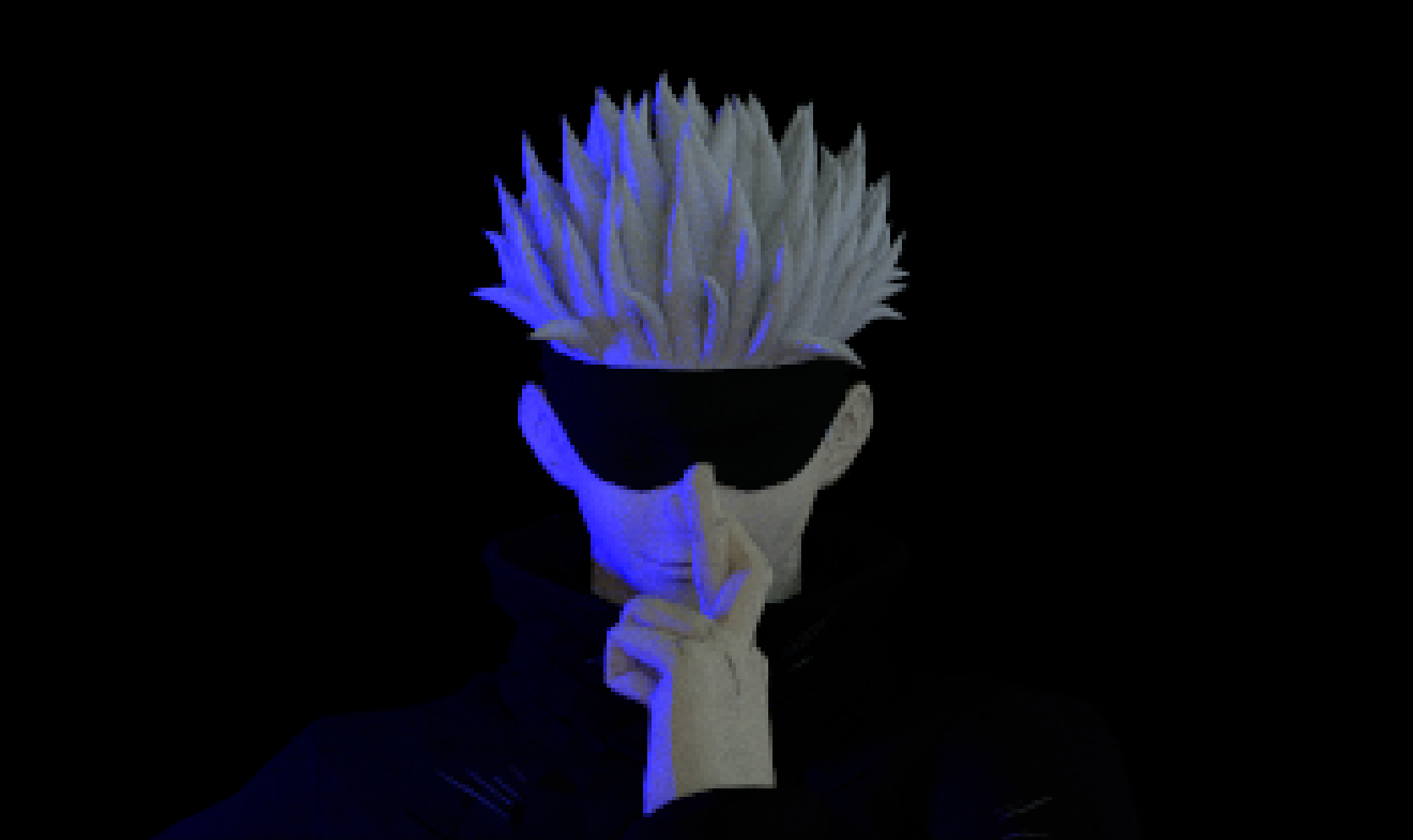
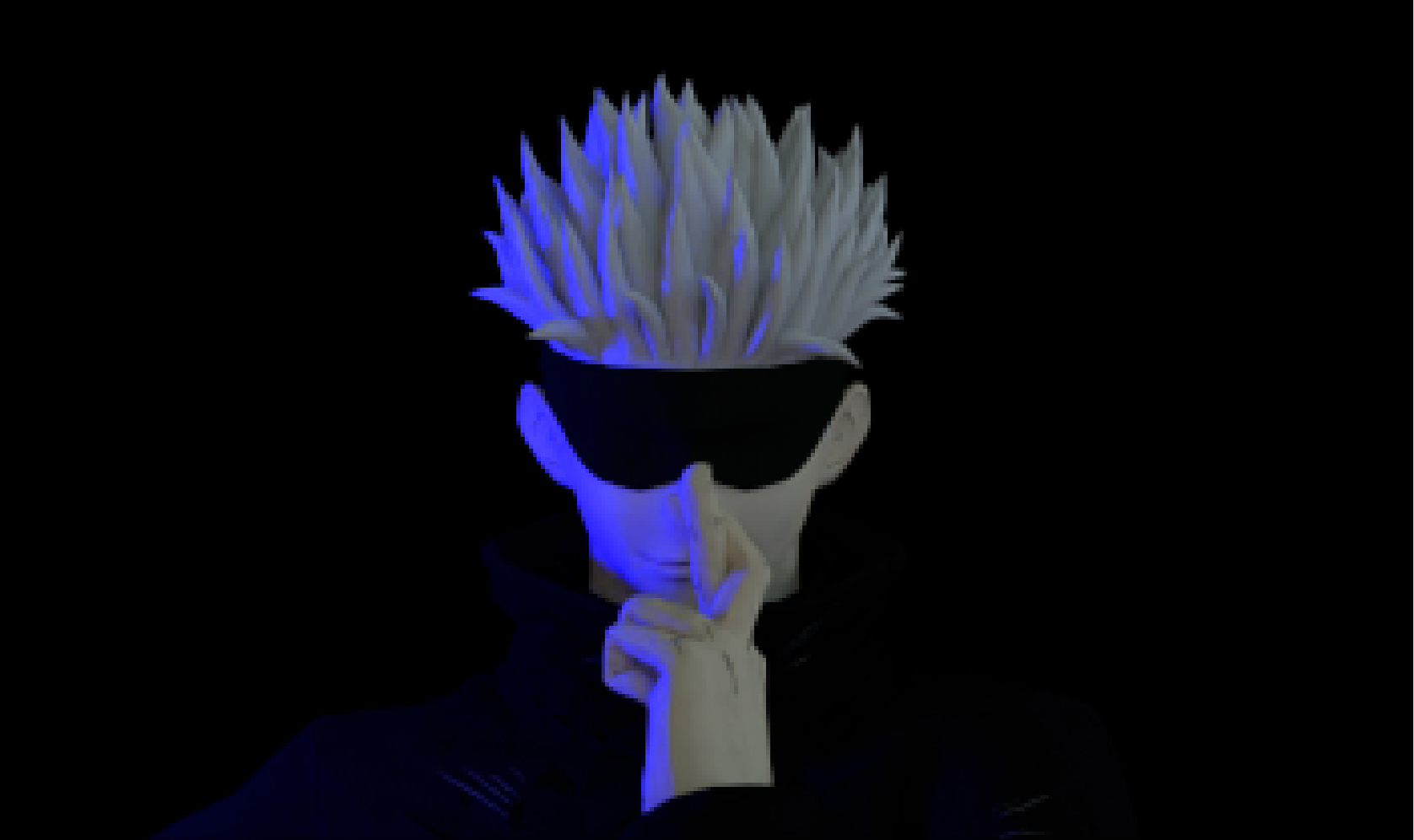
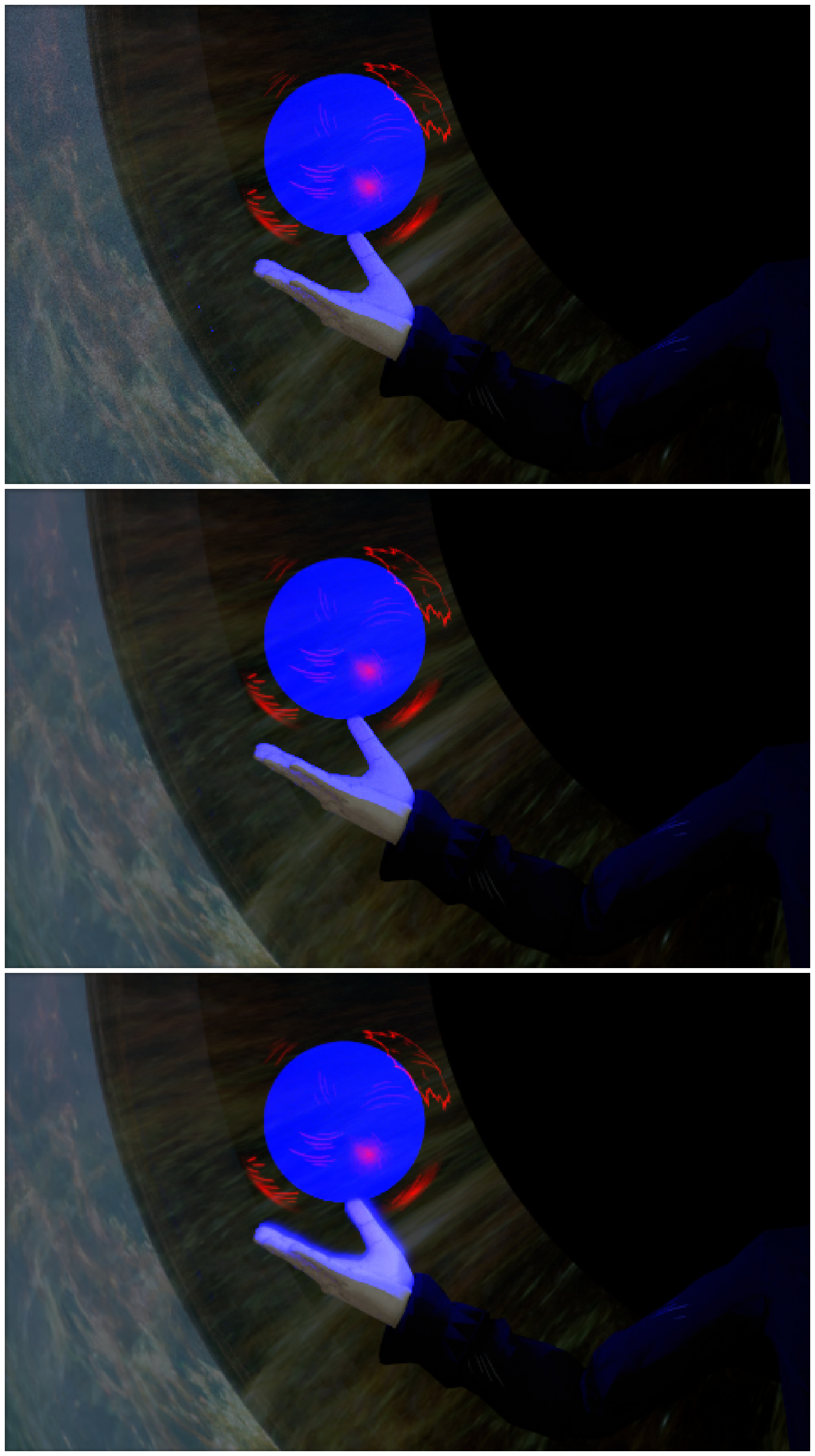
Our Rendered image is inspired by a character from the anime Jujutsu Kaisen, whose ability is to show the entirety of the universe to someone. We think this perfectly shows the idea of "Chaos in Harmony" as when this ability is used, the person affected by it is completely overwhelmed by having all senses berated by everything in existence happening at the same time. All of this together is chaos, but everyone is able to go about their own day in harmony. Animals, plants, people, worlds, galaxies, in every moment billions of things are happening at the same exact moment, but we only take in so little of what happens around us that we are able to continue on in ignorance. This is what this scene reminds me of, harmony in chaos, or depending on how you look at it, Chaos in Harmony.
Implemented Features
- Shading Normals. Enhanced surface details and realistic light interaction.
- Alpha Masking: Used for precise transparency effects, improving visual clarity.
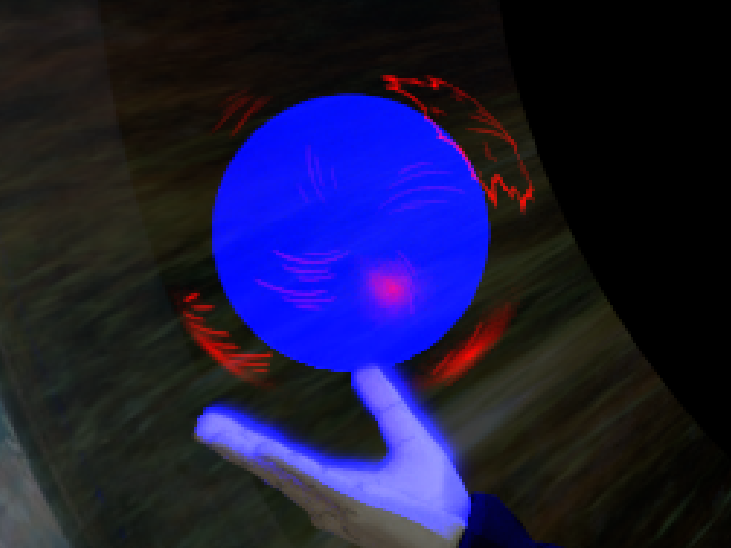
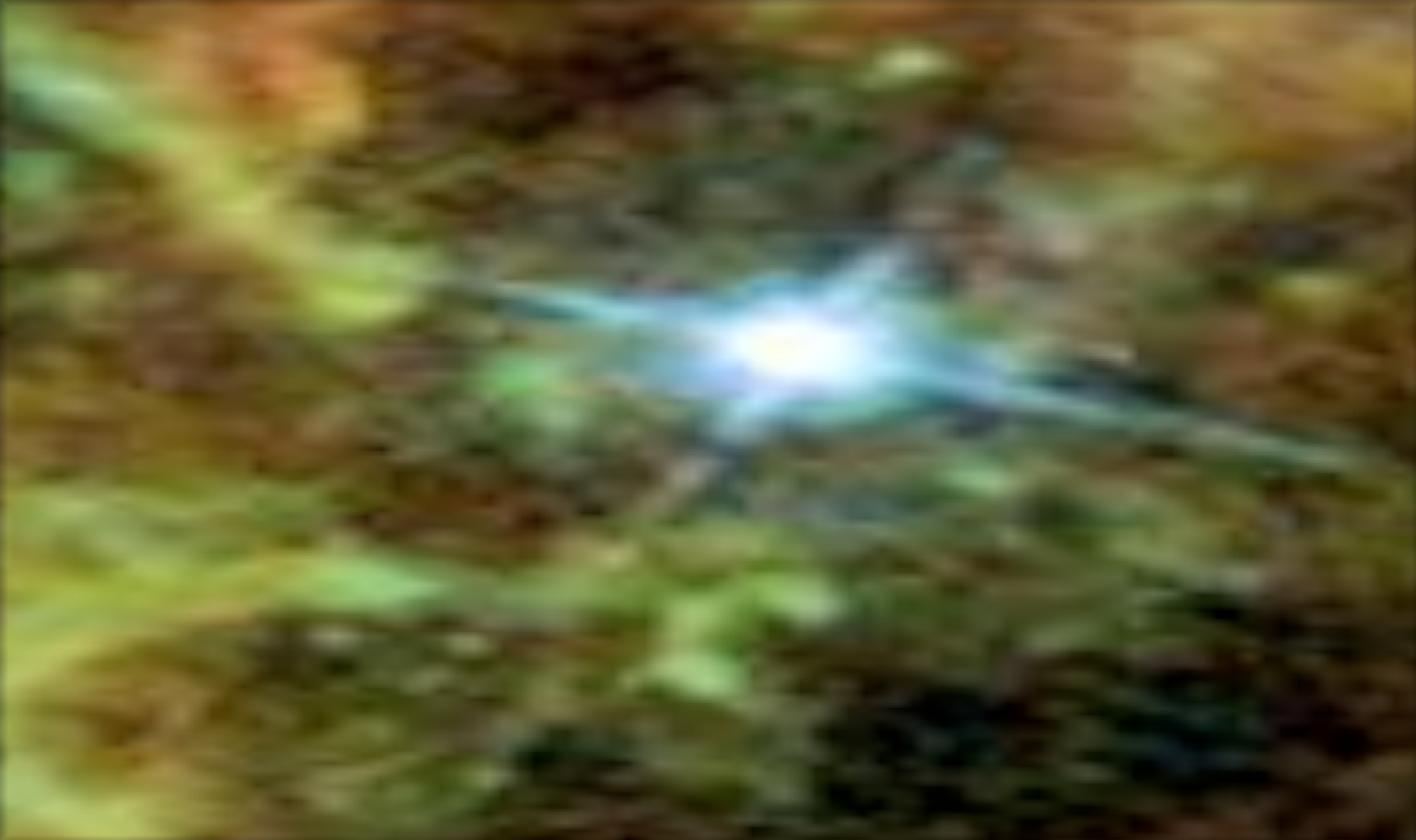
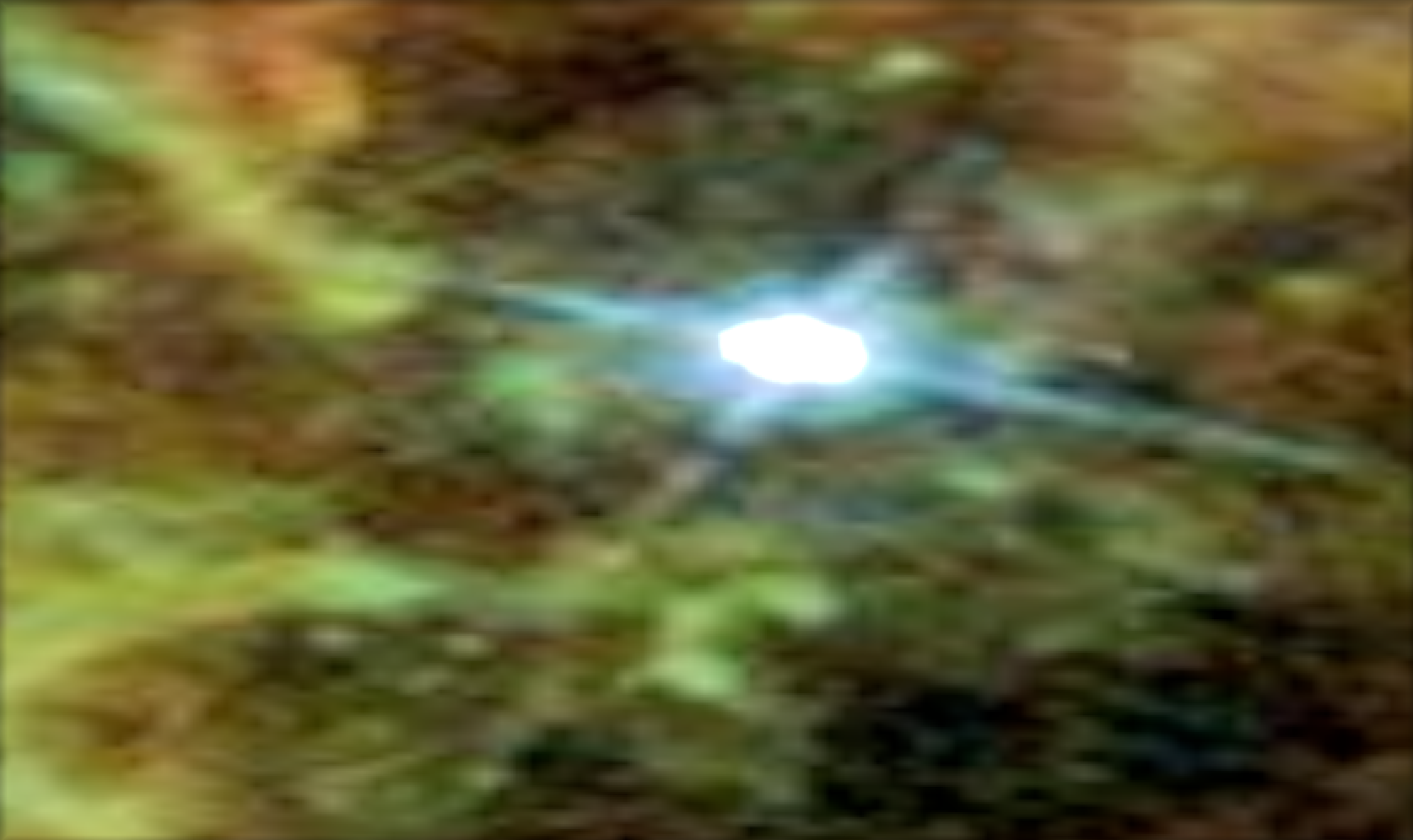
- Area Light for Spheres: Introduced smooth and realistic lighting for sphere-based light sources.
- Post-processing Intel Open Denoising: Reduced noise and improved final image clarity.
- Post-processing Bloom Effect: Added a glow effect to enhance lighting and highlights.
Technical Challenges and Solutions
During the rendering process, we faced multiple challenges:
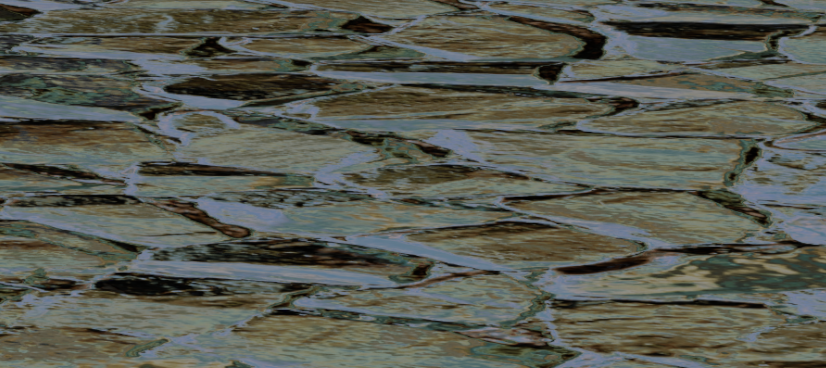
- Shading Normals: The challenge with shading normals was avoiding edge case issues with our existing functions we implemented. Overall it wasn't hard to implement the needed uv mapping of normals through vectors of RGB values, but fumbling around with the code we had already written trying to find which part was creating an insanely high color took quite a bit of time. We were able to fix it through edge case handling in a couple functions, as the previous code was quite modular.
- Alpha Masking: Implementing alpha masking required precise control over transparency levels to avoid jagged edges and ensure smooth blending with the background. A major difficulty was handling semi-transparent regions, which often resulted in unwanted visual artifacts. We overcame this by forwarding the alpha map to each shape individually to ensure that we could hit the second intersection point of spheres while also keeping the rendering calculations to the minimum.
- Area Light for Spheres:The tricky part of implementing spherical area lighting was sampling the points on the surface of the sphere. Uniformly distributing the points on the sphere requires attention, since the translation of a random point into spherical coordinates is not a linear mapping and does not preserve the uniformity property. Fortunately, scratchapixel.com has a page "Spherical Area Light: Using Area Sampling" that explains Inverted CDF.
- Post-processing:The non-trivial part for both Bloom Effect and Denoising was matching XML description of the scene with the project's pipeline.
References
We used the following third-party materials:
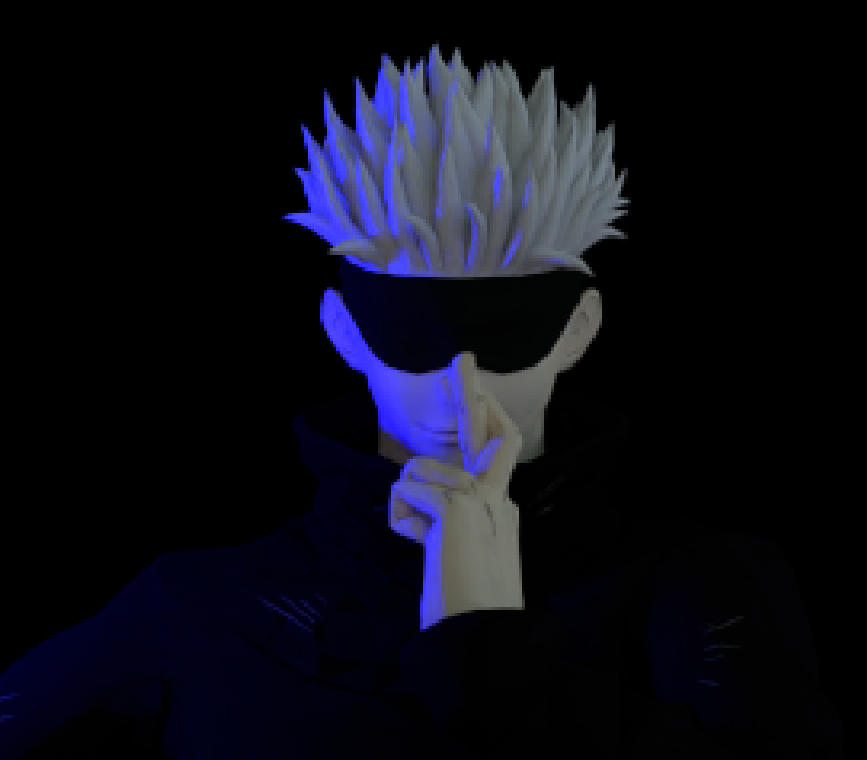
- Jujutsu Kaisen manga and anime universe (character of Satoru Gojo).
- Initial 3D model of Satoru Gojo: https://sketchfab.com/3d-models/gojo-satoru-3e58c2dda829465ebf40f48e0a2a9695.
- Texture "Cracked Glass" by Mikhail Zabolotny, available in BlenderKit.
- Spherical object "Binary" by Muhammad Sarfraz, available in BlenderKit.
- Image "A Giant Hubble Mosaic of the Crab Nebula", NASA Hubble Space Telescope (used as the background). https://hubblesite.org/contents/news-releases/2005/news-2005-37.html
- "Spherical Area Light: Using Area Sampling" page by Scratchapixel: https://www.scratchapixel.com/lessons/3d-basic-rendering/introduction-to-lighting/introduction-to-lighting-spherical-light-area-sampling.html