
Journey through the Mushroom Garden
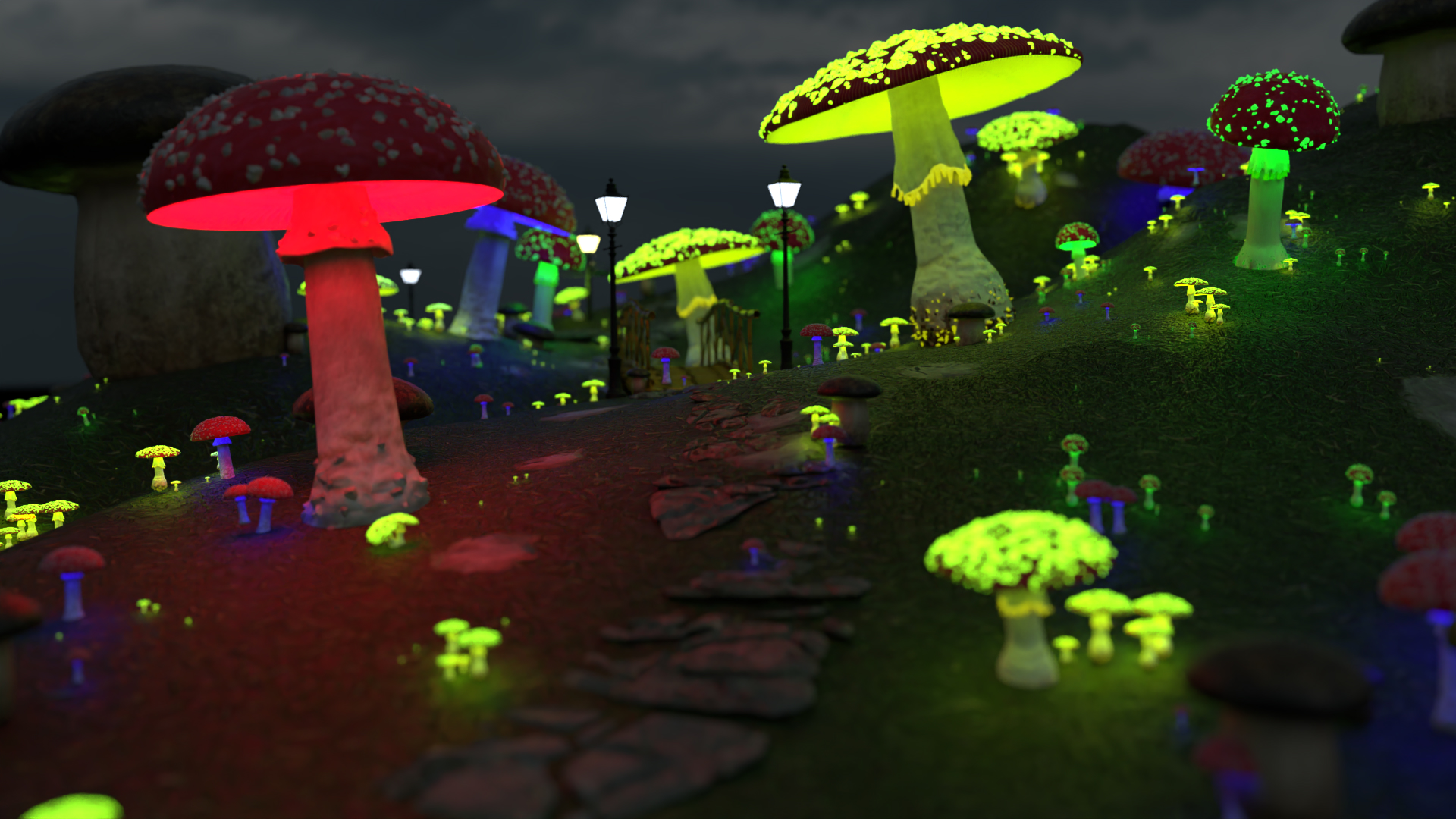
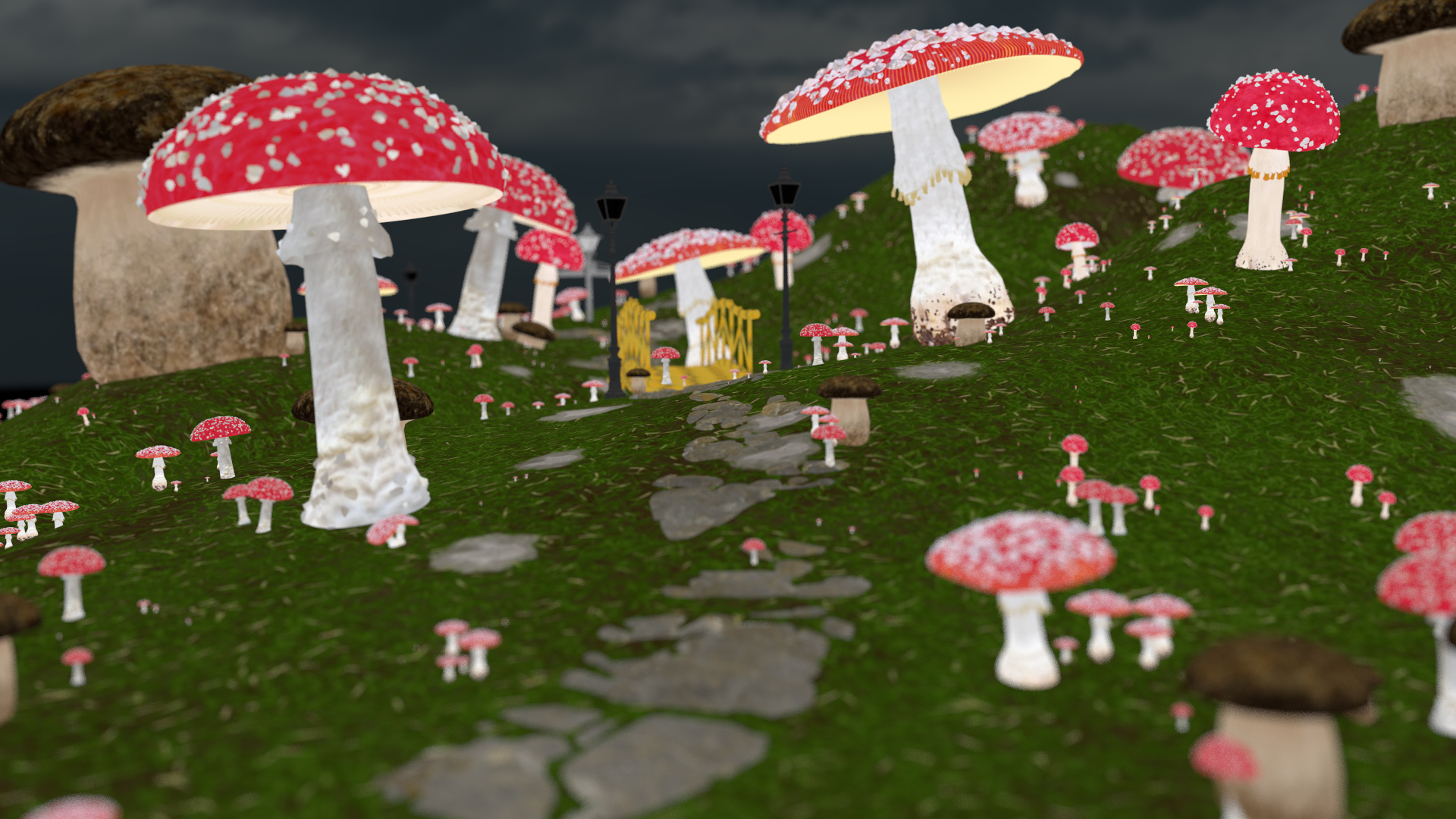
A lone traveller from far away follows a mysterious path. Unkowingly and excited, the traveller continues and finds itself into the world of glowing mushrooms. Our Scene takes the traveller into a world of magic and wonders. A world that can only be dreamt of! It finds itself among many mushrooms of different sizes and colors each calling upon the stranger, singing, and rejoicing. "Welcome dear stranger! your journey has come to an end. Eat, drink, and rest, for your journey indeed has been of the hardest ones!"
Description
Our renderer implementation involves 4 features out of which our scene uses 3 of them, Area Lights, Image Denoising, Thin Lens Camera Model, and Shading Normals. We will walk through each of the features individually. The final scene is rendered at 1024 samples per pixel, pathtracing depth of 5 and image resolution of 1920x1080. The assets in the scenes are all open source from within search bar of blender. They are extensively modified to match our requirements such as adding emissions to mushroom gills, removing unecessary and unsupported nodes for blender exporter and so on. So we omitted them from sources.

Feature 1: Area Light
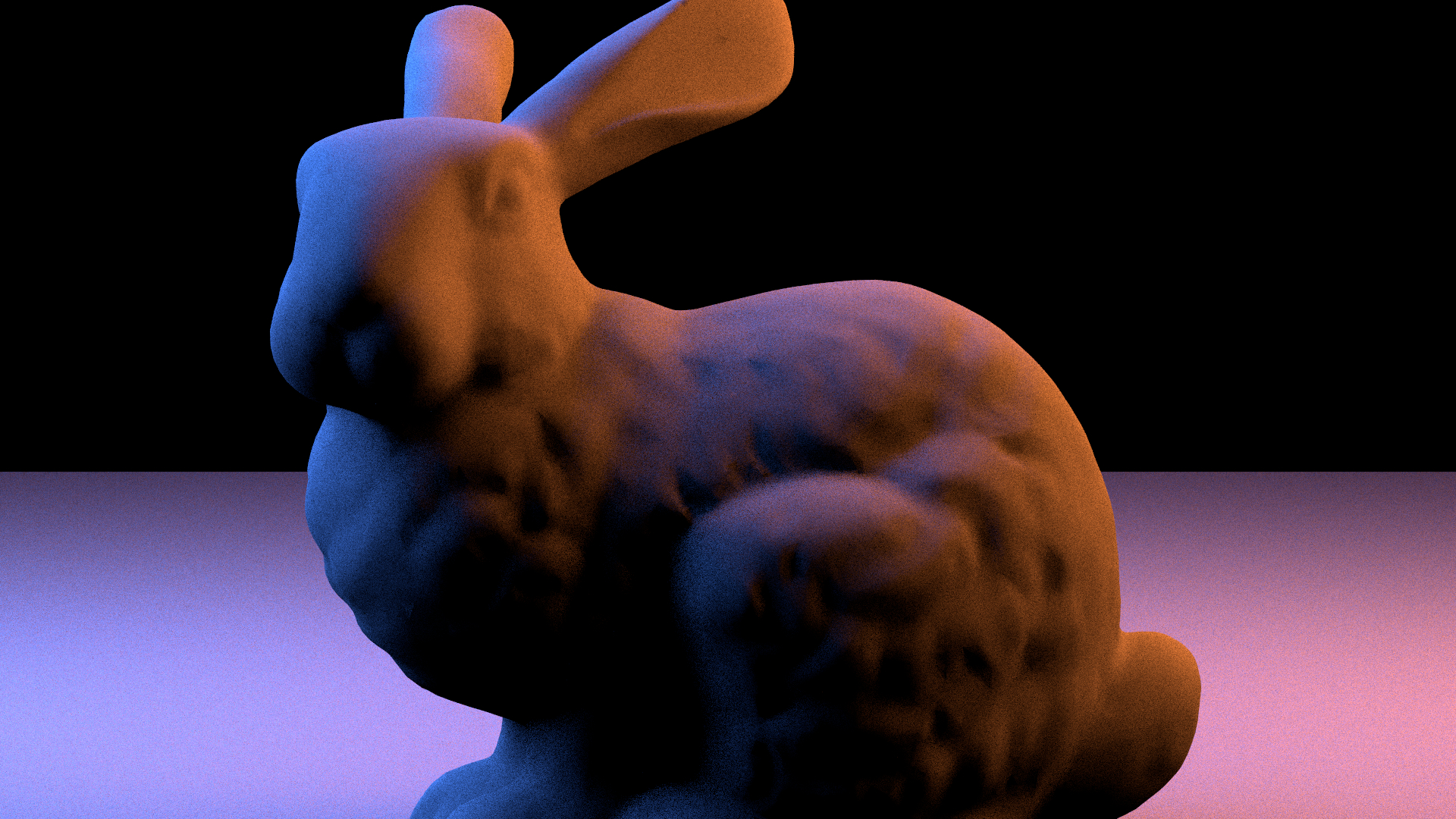
The next two pictures show the difference between using area lights and not using them. (Area lights not used in our final scene!)
No Area Lights
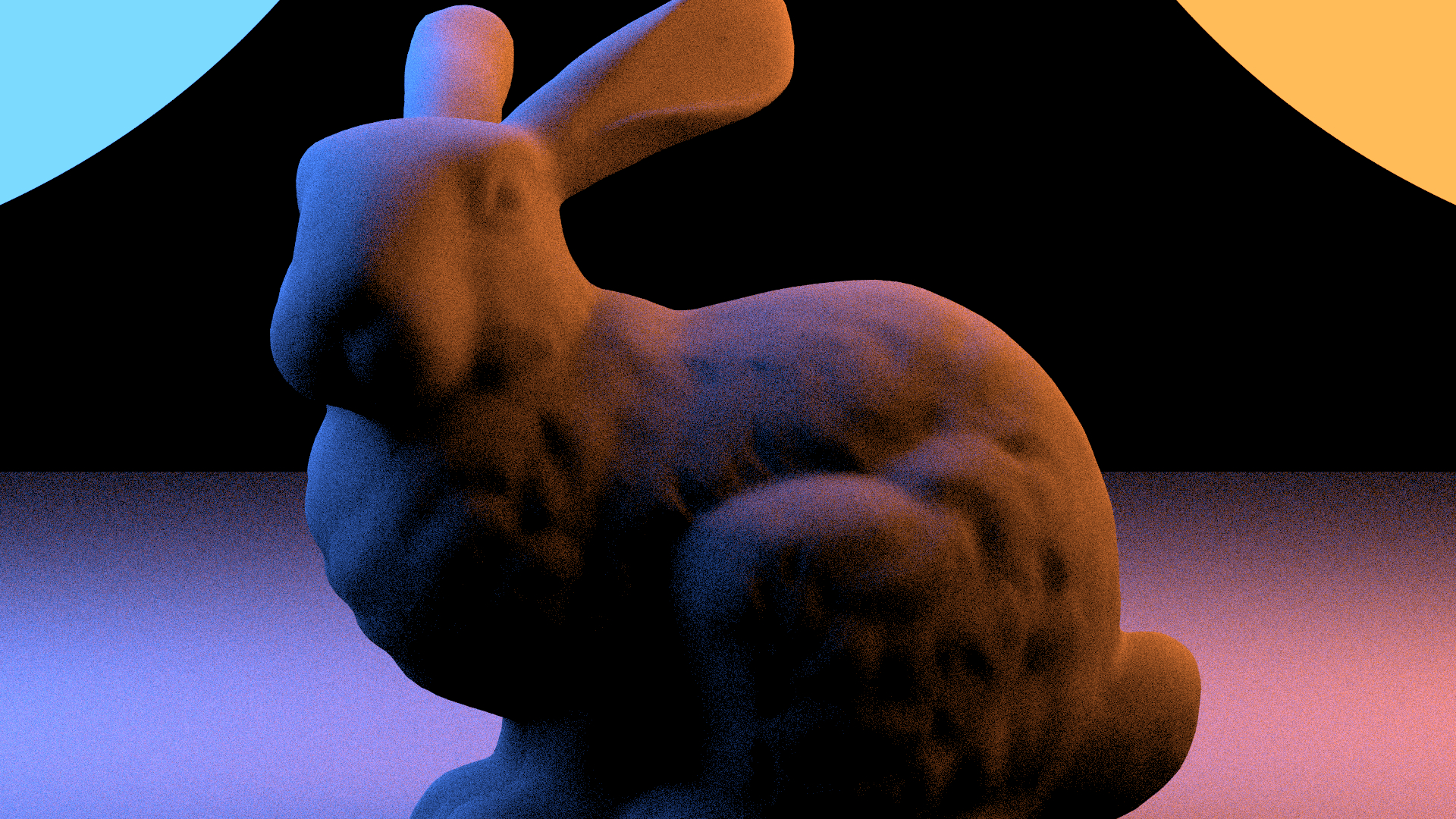
With Area Lights
Feature 2: Thinlens Camera
In the next picture we show the effect of the Thinlens Camera
Pinhole Camera
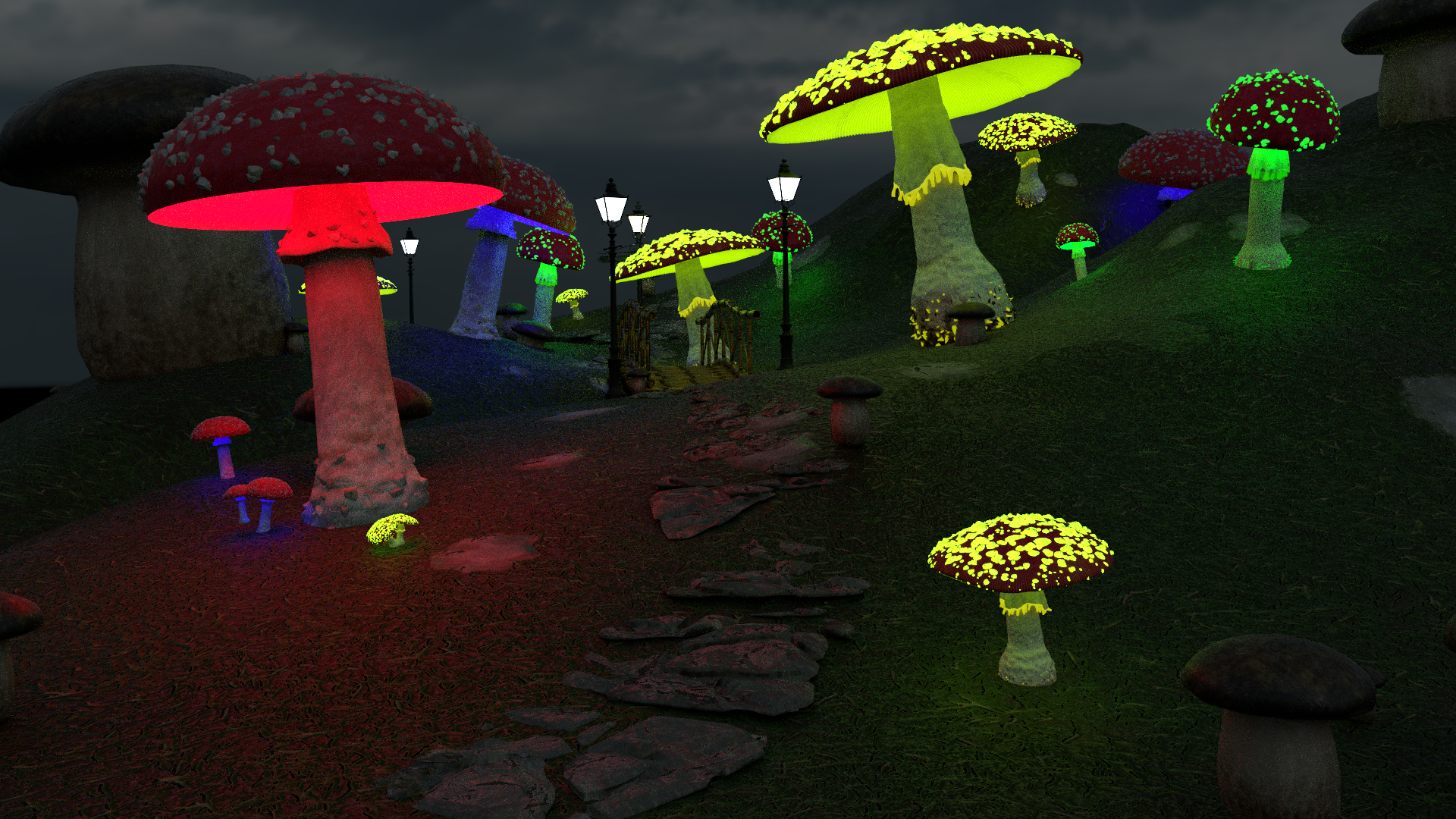
Thinlens Camera
Feature 3: Denoise
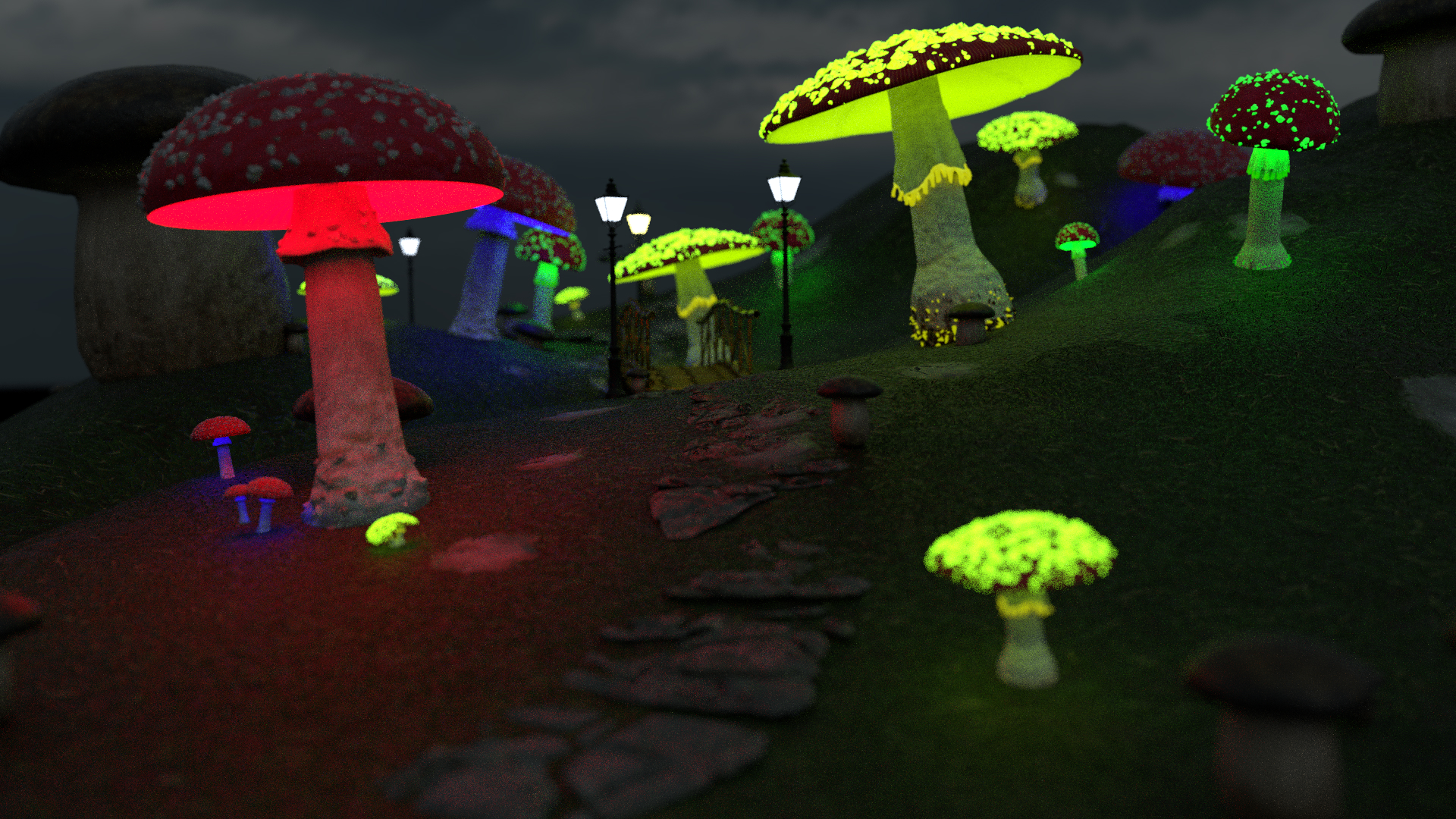
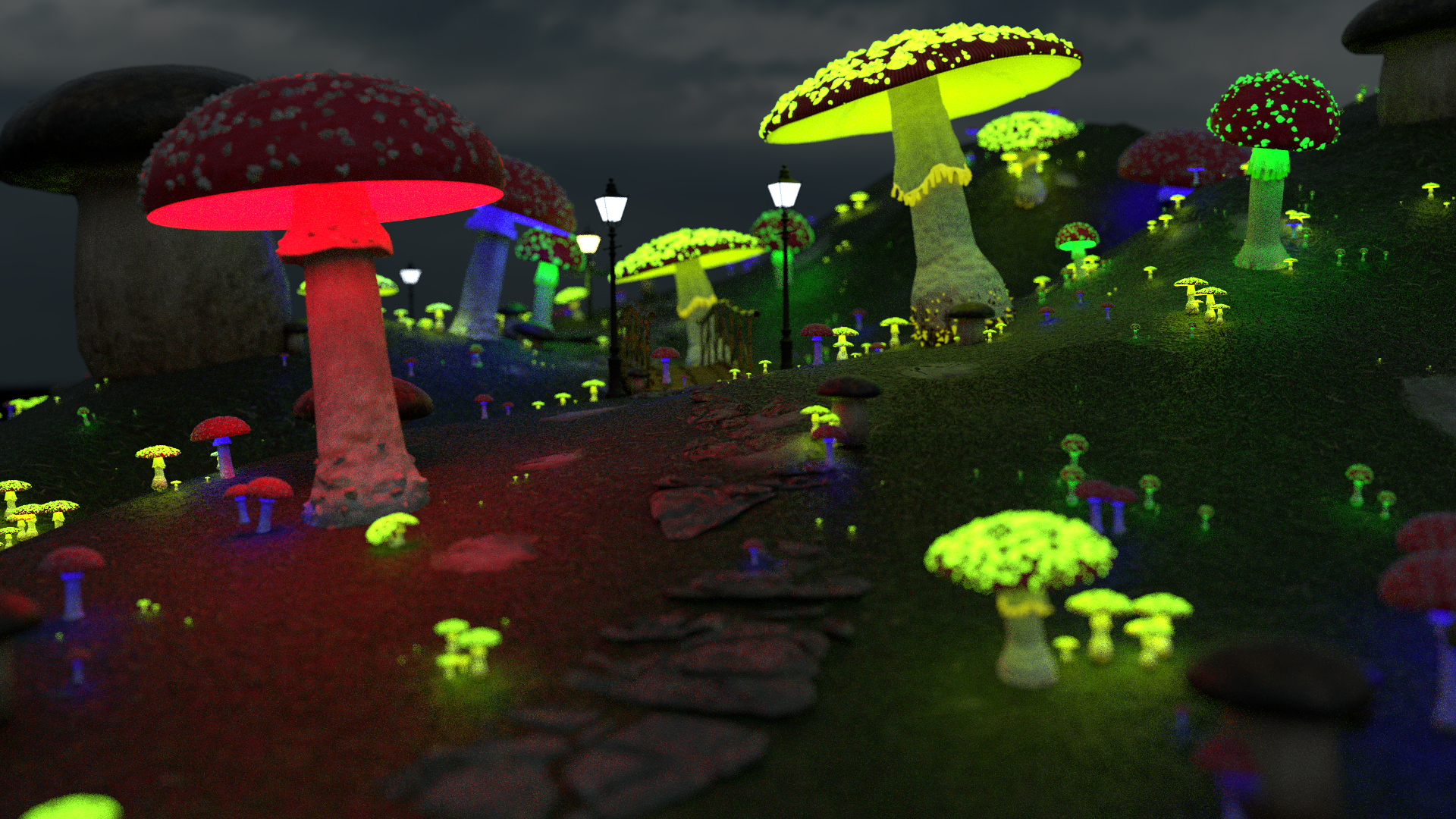
In the next two pictures we show the effect of denoising. Then we show the different parts of the denoised image the noisy,normal and albedo version.
Image Denoised
Image Noisy
Feature 4: Shading Normals
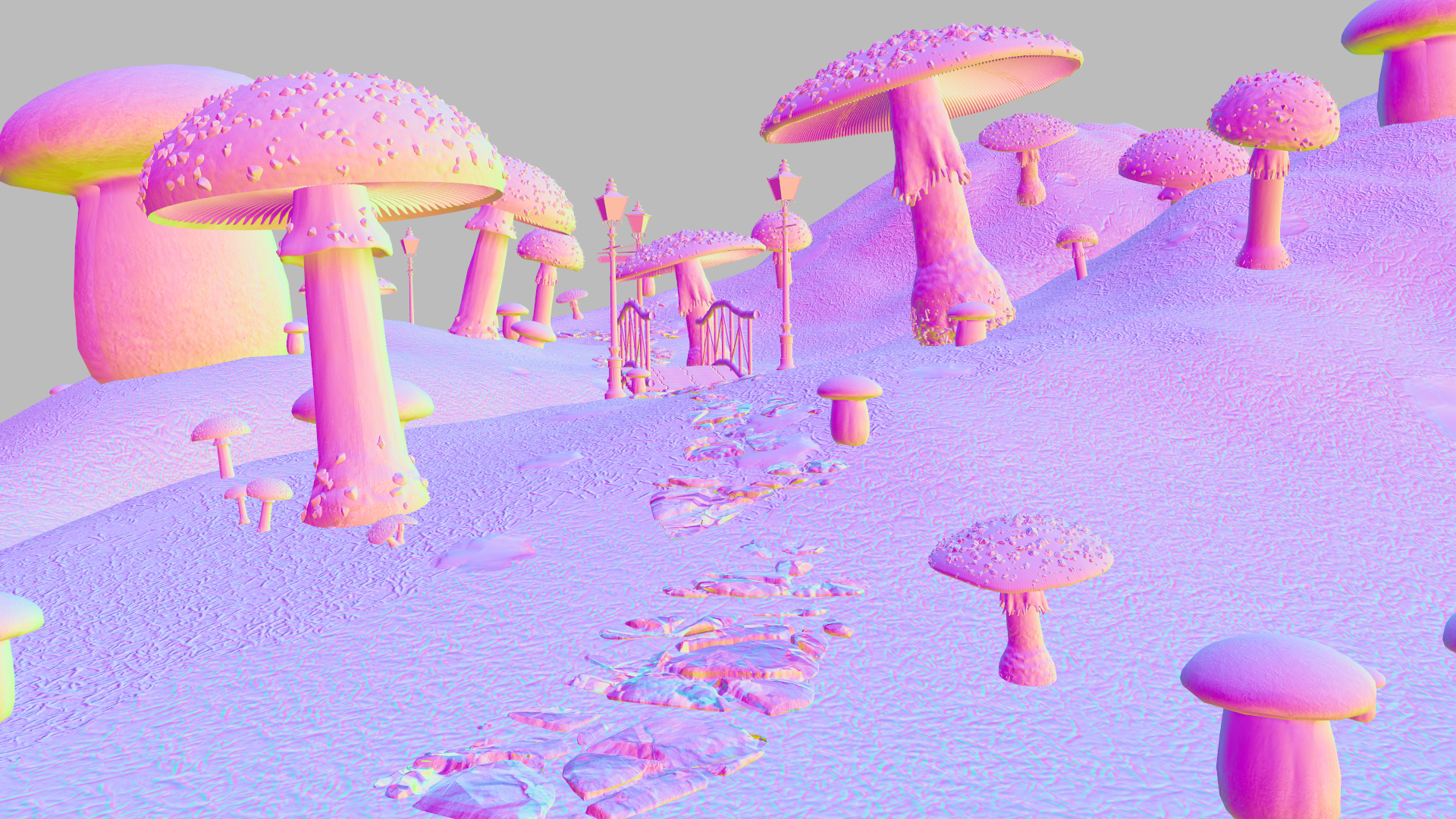
In the next four pictures we show the effect of the Shading normals
Shading normals: Rendering
Shading normals: Normals
Without Shading normals: Rendering
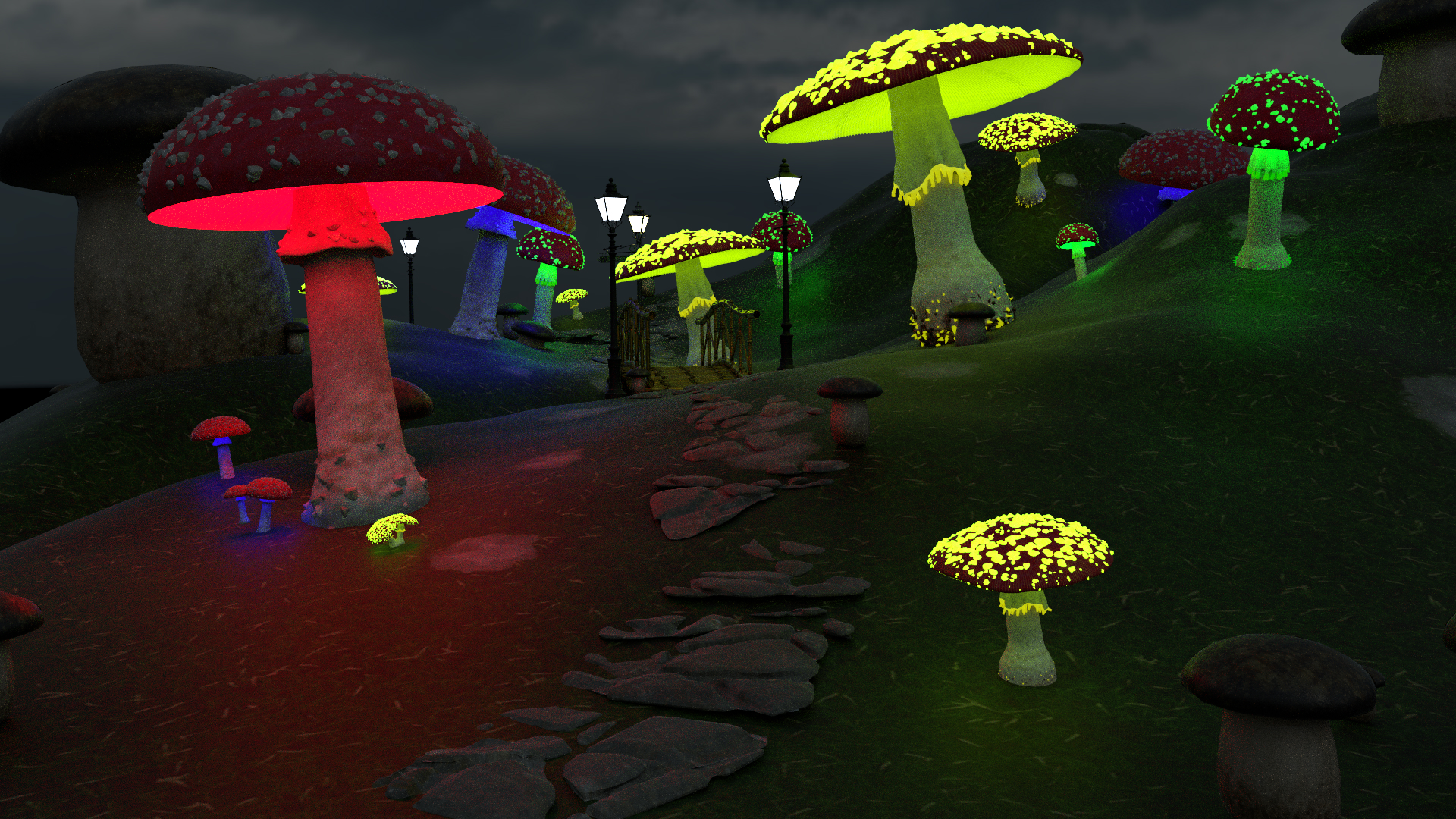
Without Shading normals: Normals
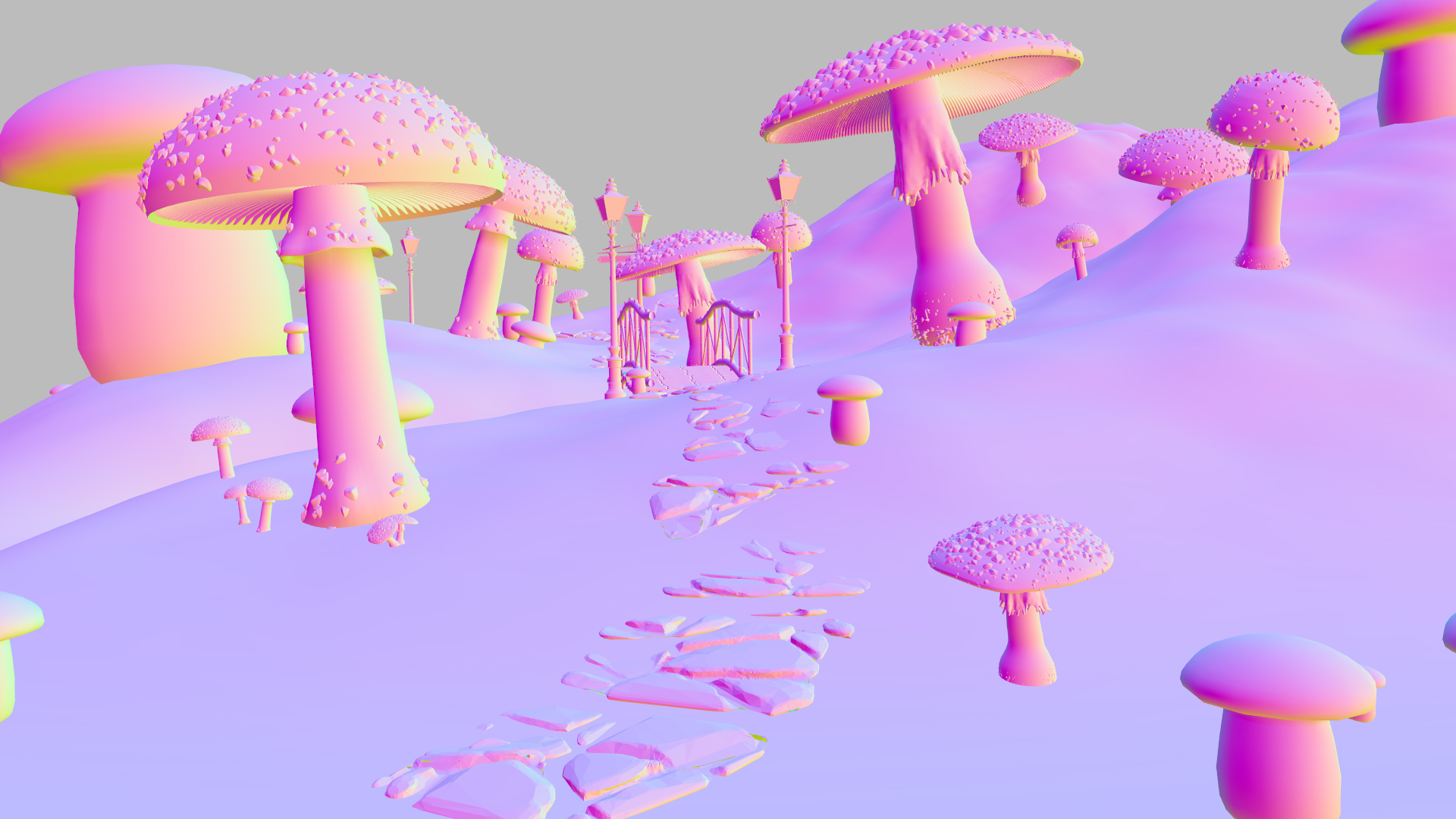
Final Rendering
In the next pictures we show our final rendering, normals, albedo.
Rendering
Image Normal
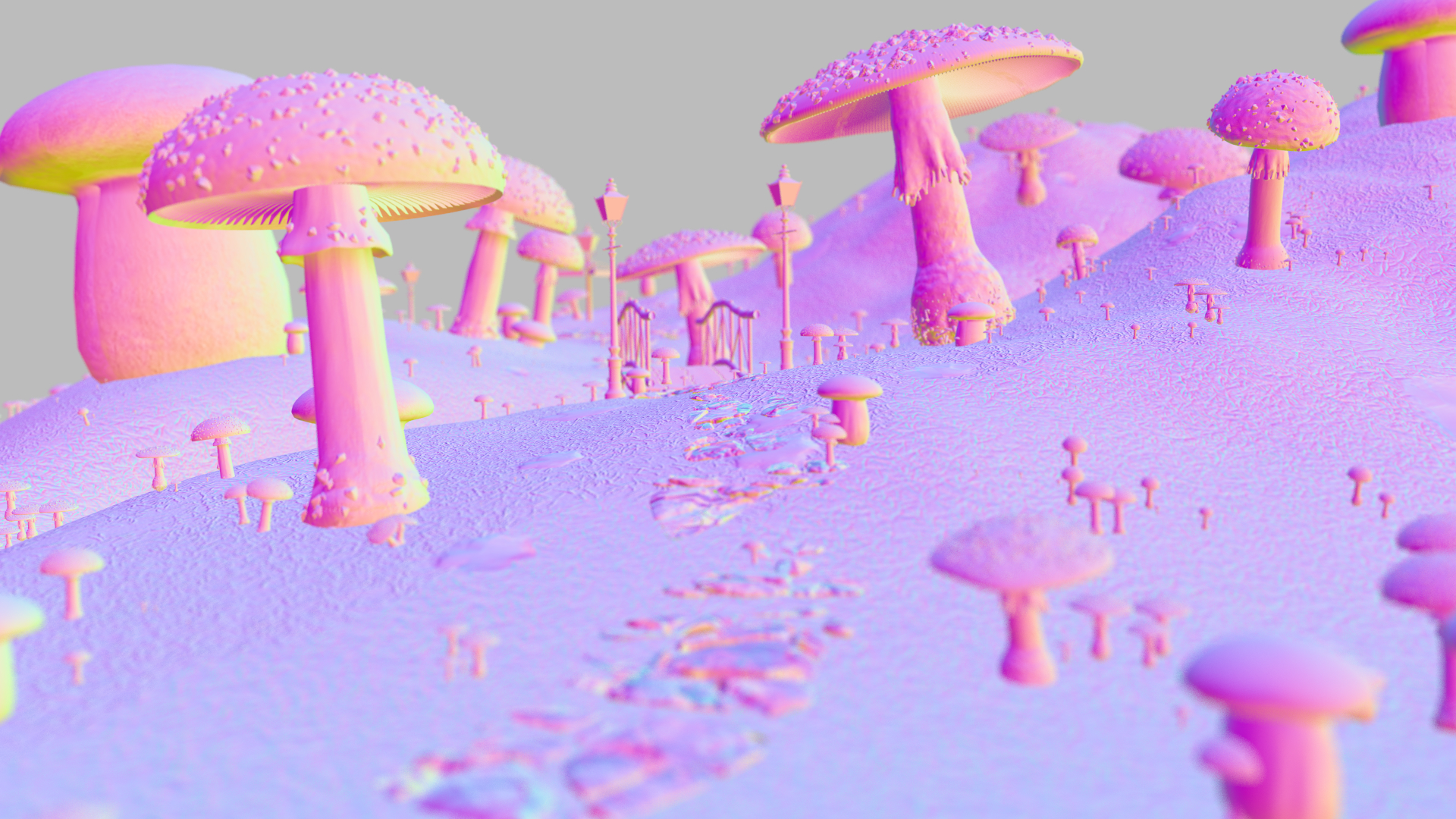
Image Albedo
Technical Problems
- The denoiser didnt work for some time, because it somehow didnt accept the files correctly so we had to add path variables for the subfolders and restart our Pc. In addition if their is a space in the path of the openimage denoise folder, denoise doesn't work. The documentation for the denoiser was kinda lacking for us because we didn't know how to fill the buffers.
- The blender exporter needs fixing as we spent alot of time trying to export materials and textures which wasn't able to do due to space in the paths. The exporter lacks many common shader nodes which forces us to remove them resulting in loss of quality.