Subsurface Scattering
The simplifying assumption that had been made upto this point in our BSDF materials was that the incoming and outcoming directions came from the same point. In reality for many materials, light penetrates the surface, scatters internally, and exits at a different point. This phenomenon is known as subsurface scattering and is crucial for rendering realistic materials like skin, marble, and wax. To achieve this effect, we need a BSSRDF (bidirectional subsurface reflectance distribution function) instead of a simple BSDF. \[ L_o = \int_A \int_{\Omega} BSSRDF(p_o, \omega_o, p_i, \omega_i) L_i(p_i, \omega_i) | \cos \theta_i | d\omega_i dA \] We thus integrate both over the directions and the areas.
Architecture & Integration:
The existing framework was designed strictly for BSDFs (local scattering), making it incompatible with BSSRDFs which require integrating over both surface area and direction.
To solve this, I implemented a new BSSRDF class that separates these integrals. The class handles the spatial component—sampling a new point on the surface based on a channel-wise radius parameter—while owning an internal BSDF instance to handle the directional hemisphere integration at that new point.
For the diffusion profile itself, I utilized the Christensen-Burley model. This offers better performance and visual quality compared to the standard dipole models often found in resources like PBRT.
Path Tracer Modifications:
Integrating this required updates to the scene parser and, most importantly, mispathtracer.cpp. The integrator was modified to detect BSSRDF materials and perform the split integration step—essentially "submerging" the ray into the surface and popping it out at a new location.
Following optimizations suggested in this blog post, I limited the effect to a single SSS bounce per path. This significantly reduces computational complexity while maintaining visual fidelity.
To support this efficiently, I included a shortcut computation within the BSSRDF class: when the scattering radius is zero, it reverts to standard BSDF behavior, avoiding unnecessary area sampling overhead.
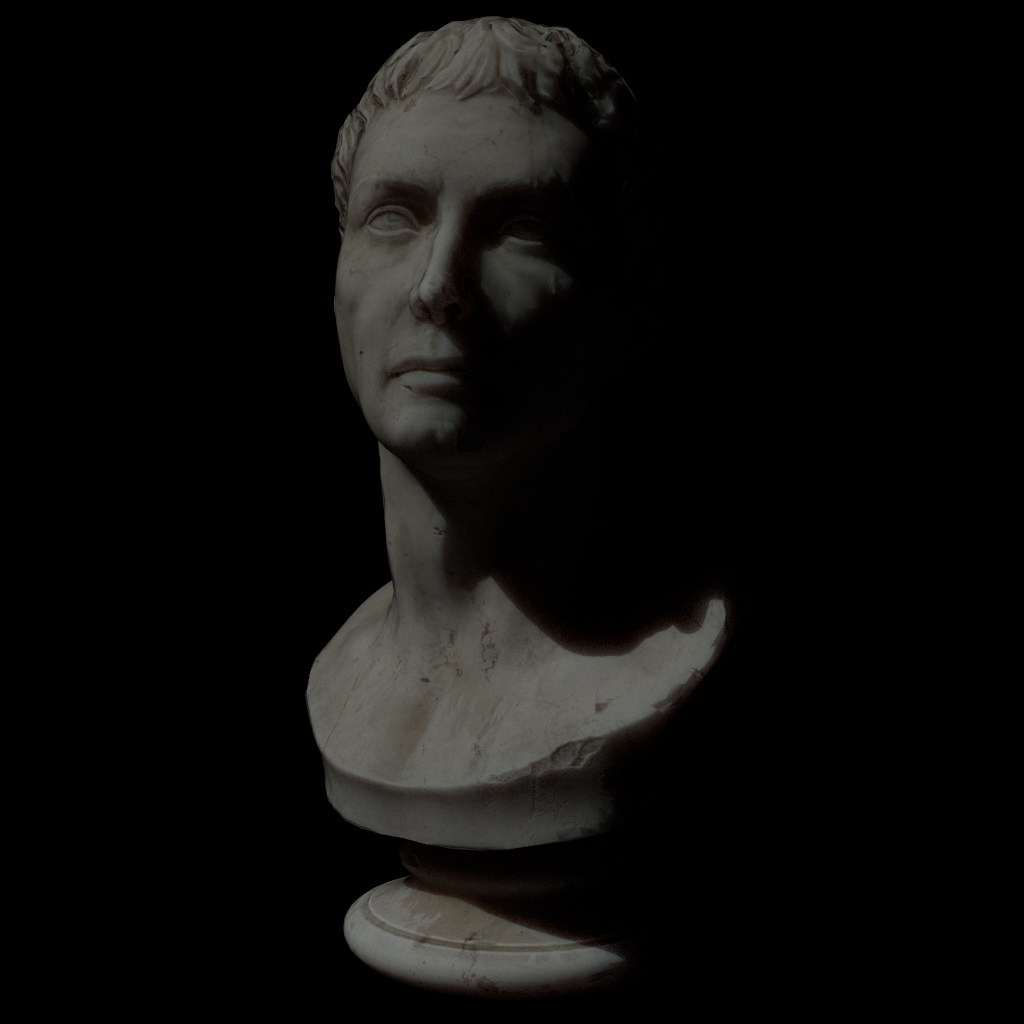
Marble Bust
Subsurface Scattering
Subsurface Scattering with No Radius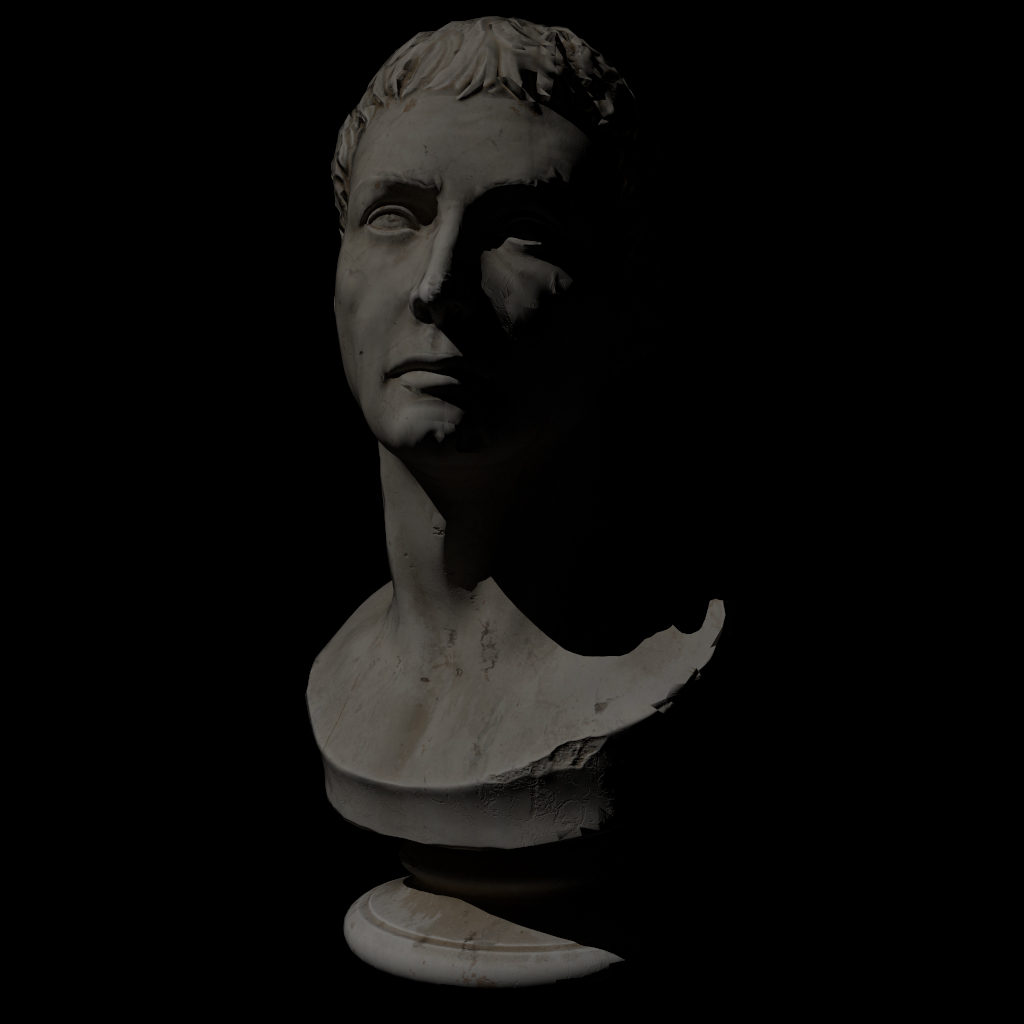 Diffuse BSDF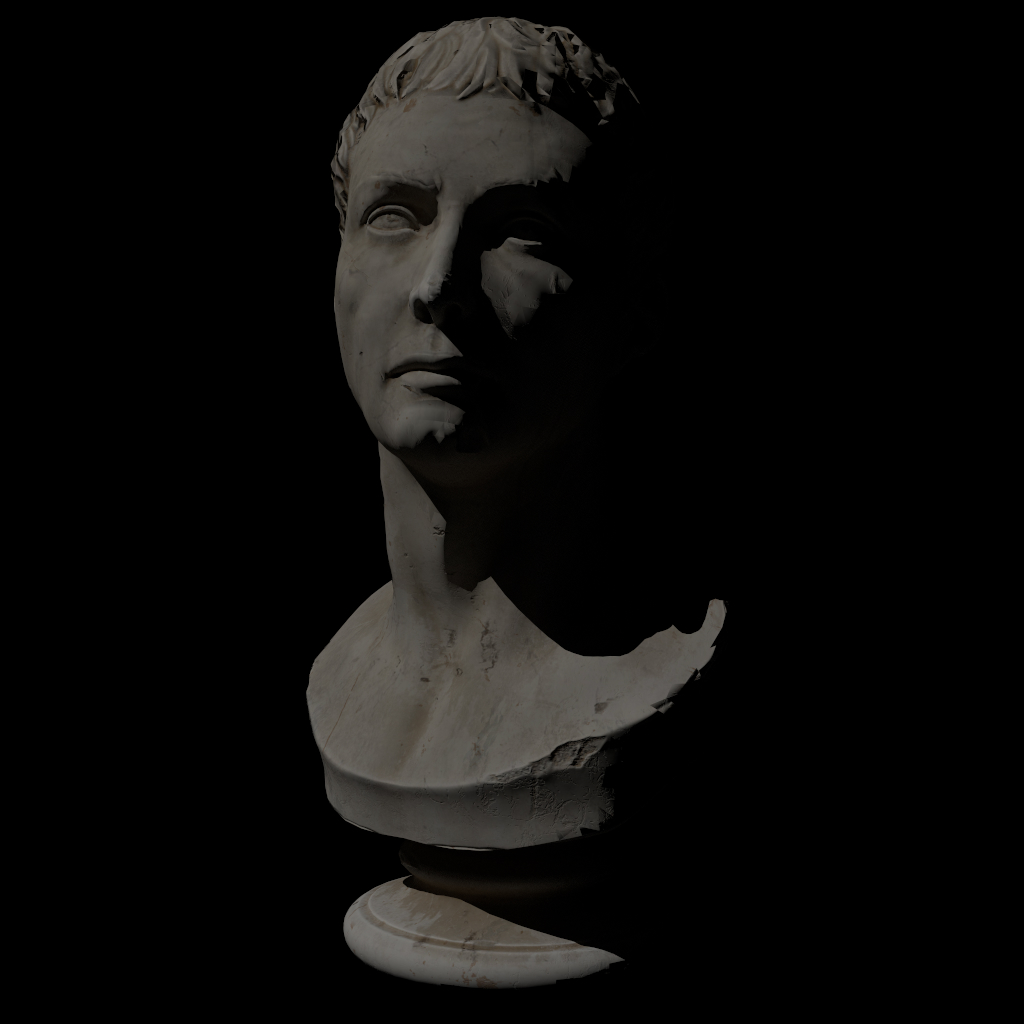
Human Skin
Subsurface Scattering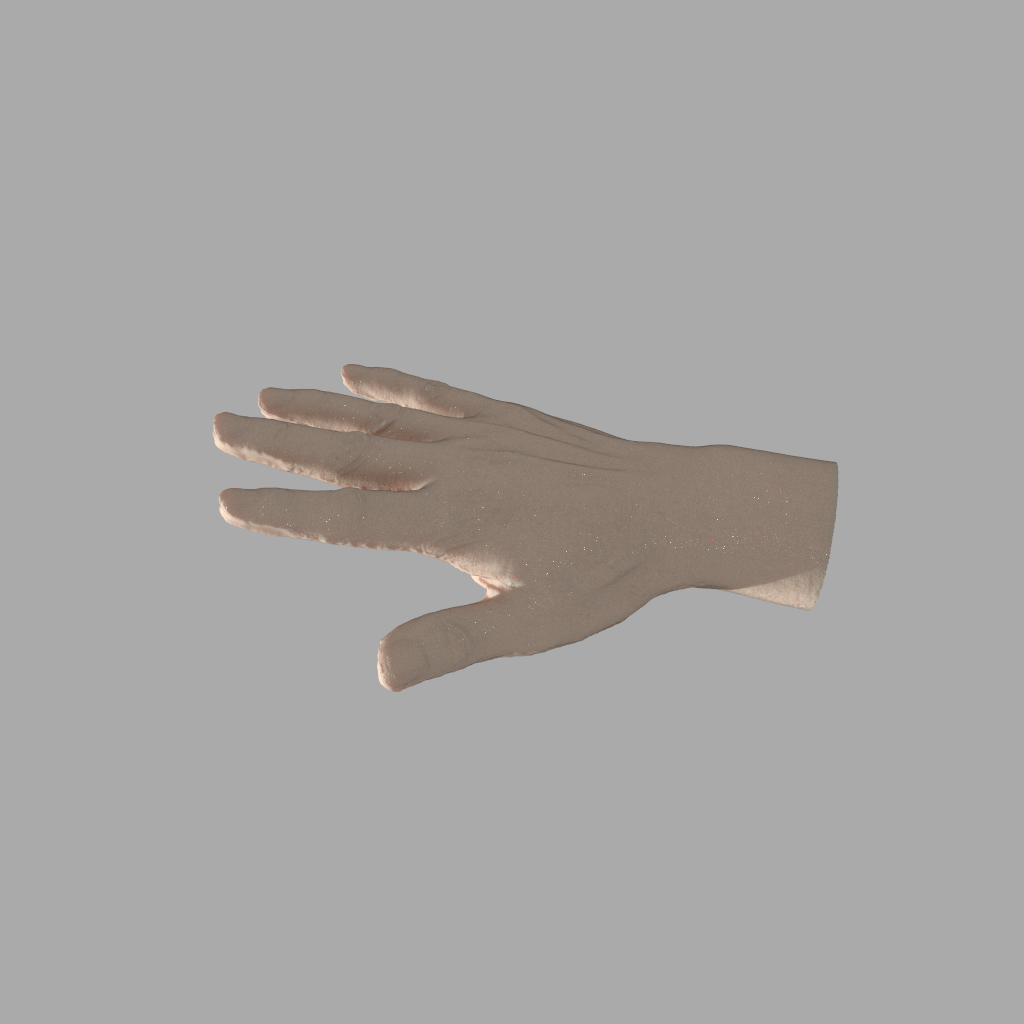 Diffuse BSDF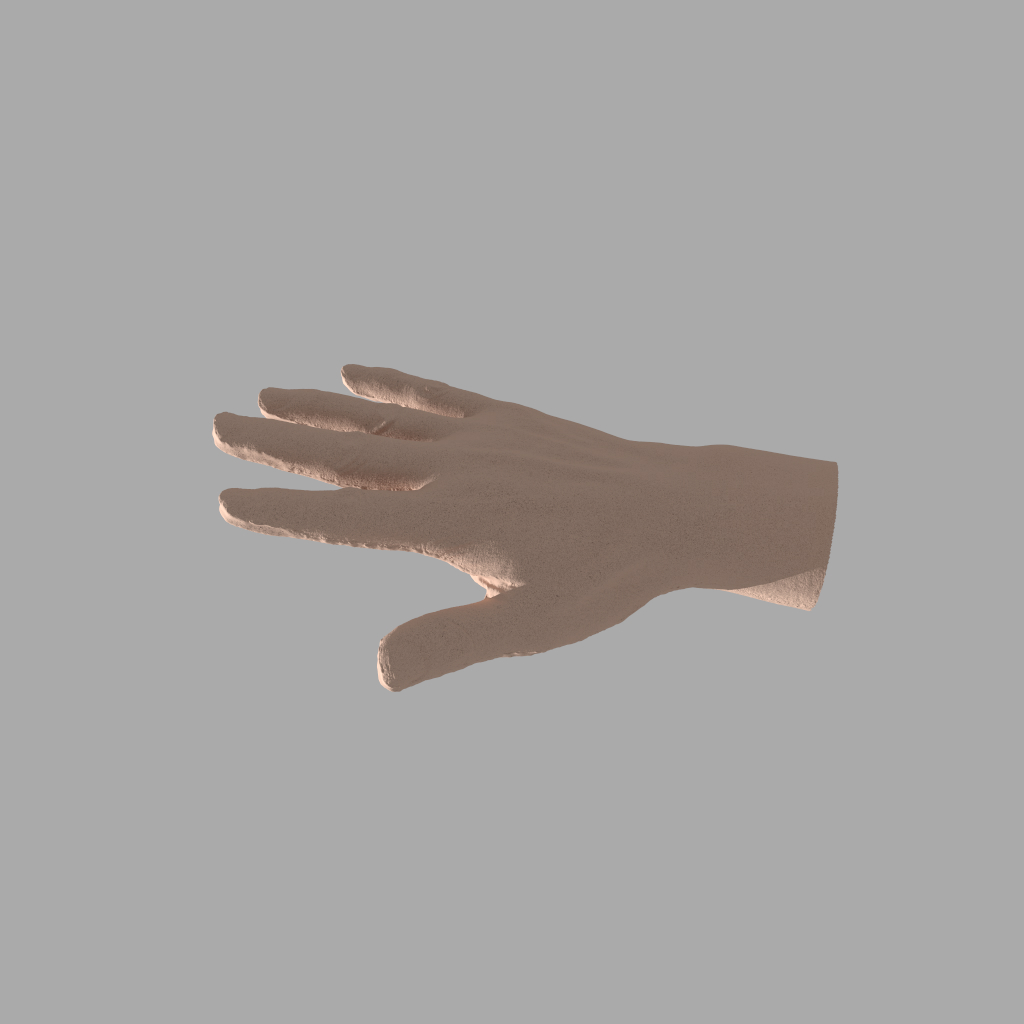
Attributions
- Marble Bust: "Marble Bust 01" by Rico Cilliers. Link
- Hand: "Hand" by Diana Liu. Licensed under CC BY 4.0. Link
Realistically, the entire implementation process was quite challenging, as it required a deep understanding of both the theoretical aspects of subsurface scattering and the practical considerations of implementing it within the existing lightwave framework.
Furthermore, the PBRT book itself actually implements a tabulated BSSRDF, utilizing the photon beam diffusion (PBD) model. This approach, while accurate, is quite complex and time-consuming to implement. Fortunately, the blog post mentioned earlier suggested utilizing the Christensen-Burley model, which is not only simpler but also produces more accurate results (reason being the other simplifying assumptions made for our BSSDRF models, including PBD, affect the overall accuracy more than the choice of BSSRDF model itself).
A bug I encountered was actually due to the geometric intersection process. Initially, I had inadvertently mixed both geometric and shading frames during the area sampling process, producing nasty artifacts in the renders. I even tried asking on the forum, but as luck would have it, I figured out the solution right after posting the question, leading me to promptly delete it.
Extended Principled BSDF
While the standard Principled BSDF covers many hard-surface materials, it lacks the nuance required for complex organic and textile surfaces. To address this, I extended the material model with features inspired by the Blender and Disney implementations:
- Sheen Layer: Simulates the soft, fuzzy reflection seen at grazing angles on fabrics like velvet or satin, caused by micro-fibers standing up on the surface.
- Translucency (Thin-walled): A specialized mode for thin objects like leaves, paper, or curtains. It allows light to diffusely transmit to the back side without computing complex refraction or volumetric scattering.
- Diffuse Roughness: Replaces the standard constant Lambertian diffuse with a model that accounts for micro-facet roughness, allowing for materials like concrete, sand, or dust.
Theoretical Basis:
The implementation relies heavily on the physically based shading models described in Joe Schutte's Disney BSDF blog post. I extended the existing Principled class to support these new parameters and updated the internal logic to mix these lobes correctly.
Lobe Composition:
- Sheen: Implemented as an additive layer on top of the base diffuse and specular lobes. While strictly additive (and thus potentially non-energy conserving), it provides the necessary artistic control for cloth rendering.
- Thin-walled Translucency: I implemented a diffuse transmission lobe based on the Hanrahan-Krueger model. This effectively flips the surface normal for transmitted rays, allowing the diffuse calculation to light up the "back" of the surface.
- Disney Diffuse: To support roughness in the diffuse component, I replaced the simple Lambertian calculation with the Disney diffuse model, which introduces a retro-reflective peak at grazing angles based on the roughness value.
Material Studio
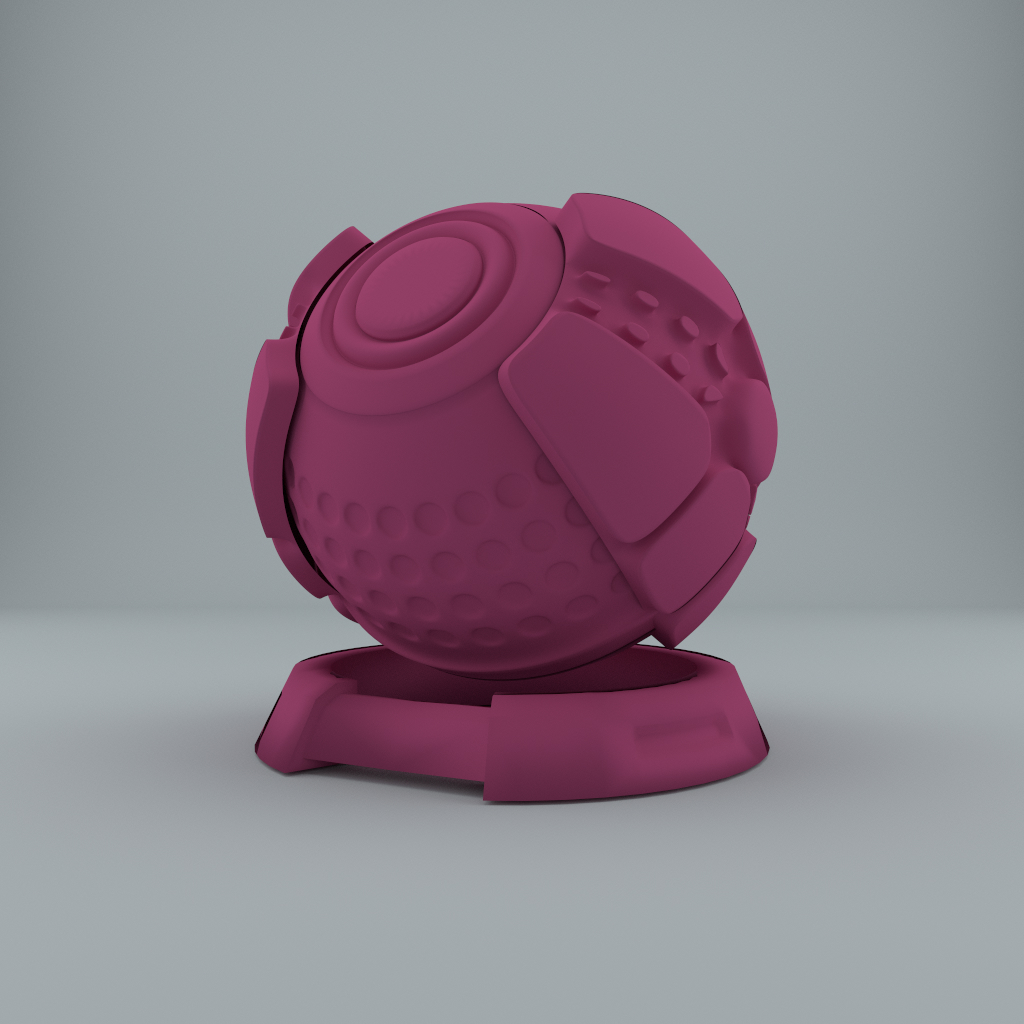
Material Shape with Sheen and Roughness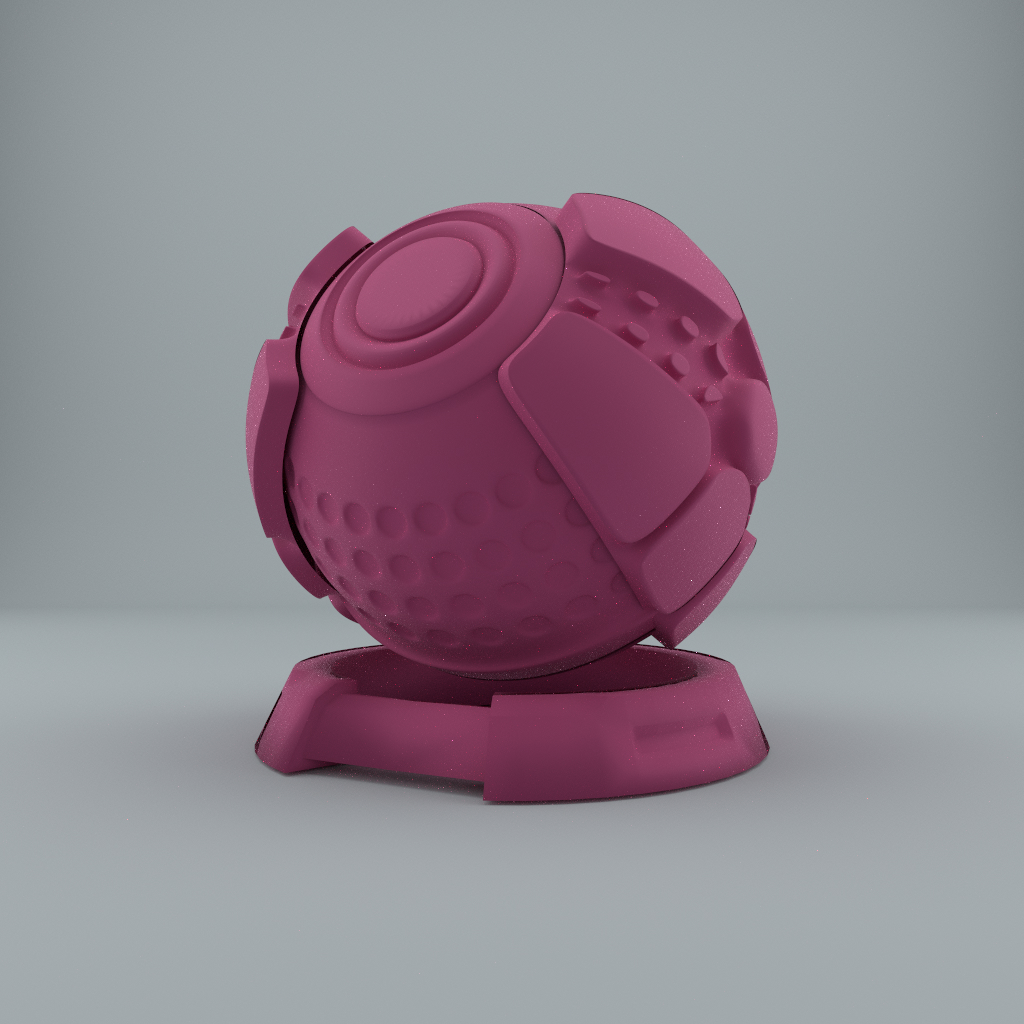 Material Shape - Diffuse Roughness set to 1.0 (Flatter look)
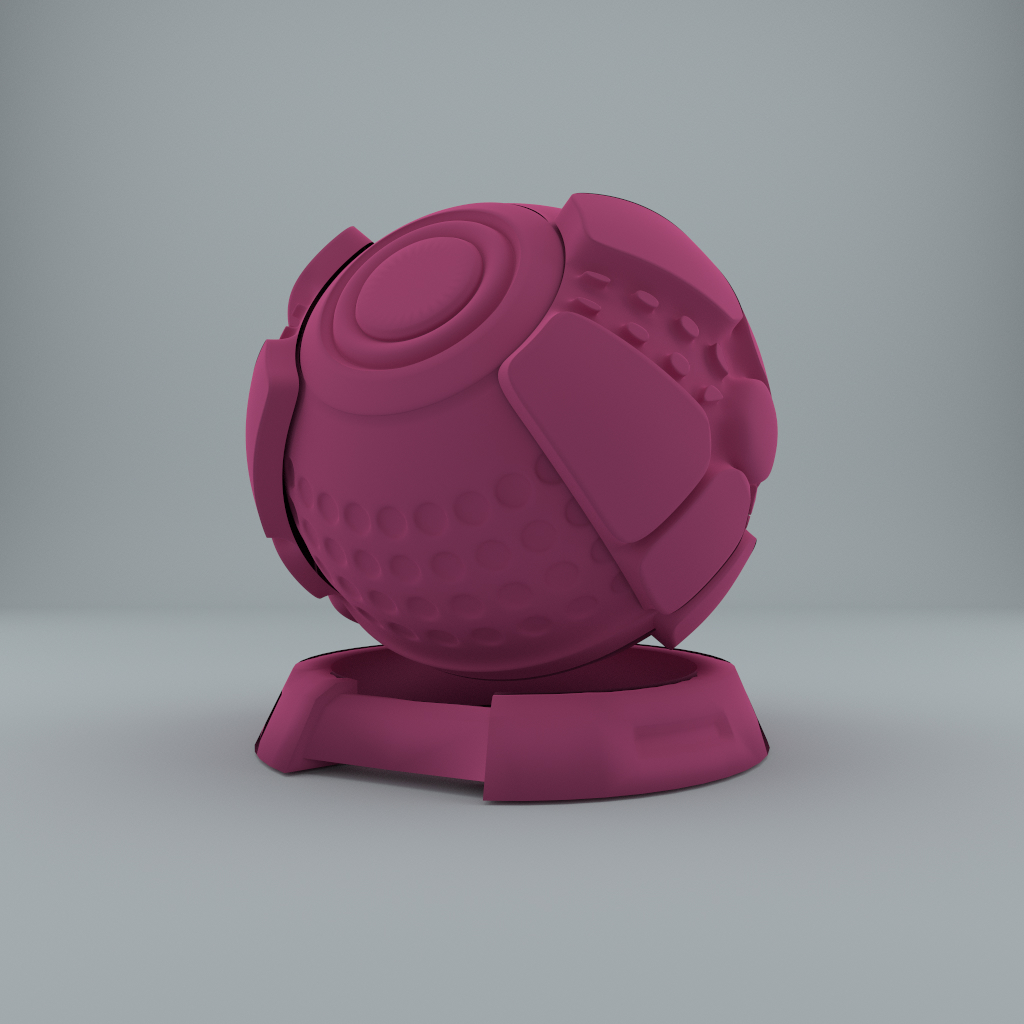 Material Shape - Diffuse Roughness set to 0.0
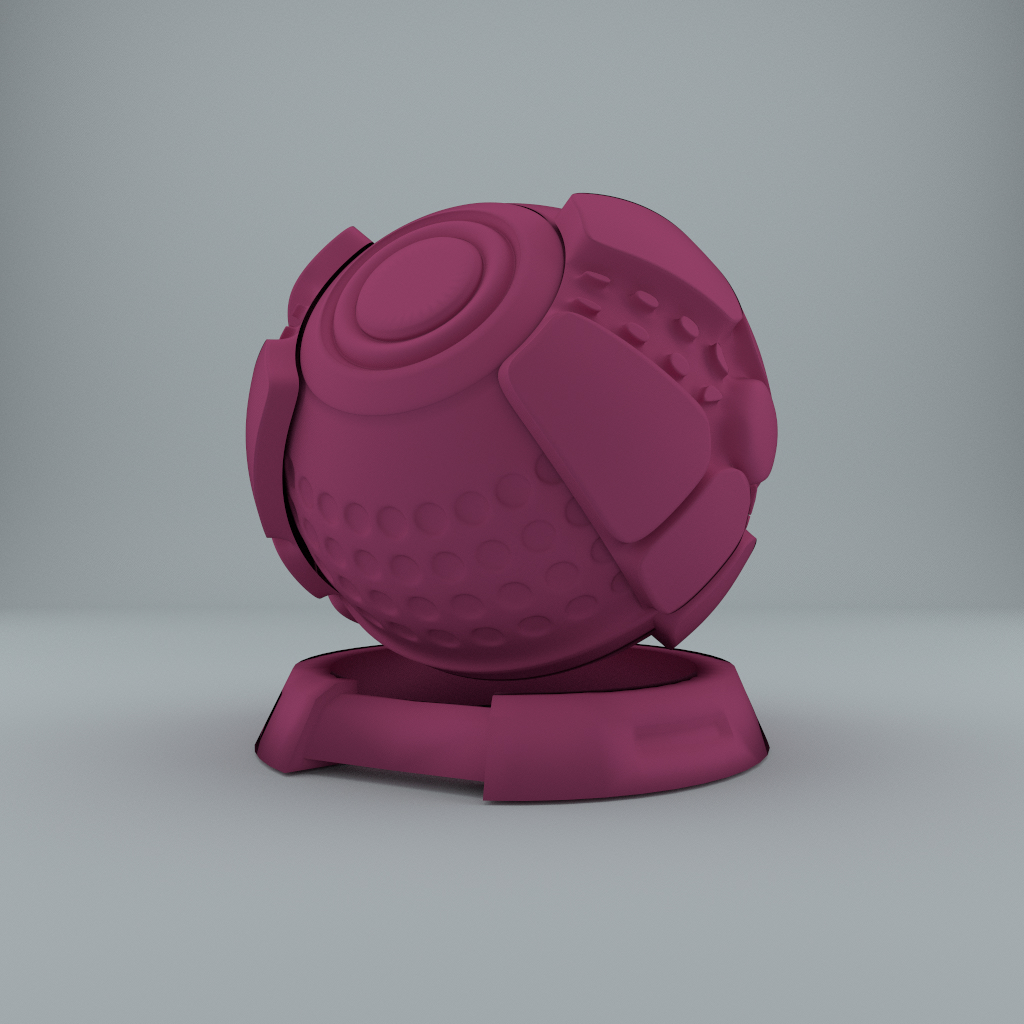 Reference: Material Shape with Standard Lambertian Diffuse
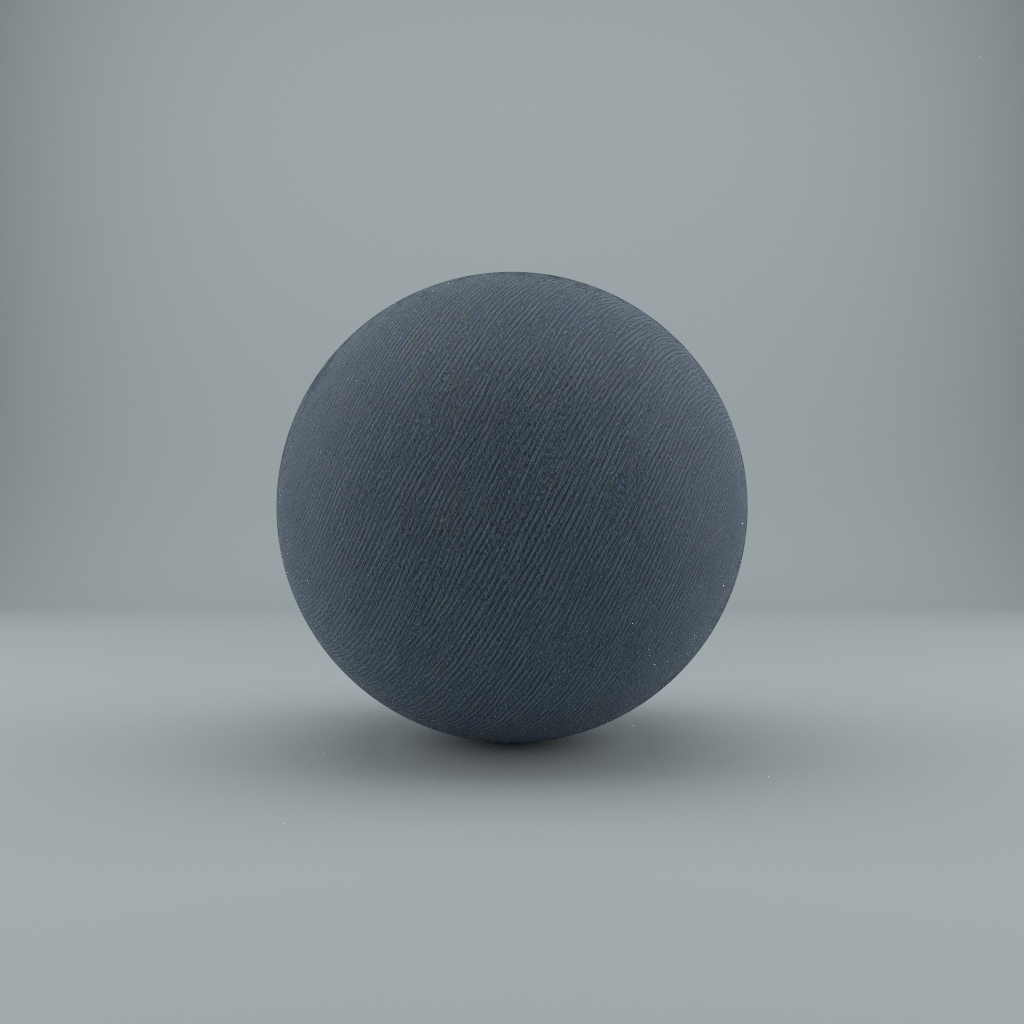
 Sphere with Sheen (Denim Textile)
 Sphere with Thin-walled Translucency (Light source placed inside)

Attributions
The primary challenge was architectural: deciding which parts of the comprehensive Disney/Blender model were strictly necessary for my goals (textiles and thin geometry) versus what was effectively bloat.
I encountered a subtle shading bug where back-facing surfaces appeared incorrectly darkened or produced invalid values. I eventually traced this to my evaluation function using the raw cosine term rather than the absolute value (absCosTheta). This caused the dot products for backward-facing normals to become negative, breaking the energy calculations.