Postprocessing
Contrast
We made a post processing algorithm to increase the contrast of an image. This feature is pretty helpful to fix a sub-optimal scene where the lighting is not giving the desired contrast. As this is a post-process, it is pretty straight forward to implement by simply extending the given lightwave Postprocess class. We did not look up any sources for this as the intuitive implementation already gives pretty nice results. The main idea is to simply take the darkest color value and the lightest. Then we define a linear transformation that maps the points towards 0 and 1. This works because multiplying all 3 values of an linear rgb color by the same number results in the same color just brighter or dimmer (as long as we do not surpass the threshholds of 0 and 1).
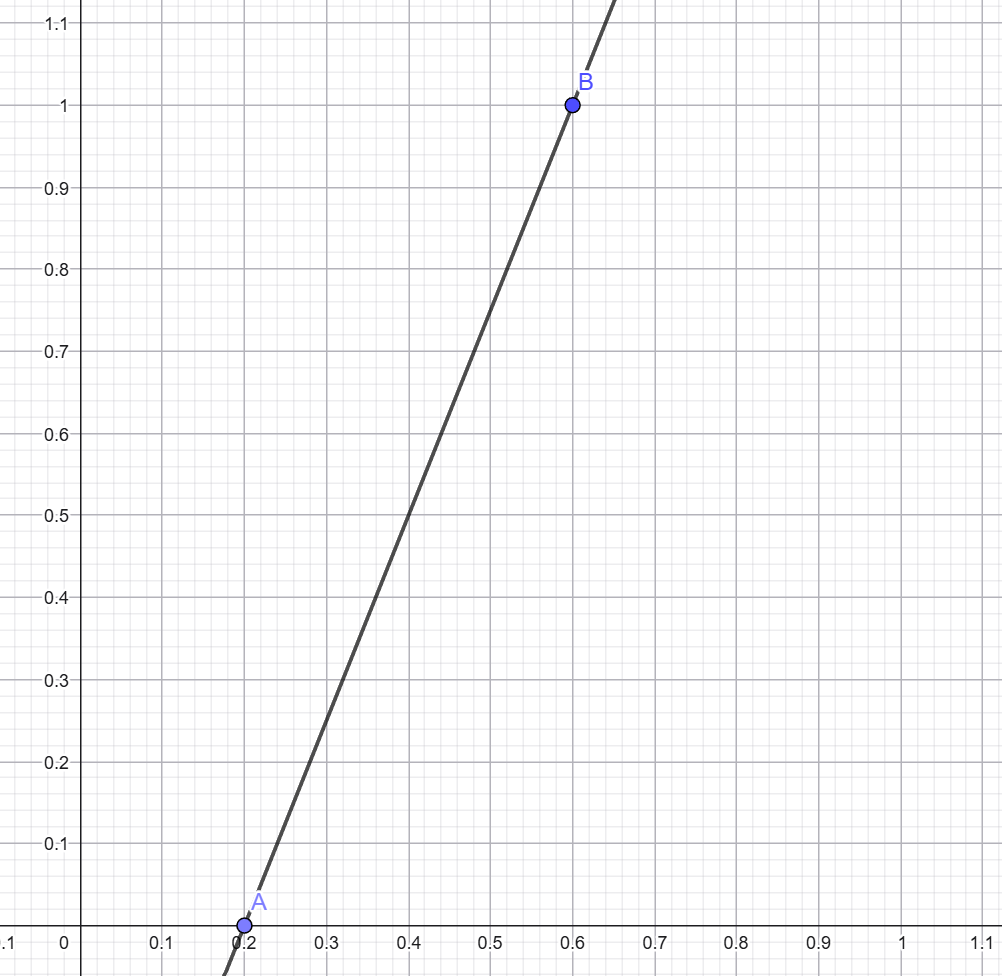
As taking the lowest and highest points does not give very nice results as there are often outliers do to noise in rendering we take two values that are close to the actual minimum and maximum, by sorting the values and then taking an early value as the minimum and a late element as the maximum. This worked better in our tests. Also we added a parameter "intensity" which controls how much we want to pull the values towards the extremes (0 and 1). You can also set this parameter to a negative value to reduce the contrast, but this only works to a certain degree, as setting this to high will "flip the colors", because we then pull the maximum towards 0 and the minimum towards 1 which will make white black and black white.


Intensity = 0.3

Intensity = 0.7

Intensity = 1.0
Here some rather less useful pictures with negative values, but it is interesting to see

Intensity = -0.2
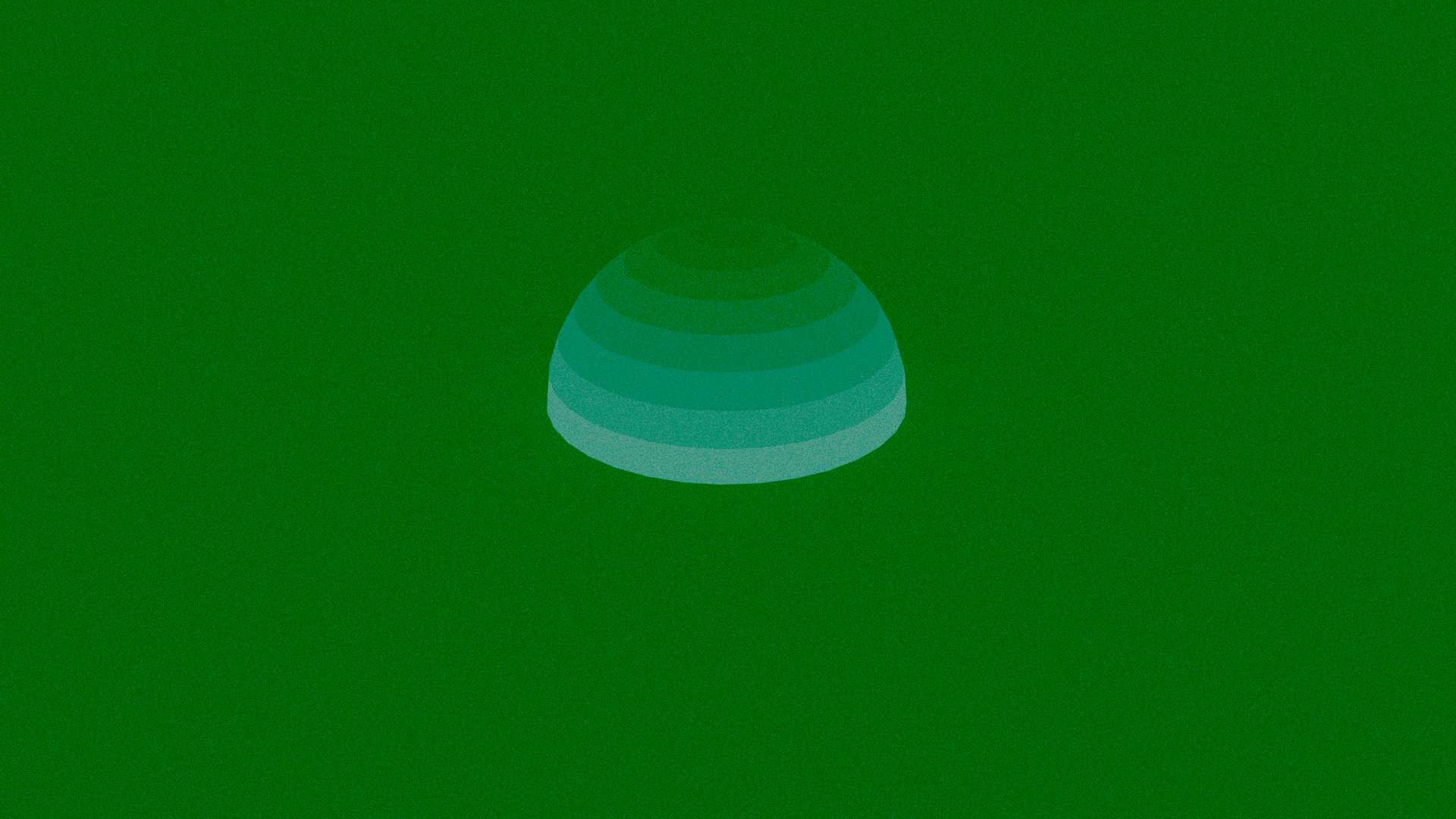
Intensity = -1.0