Iridescence
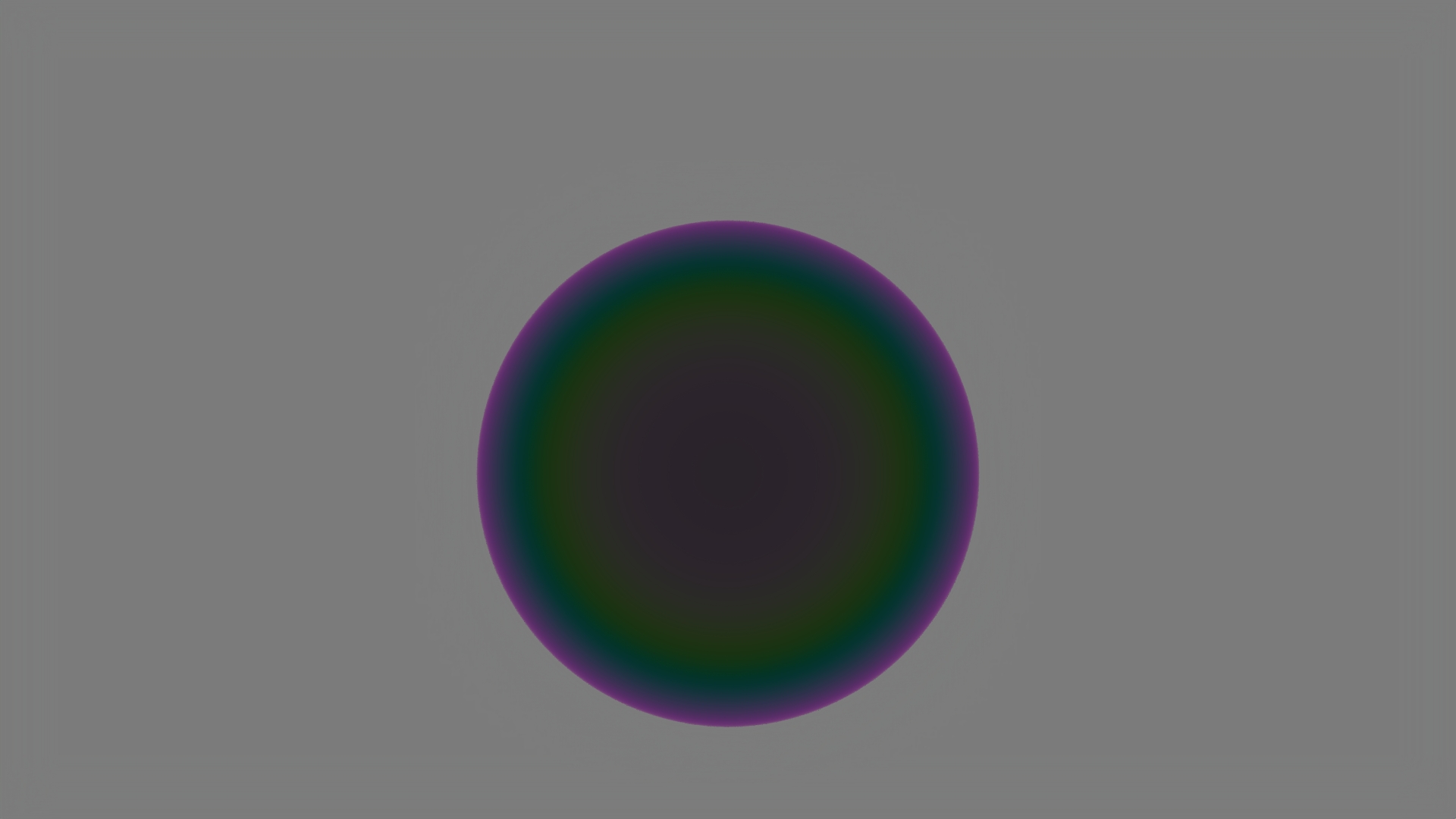
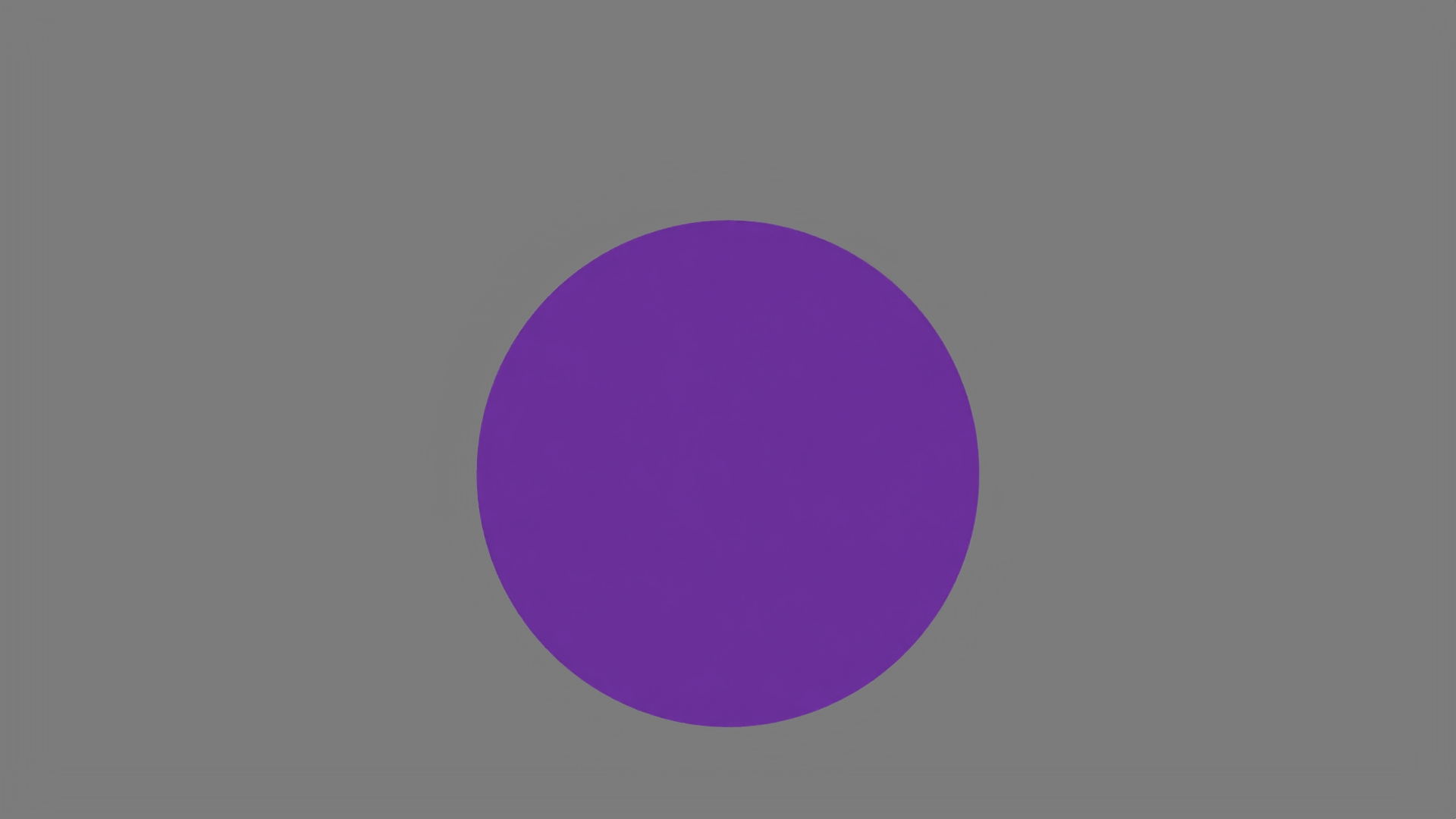
We based our implementation on the paper A Practical Extension to Microfacet Theory for the Modeling of Varying Iridescence by Laurent Belcour and Pascal Barla.
Idea
Accurate simulation of thin-film interference typically requires spectral rendering. However, Belcour and Barla proposed an efficient approximation suitable for RGB renderers. We simulate a thin film (e.g. water or oil) on top of a base surface. Light waves reflect off both the air-to-film interface and the film-to-base interface. Depending on the film thickness and the viewing angle, these waves interfere constructively or destructively, creating the shifting color shifts characteristic of iridescence.
Implementation
We implemented a new BSDF class, IridescentConductor.
The core logic resides in a helper function evaluateAiry(), which calculates the reflectance using the Airy summation formula.
- Polarization: We calculate the Fresnel coefficients for S-polarized and P-polarized light separately, as phase shifts differ between them.
- Phase Shifts: The phase shifts occur at the air-to-film interface and the film-to-base interface.
- Integration: The resulting interference color term
Ris multiplied by the same terms as therough_conductorto allow for rough, iridescent surfaces.
Parameter tuning
The effect of iridescence relies heavily on the parameters of the thickness of the film, IOR of the film and the IOR of the base material.
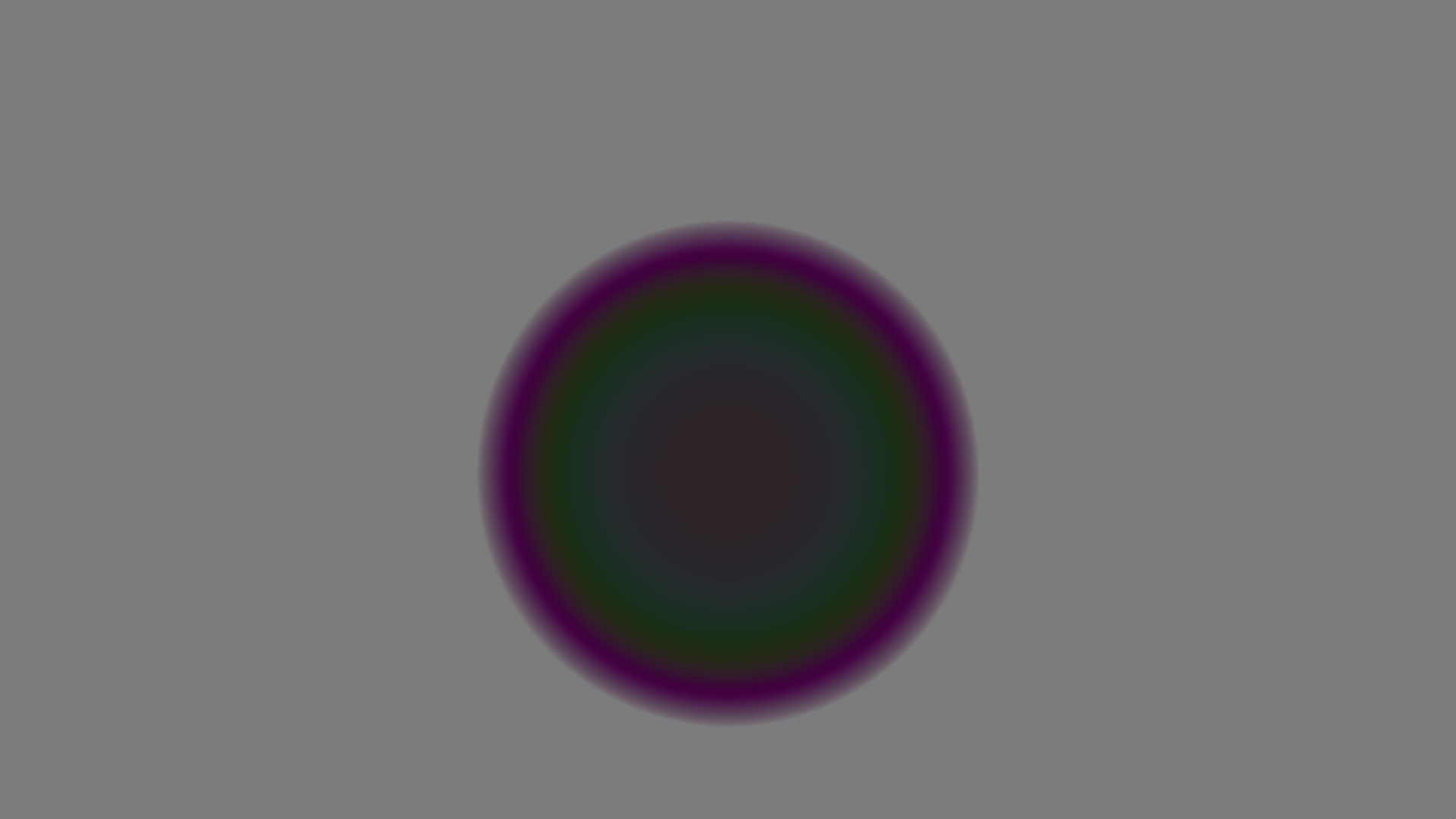
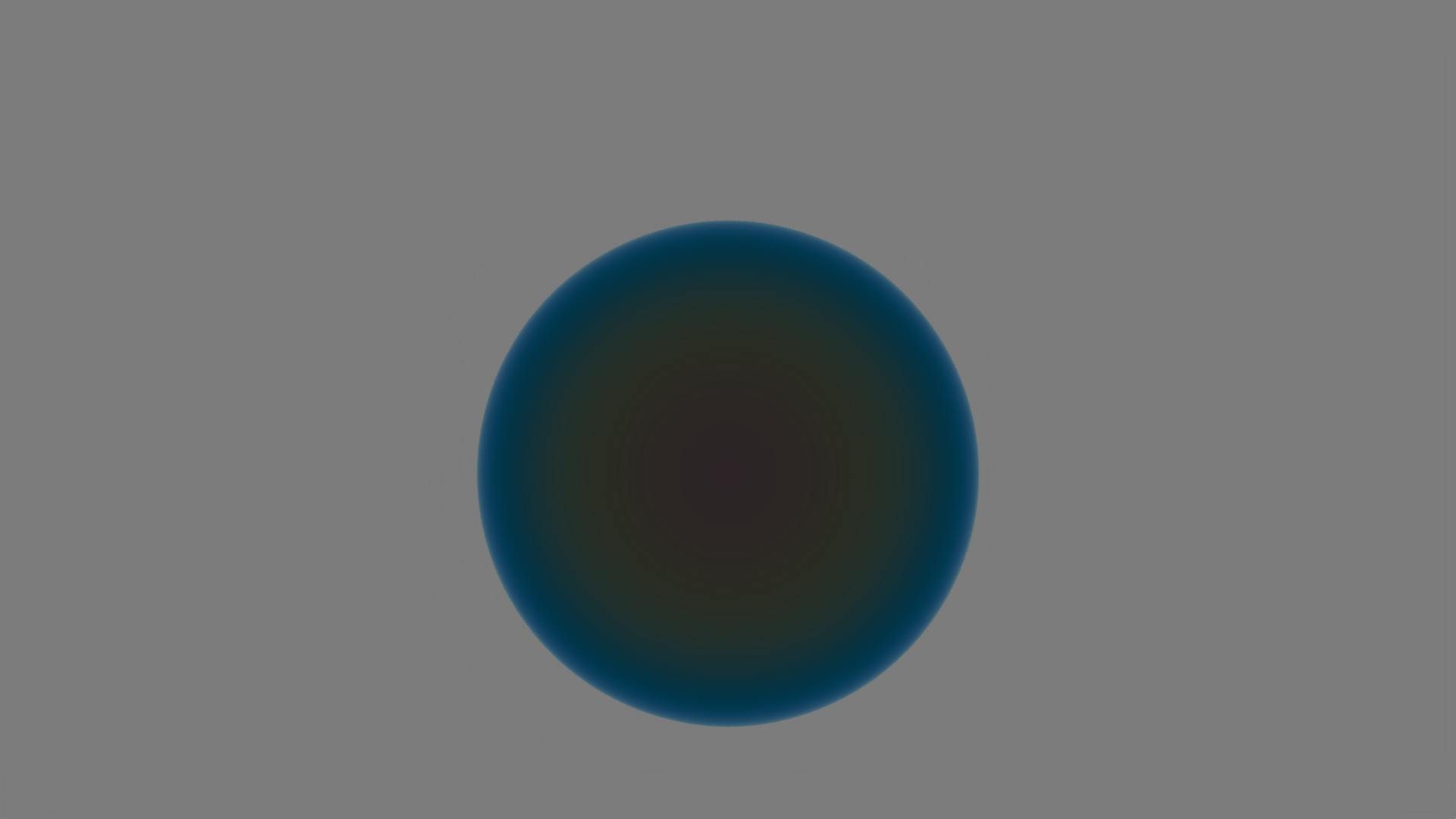
Comparison: Thin film (400nm) vs. Thick film (800nm).
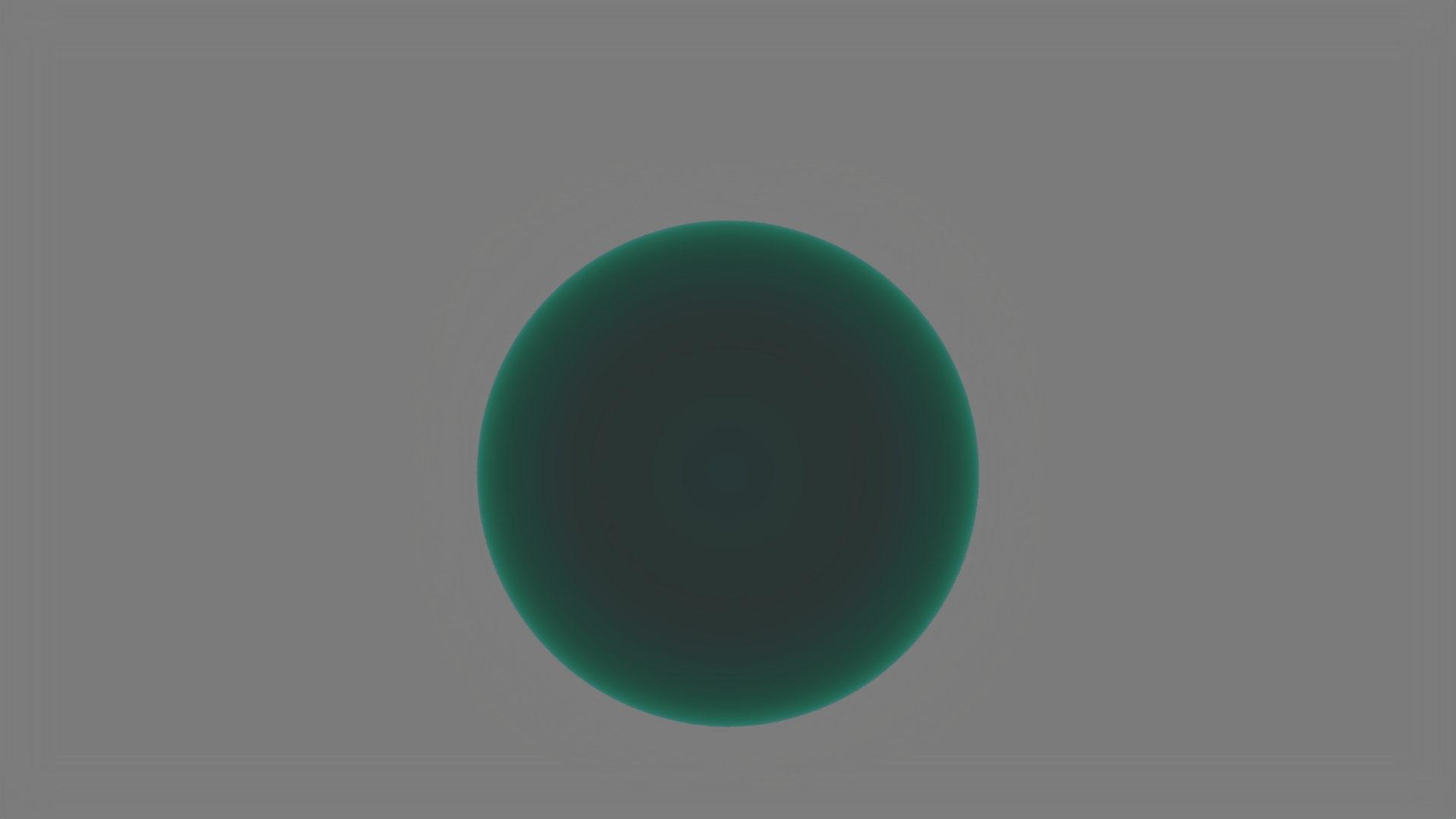
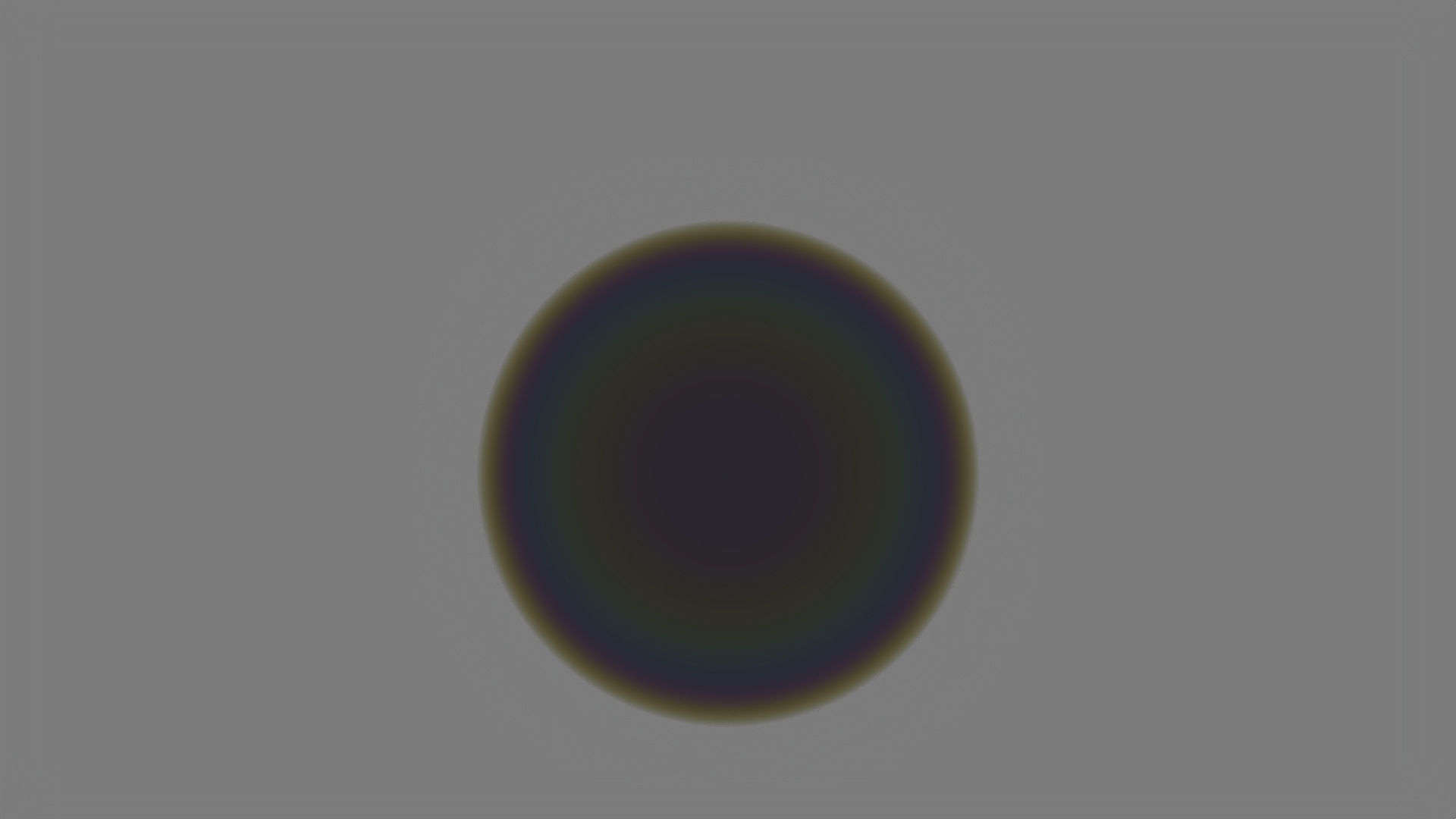
Comparison: Film IOR 1.2 vs 2.0.
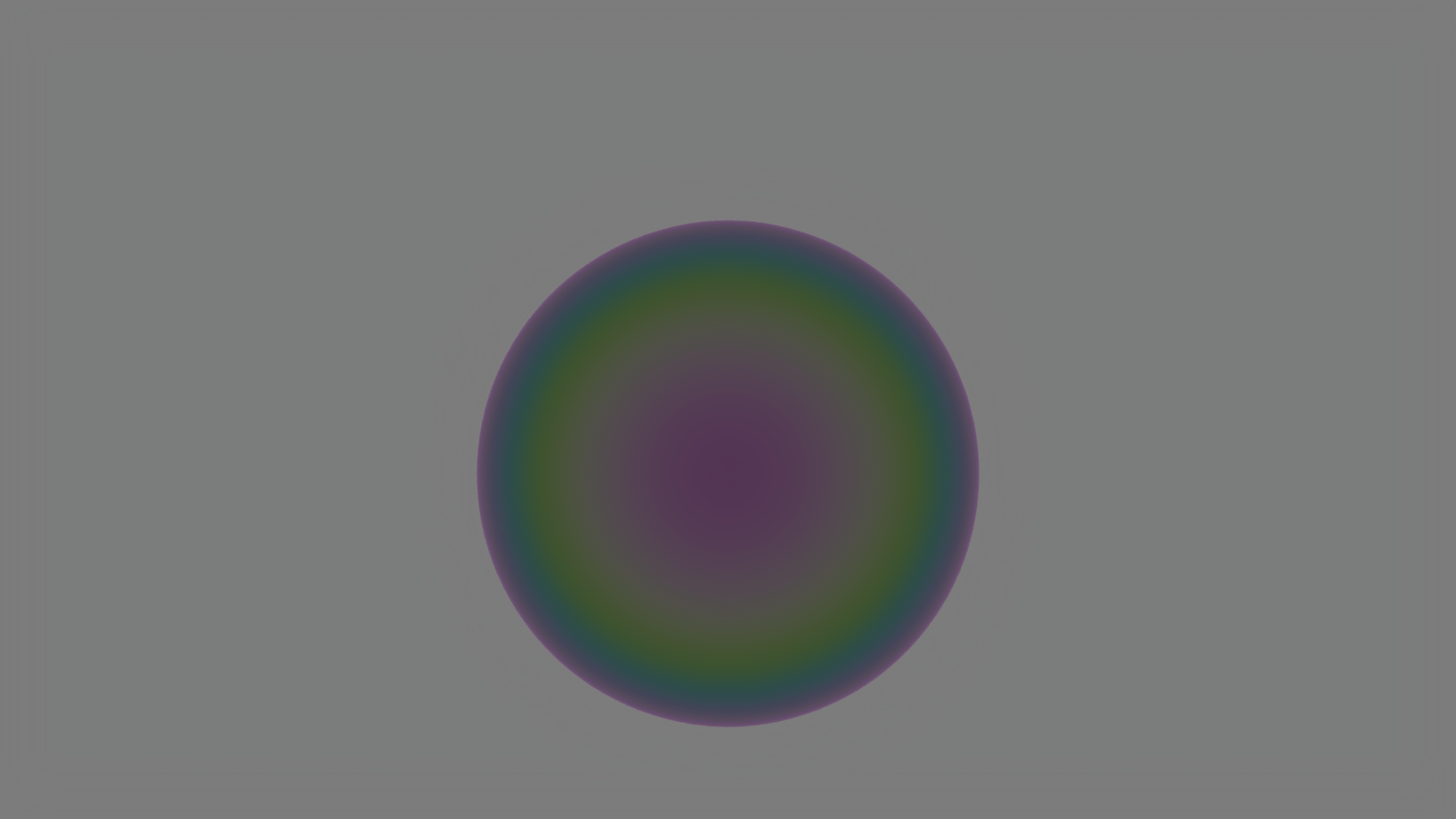
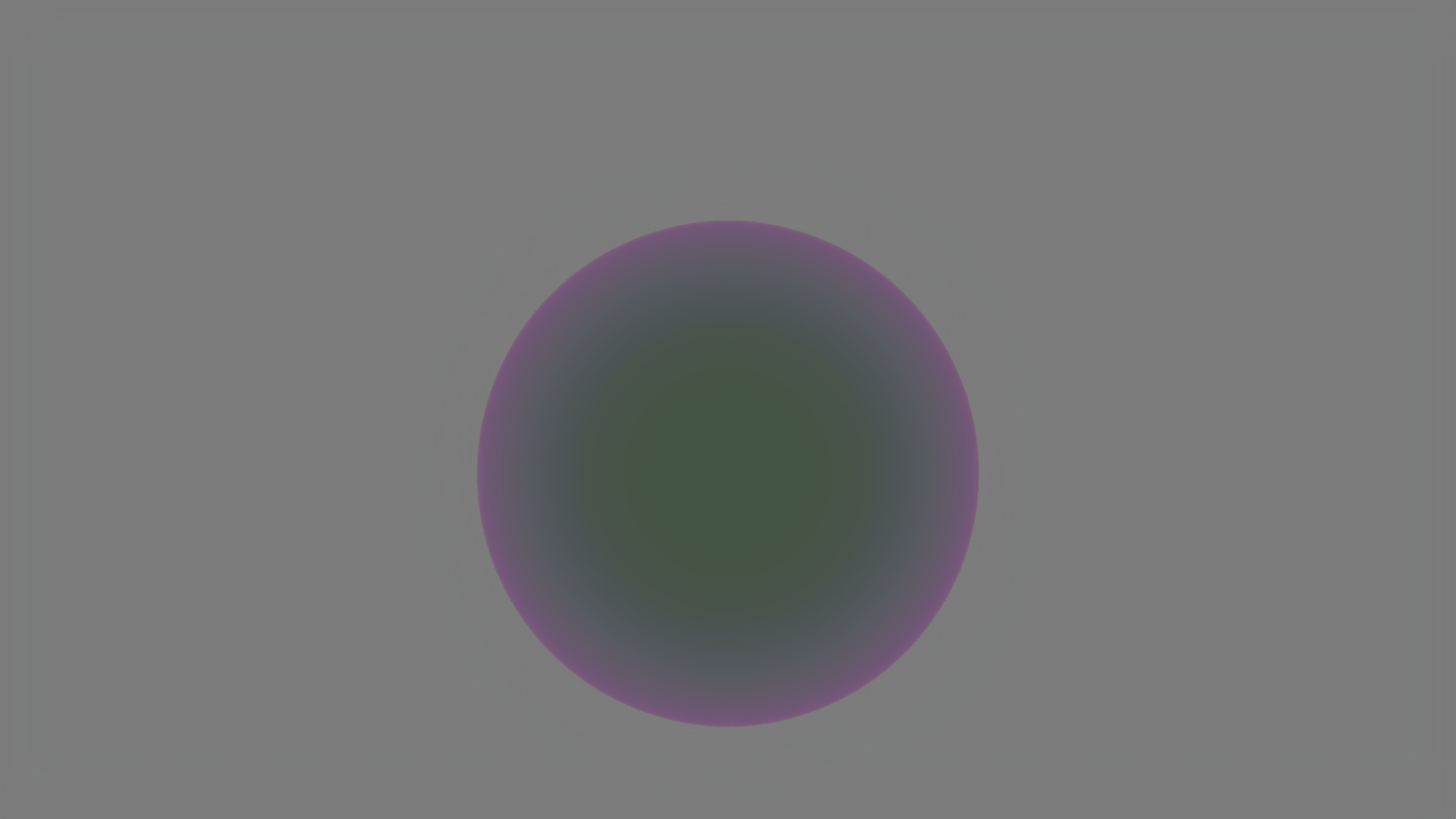
Comparison: Base IOR 0.4 vs 4.0.
Challenges
We faced two main technical hurdles during implementation:
- Mathematical Complexity: The paper's model is dense. Correctly mapping the physical properties (complex IOR, phase shifts) to our renderer's code structure required a deep dive into the underlying physics and multiple iterations to ensure the Fresnel terms were correct. Numerical Stability: We initially encountered bright artifacts in the render. After systematic debugging, we identified the root cause:
alpha = max(float(1e-3), sqr(m_roughness->scalar(uv)));.
When
alpha values dropped below 0.1, the interaction with the Airy summation caused numerical instability. Strengthening the safety checks and clamping the roughness values effectively eliminated the artifacts.