Denoising
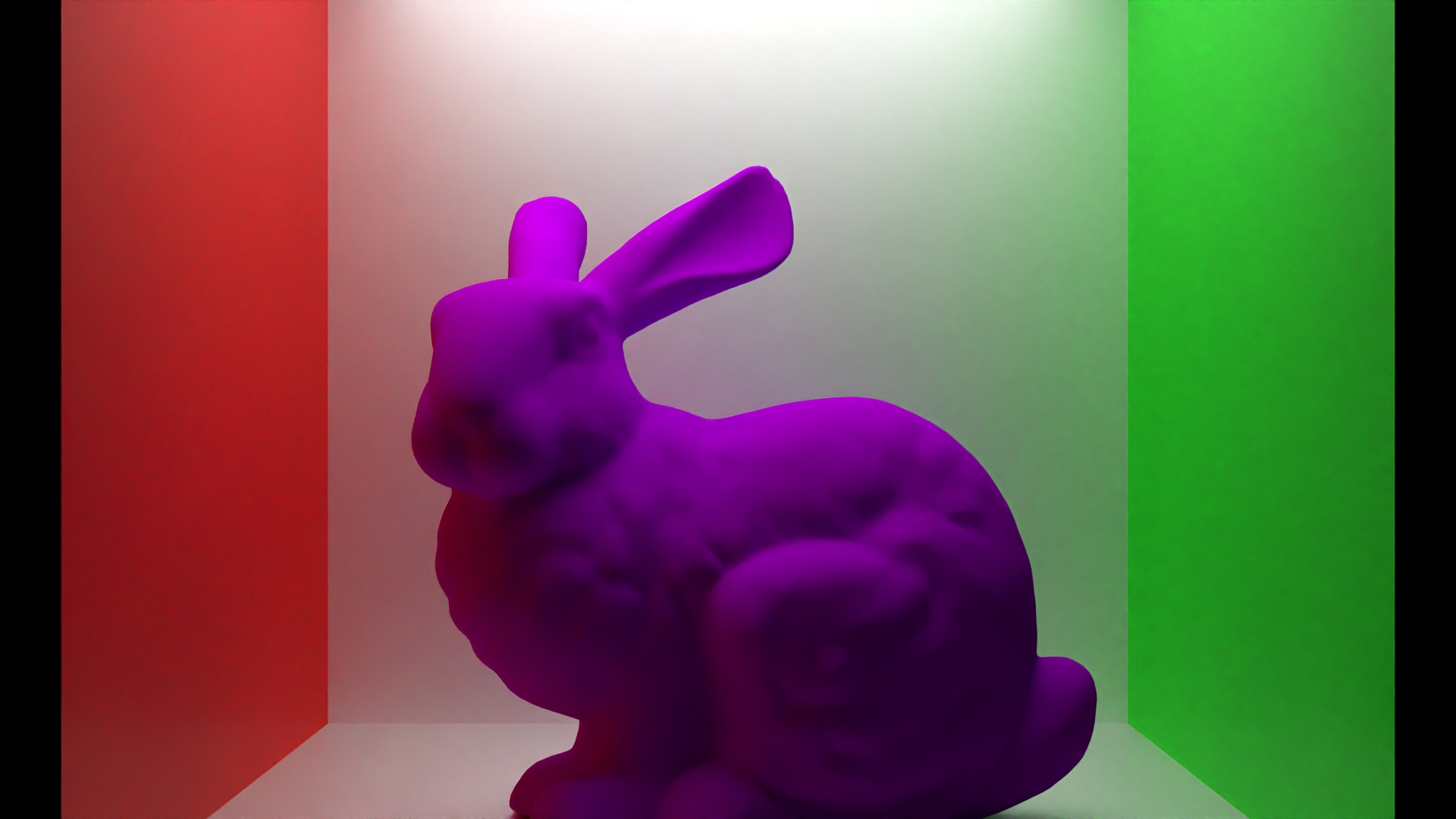
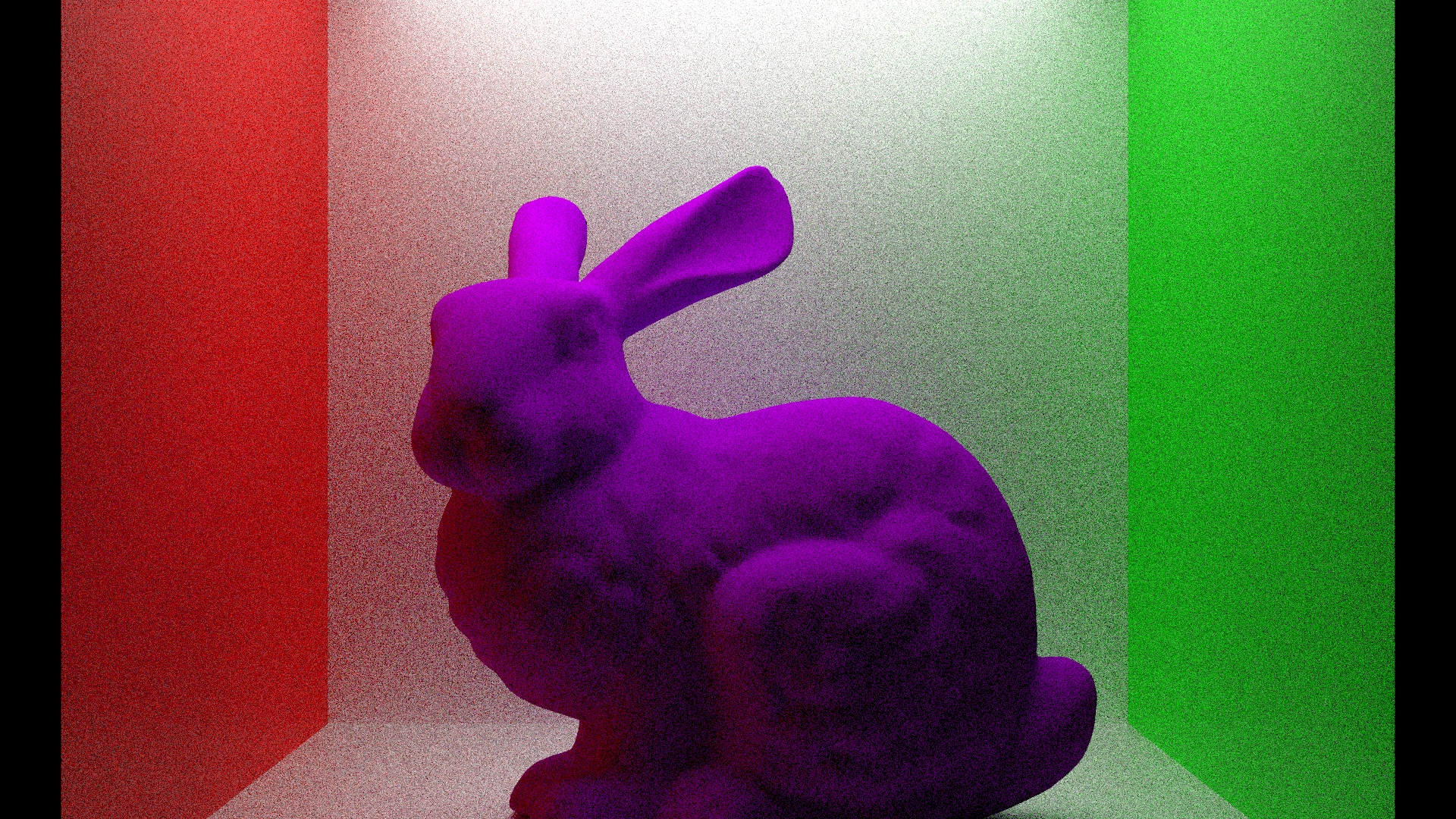
We used Intel's Open Image Denoise Library (OIDN) to significantly increase the general quality of our images.
Implementation
To integrate OIDN, we first had to extend the exporter.py to automatically add postprocessing nodes to the scene's .xml file.
After that, the renderer will return 3 images:
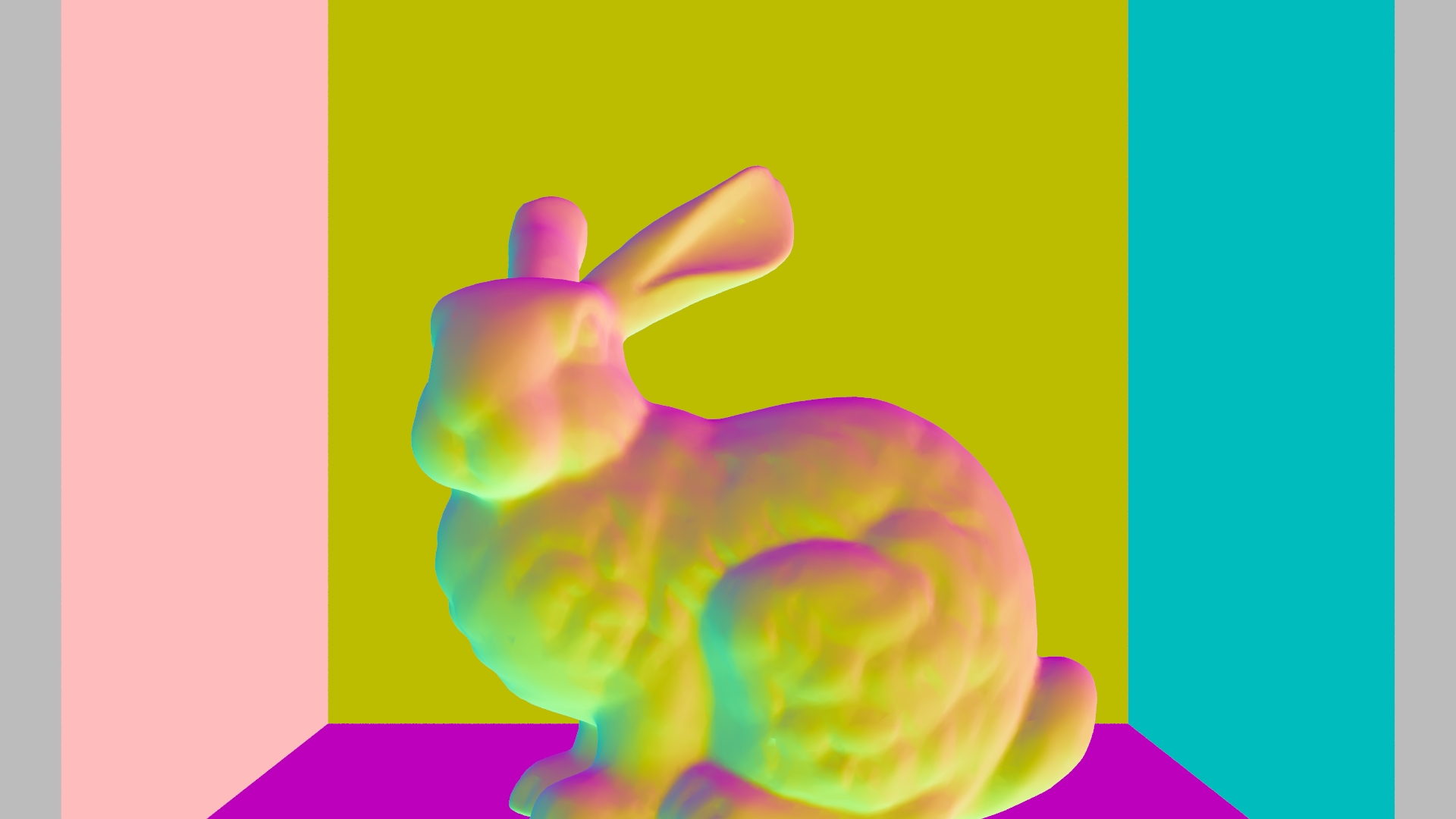
normals.exr: only the normals of the intersections.
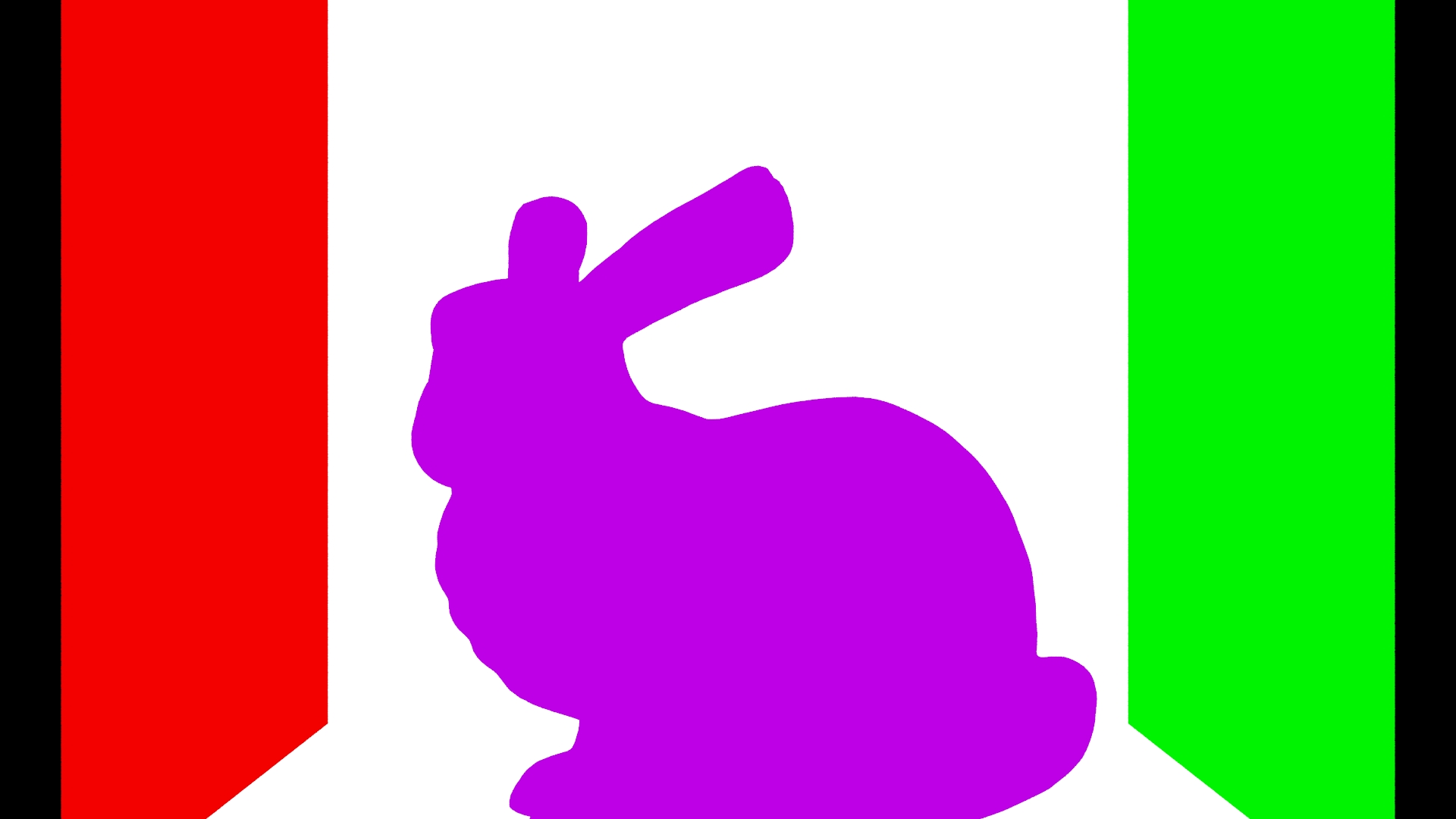
albedo.exr: only the colors of the intersections.
While normal and the pathtracer integrator already existed in our renderer, we had to also add the albedo integrator.
We did this by adding a getAlbedo() function to the Bsdf class and every class inheriting from it which returns the color
or in some cases (iridescence) an approximation of it.
noisy.exr: the regular output of the pathtracer integrator.
The last step was to implement the actual denoiser.cpp. This, however was surprisingly simple as OIDN's tutorial already provided most of the logic needed.
The only major change here was adding the option to not actually do the denoising process in case OIDN is not supported by a user's hardware. This is automatically applied when compiling.
Challenges
There were two main challenges we faced when implementing this feature:
- Understanding the workflow: Finding the correct files and determining what to change in our code took quite a lot of time initially.
-
XML Parsing Issues: We encountered major issues parsing the XML generated
by the exporter. After a lot of debugging and with the help of multiple tutors, we identified the root cause:
the exporter defaulted the sampler type for albedo and normals to
"halton", which our renderer did not support.