Alpha Masking
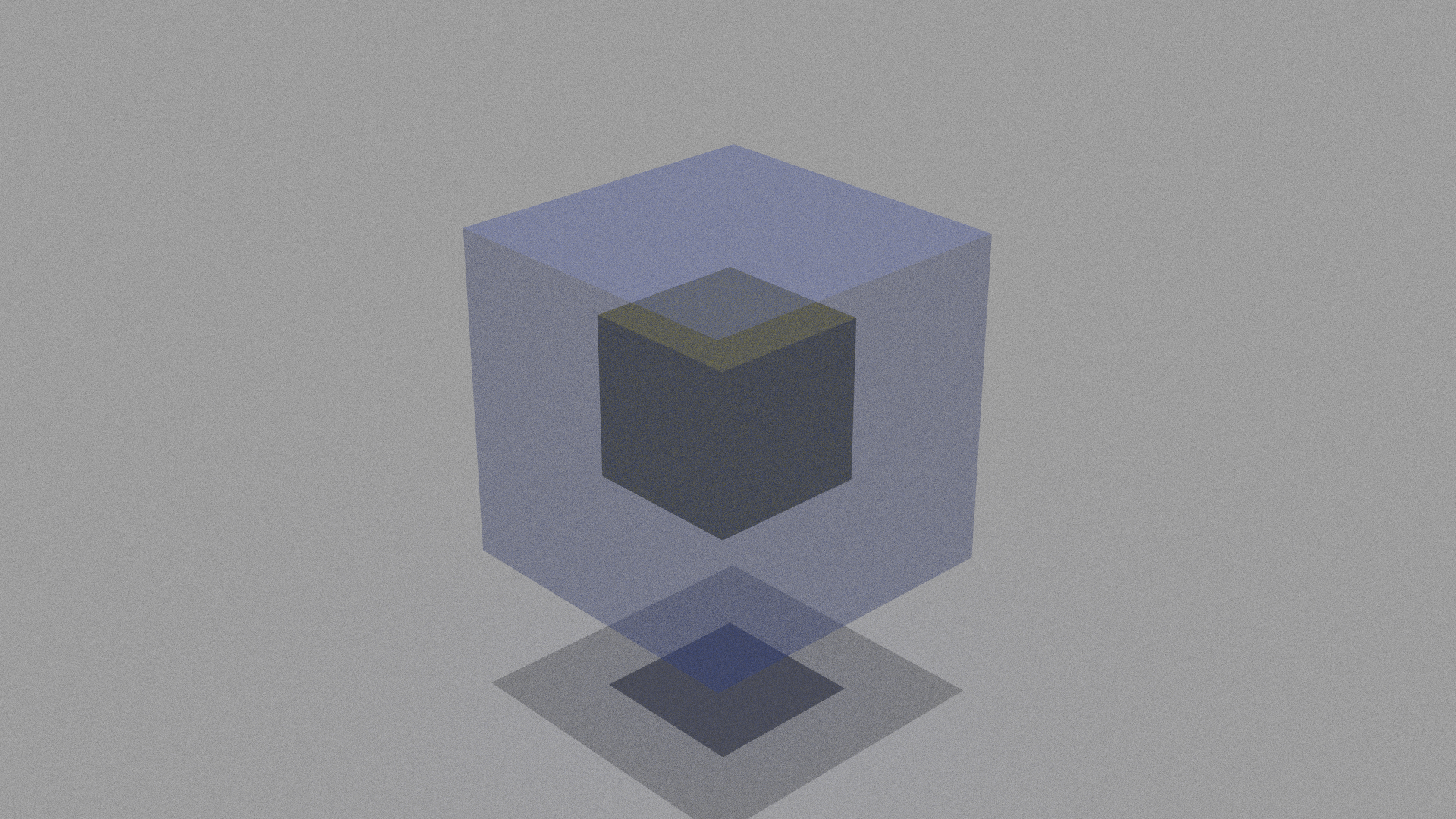
The idea of alpha masking is very simpel. We want to make objects more transparent by simply ignoring a certain number of intersections that we get with our geometry. The alpha parameter here simply defines the probability of ignoring an intersection, where 0 means no intersections and 1 means we intersect as always.
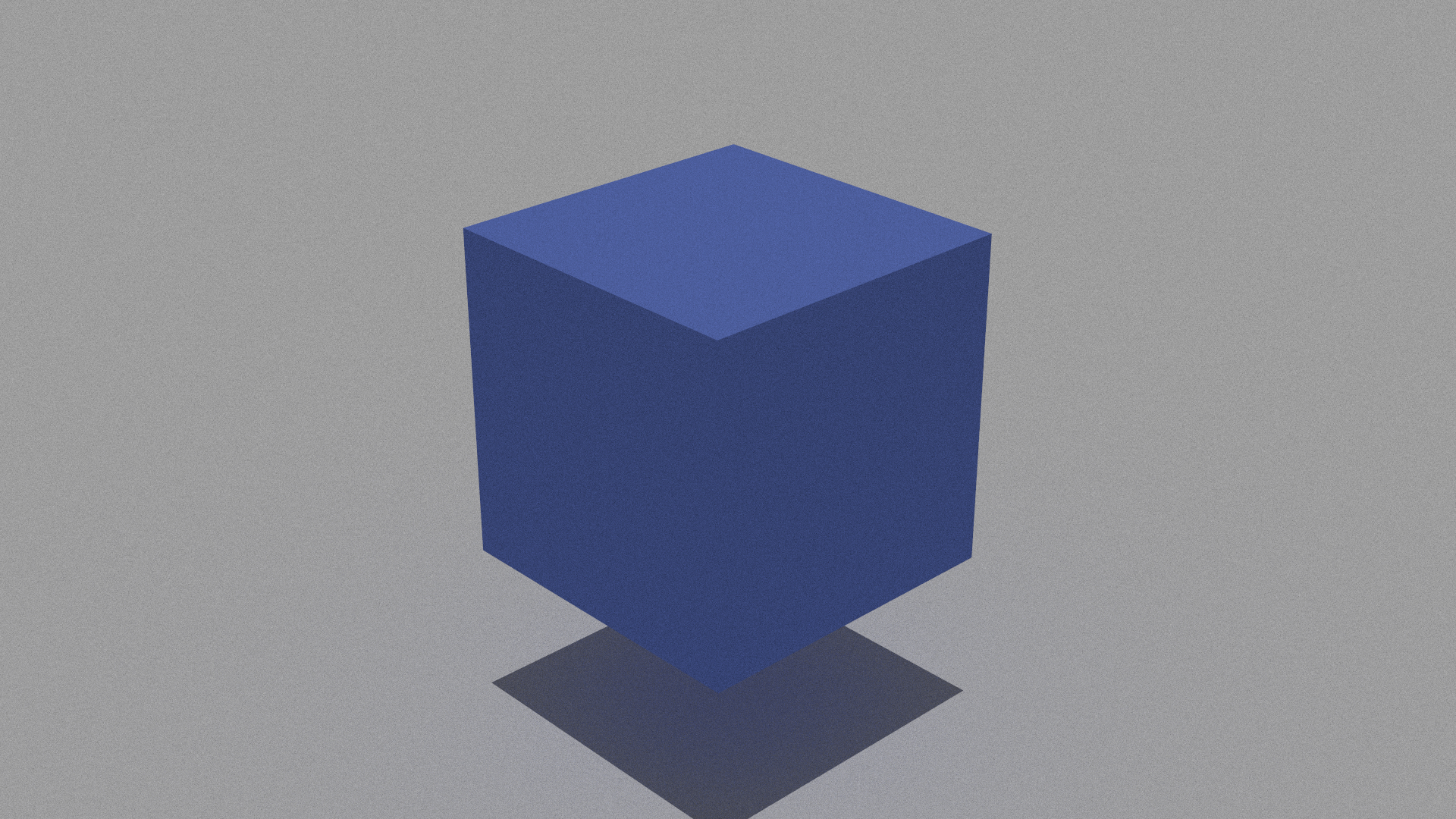
We can also use alpha masking to cut out certain areas of an object. This is done by using an image in greyscalse (we can also just put values between 0 and 1 in one color channel and take e.g. redscale images), which defines where we how transparent which regions should be.
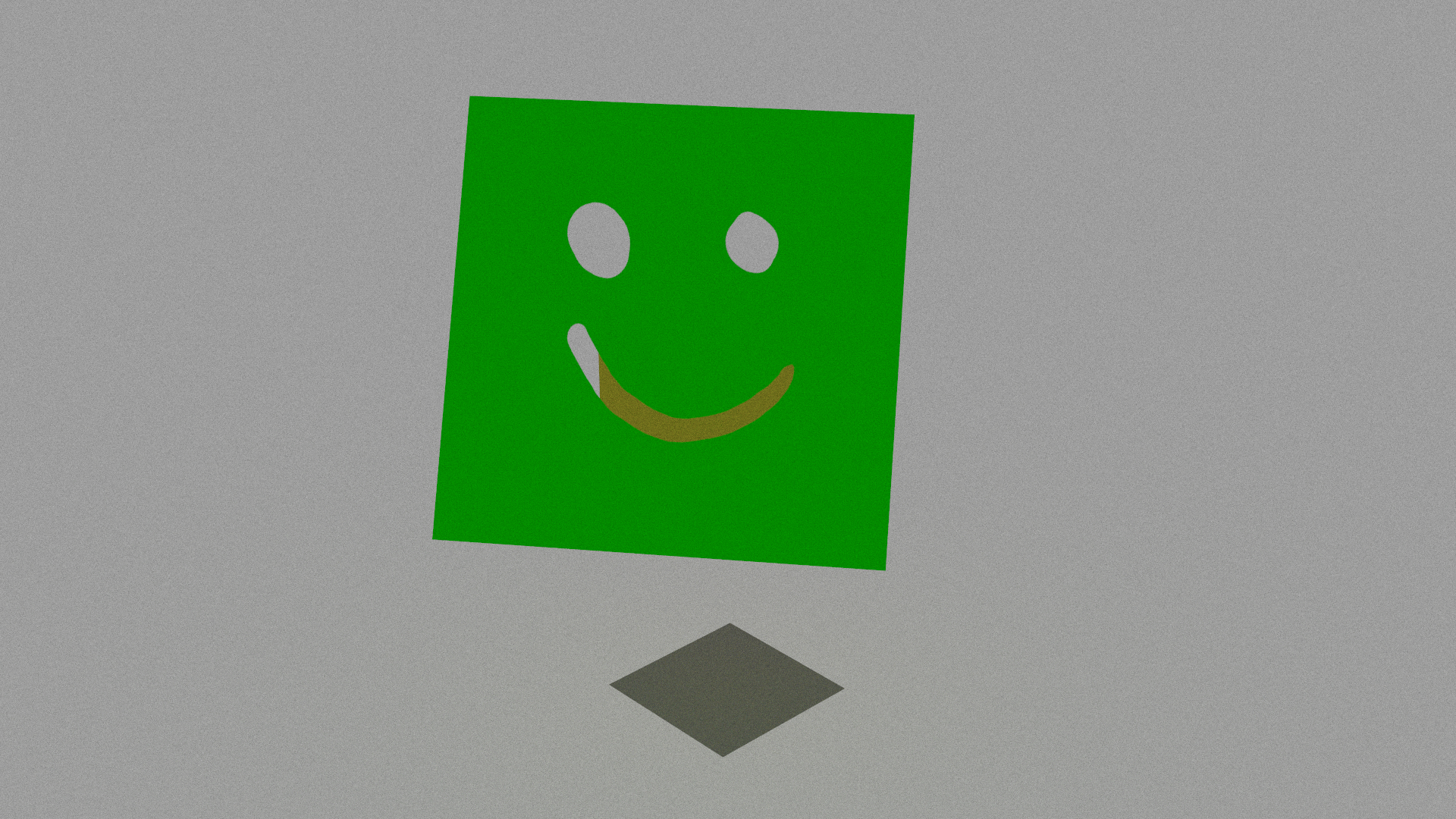
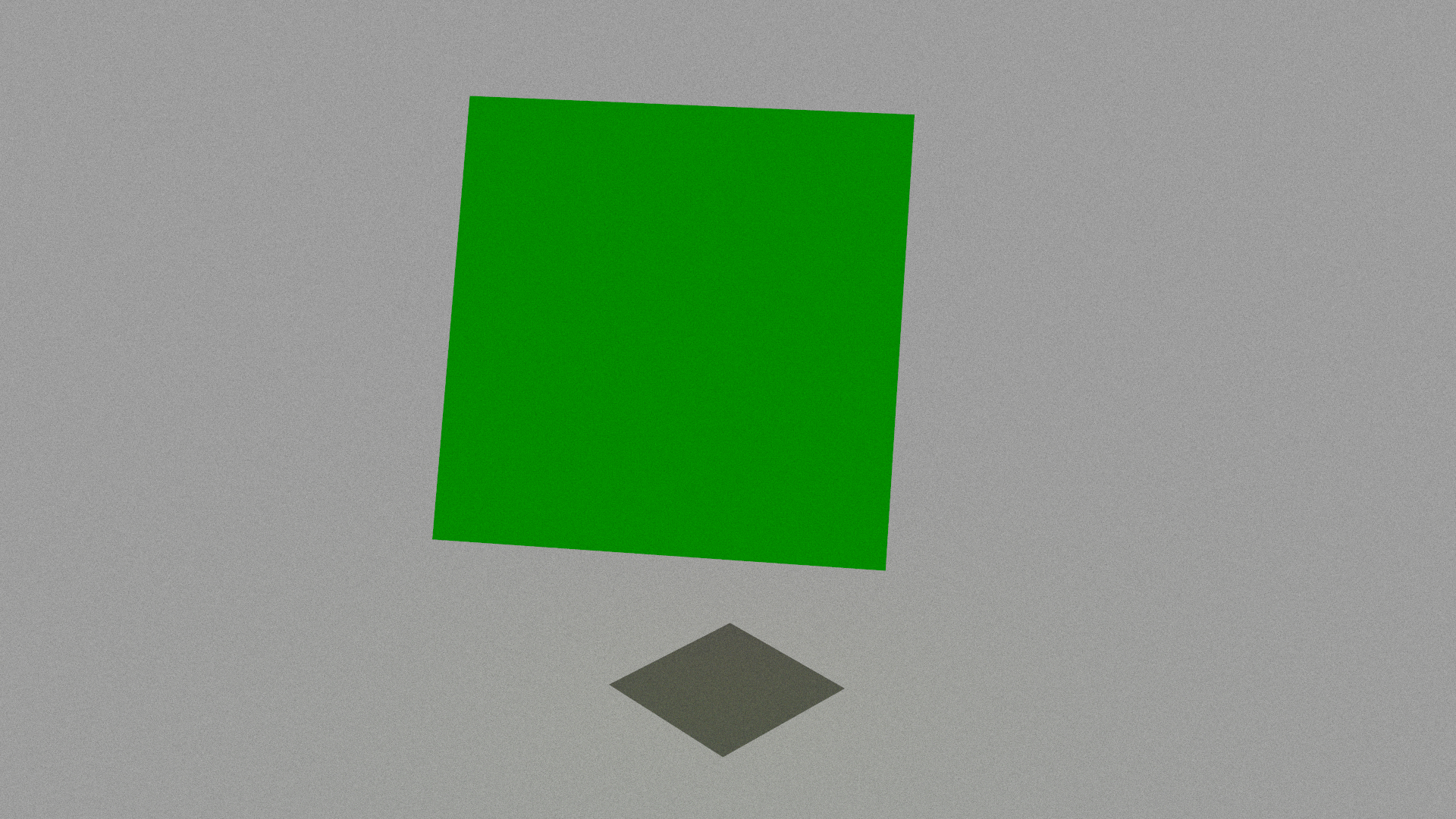
Here we have made a simple black and white smiley drawing to cut out the smiley face.
Implementing this took longer than it should. The main issue were shadows. In our lightwave framework we use a transmittance function in the pathtracer to determine if - or how much - an object is occluded. This function is then also called in the instance class which then only trys to intersect the original shape instead of going through the instance intersection routine again. For that reason we needed to adapt the transmittance in the instance also which we did not think about at first.
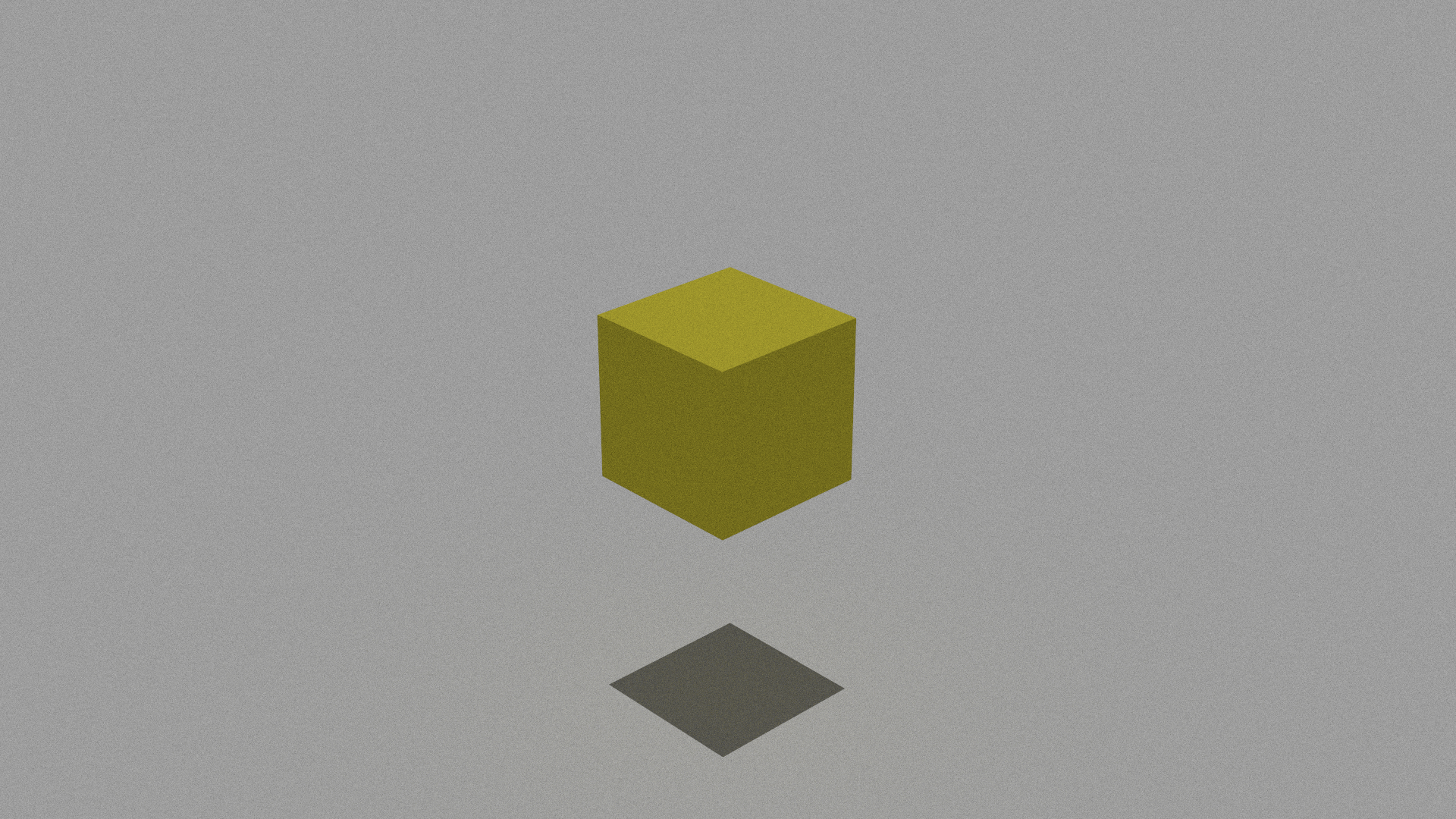
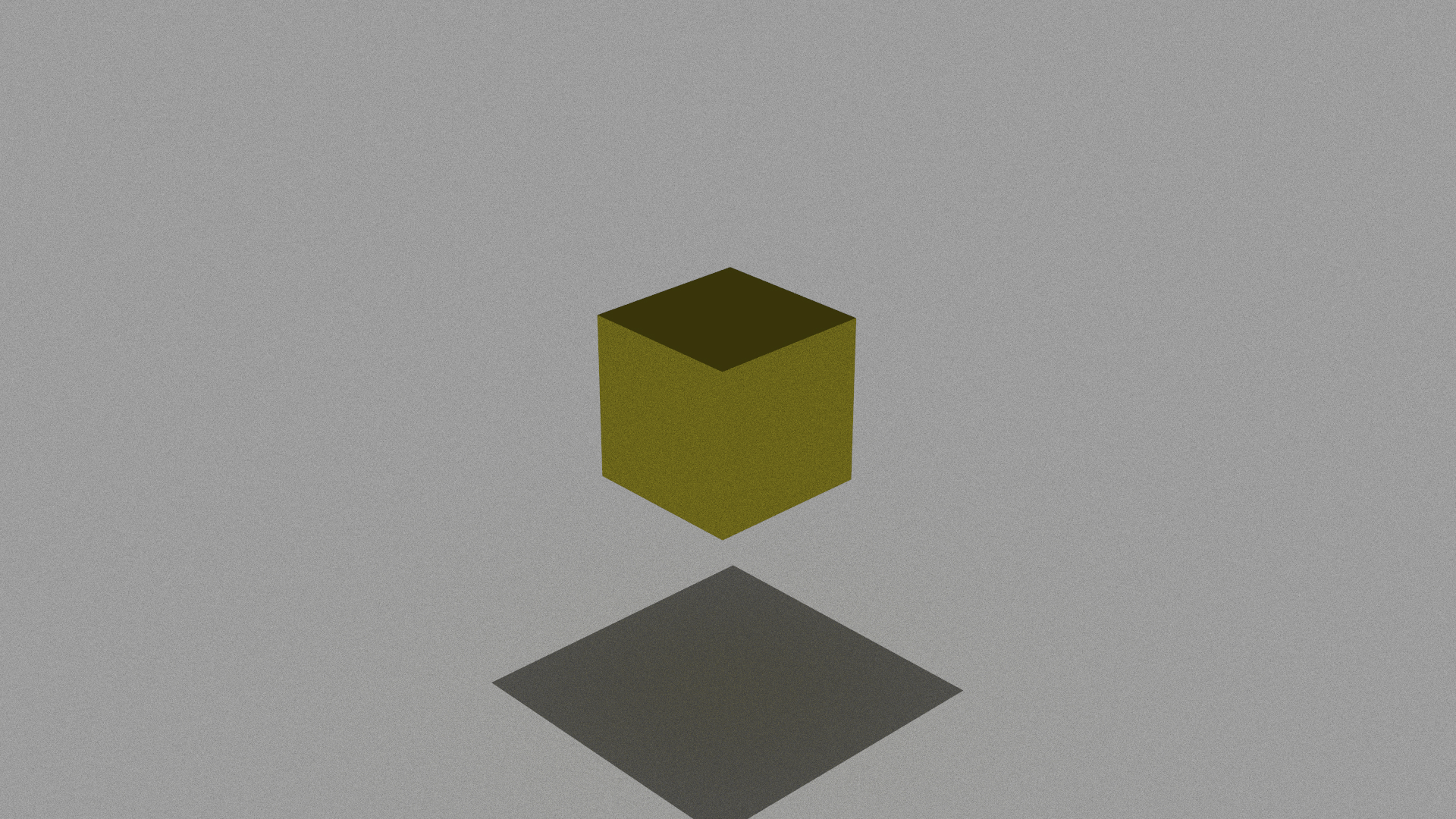
On the left you see the alpha masking without the transmittance fix and on the right you see the fixed version. In both of them a large blue cube is technically arround them but alpha is set to 0 so it should behave as if it does not exist.