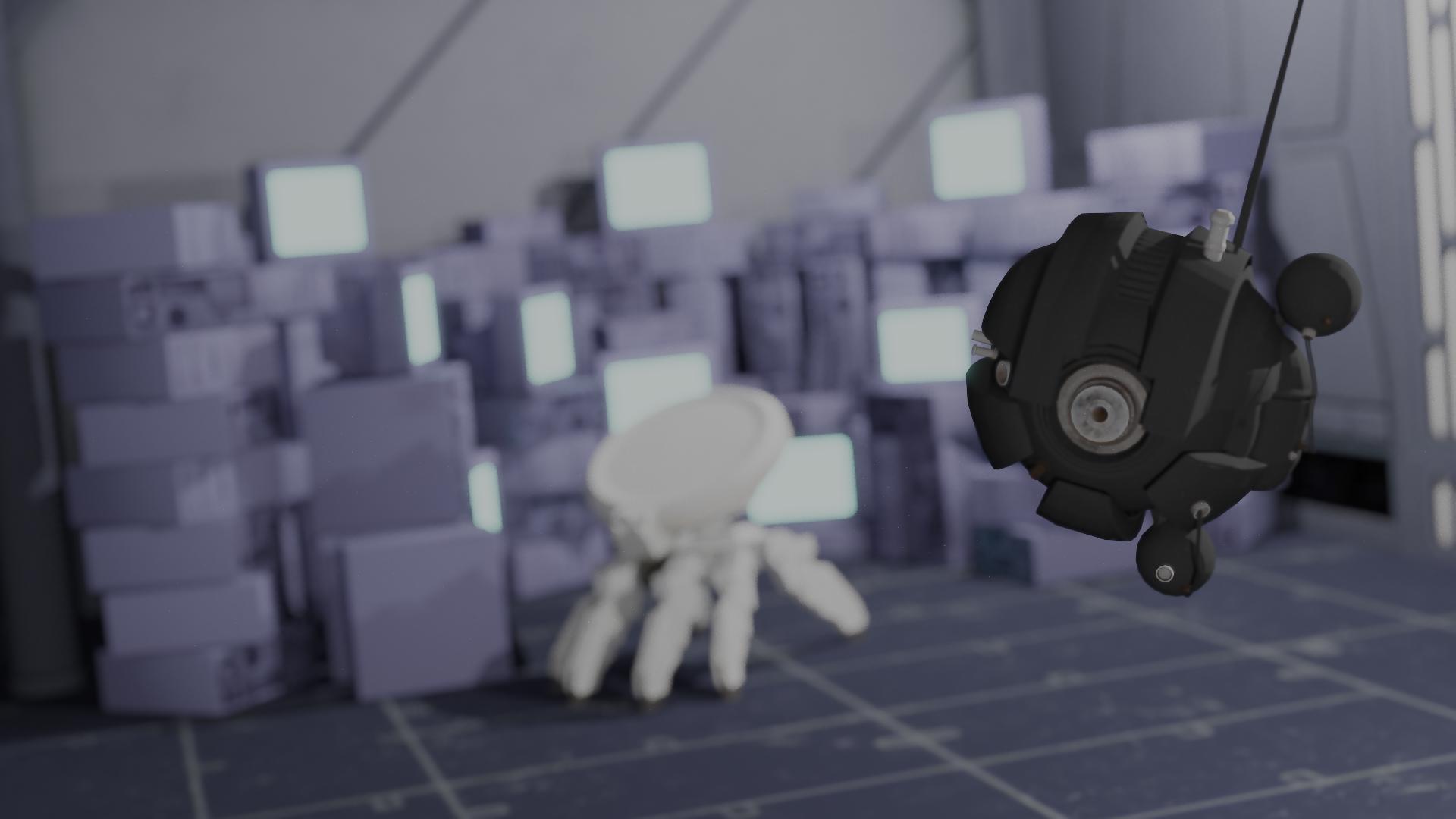
A Sith Probe droid hovers menacingly in a dimly lit Venator-class Star Destroyer corridor while an eight-legged walker robot lurks in the shadows at the far end. Rows of glowing computer screens line the walls, casting an eerie cyan glow across the metallic surfaces. The scene captures a moment frozen in time—machines patrolling a space designed for war.
Motivation: Inspired by the Star Wars universe, this scene explores the interplay between harsh industrial lighting and deep shadows that define the aesthetic of the Galactic Republic's capital ships.
Artistic Intention: The composition draws the viewer's eye down the corridor, creating a sense of depth and mystery. The cyan glow from the computer screens contrasts with the warm point lights, evoking the cold efficiency of military vessel interiors. The droids add a sense of surveillance and tension to the otherwise sterile environment.
Hidden Details: Look closely at the screens on the walls—each emits a subtle glow that bleeds into the surrounding panels through our bloom effect. The depth of field gently blurs the eight-legged robot at the back, drawing focus to the Sith Probe while maintaining the sense of an expansive space.
12th Gen Intel® Core™ i7-12700H (12 threads used)
| Feature | Points | Implementation |
|---|---|---|
| Q - MIS Path Tracer | 40 | pathtracer.cpp |
| H - Image Denoising (Intel OIDN) | 25 | denoise.cpp |
| E - Normal Mapping | 20 | instance.cpp |
| M.1 - Basic Area Light Sampling | 20 | area.cpp |
| O.1 - Thin Lens Camera (DoF) | 20 | thinlens.cpp |
| M.2 - Improved Area Light Sampling | 15 | sphere.cpp, rectangle.cpp |
| D - Post Processing (Bloom) | 15 | bloom.cpp, tonemap.cpp |
| P.1 - Homogeneous Volumes (Partial) | ~15-18 | volume.cpp |
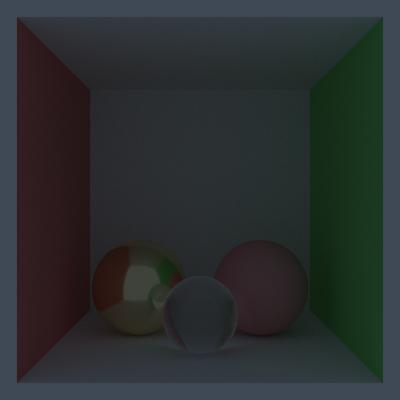
Full implementation of Multiple Importance Sampling combining Next-Event Estimation (NEE) with BSDF sampling using the power heuristic for optimal variance reduction.
File: src/integrators/pathtracer.cpp
Modifications: Extended the path tracer to support both NEE and BSDF sampling strategies. Added power heuristic weighting (β=2) for combining PDF contributions.
The most time-consuming bug was correctly handling the PDF conversion between area measure and solid angle measure when a BSDF-sampled ray hits an area light. The geometry term (distance² / cos θ) must be applied consistently on both sampling strategies to avoid energy loss or fireflies.
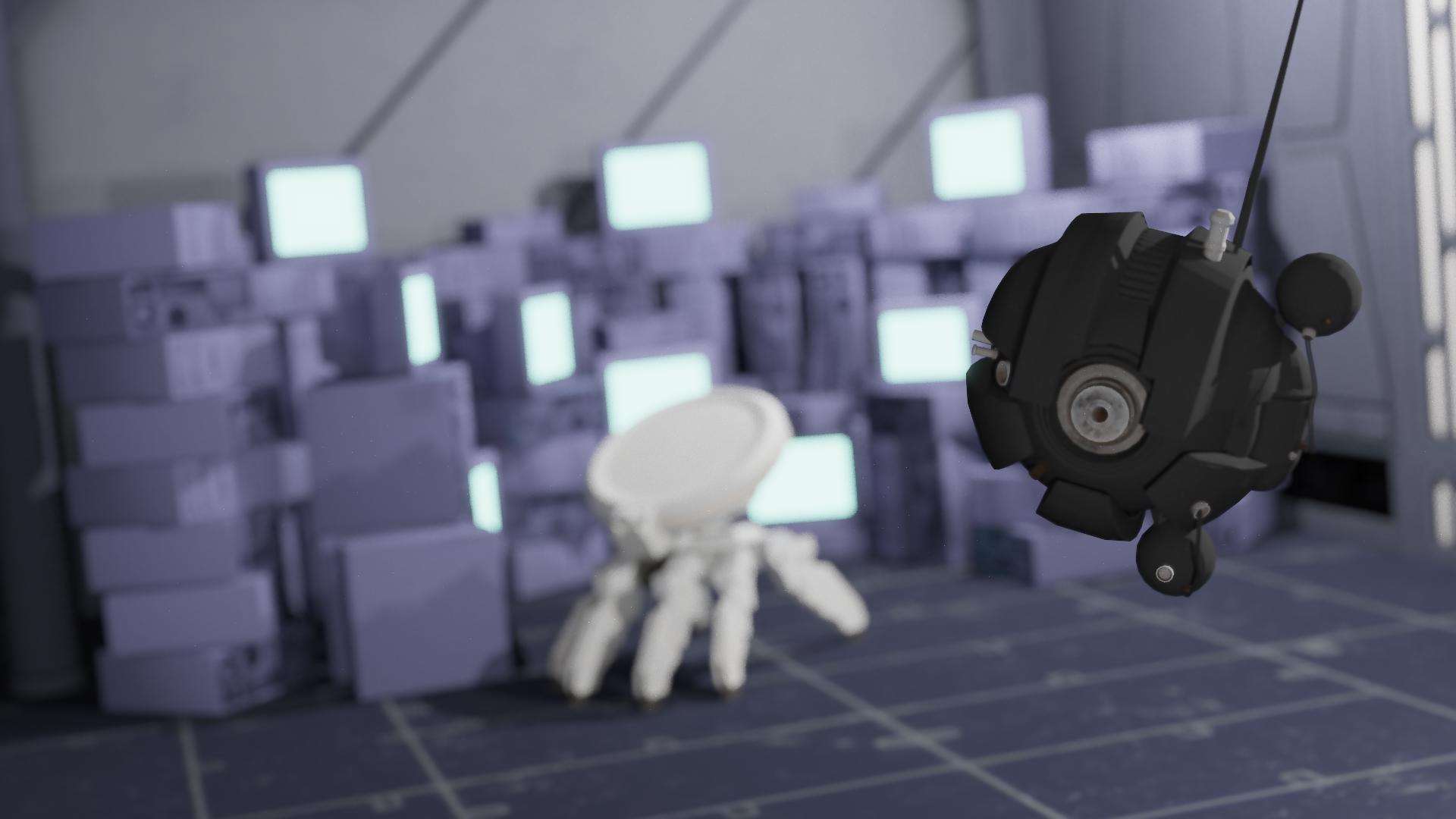
Integration of Intel Open Image Denoise (OIDN) with support for auxiliary buffers (albedo and normal AOVs) for superior denoising quality.
File: src/postprocesses/denoise.cpp
Modifications: Created a new post-process that interfaces with OIDN. Also implemented fallback bilateral and NL-means filters for systems without OIDN.
Getting the normal buffer format correct was tricky—OIDN expects normals in [-1,1] range, but our AOV stores them as colors in [0,1]. Additionally, ensuring HDR mode was enabled to preserve bright highlights took some debugging.
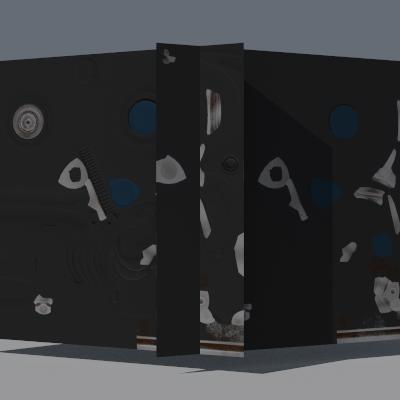
Tangent-space normal map support that transforms encoded normals from texture space to world space for detailed surface shading without additional geometry.
File: src/core/instance.cpp (lines 24-47)
Modifications: Extended transformFrame() to sample the
normal texture, decode from [0,1] to [-1,1], and transform using the TBN matrix
(tangent, bitangent, normal).
Ensuring the tangent vectors were correctly computed and orthonormalized was crucial. Initial attempts produced shading artifacts because the bitangent direction was flipped on some faces, requiring careful handling of handedness.
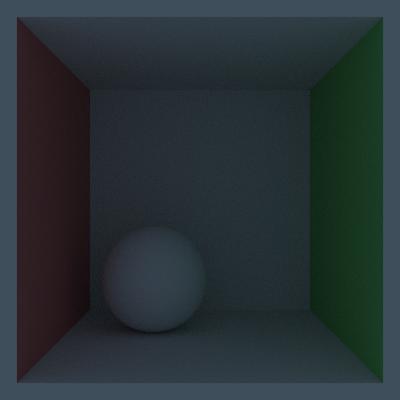
Area lights that wrap emissive instances, allowing arbitrary shapes with emission to be sampled as light sources with proper PDF conversion.
File: src/lights/area.cpp
Modifications: Created AreaLight class that samples points on emissive geometry, evaluates emission, and converts area PDF to solid angle PDF using the geometry term.
The backface culling logic needed careful consideration—sampling a point on the back of an area light should return invalid, but this must be checked using the sampled normal and direction to the shading point, not just a simple dot product.
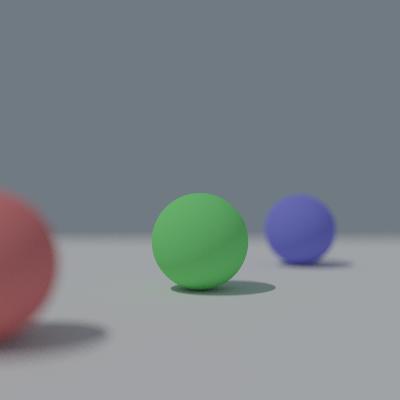
Thin lens camera model simulating realistic depth of field effects with configurable aperture radius and focal distance.
File: src/cameras/thinlens.cpp
Modifications: Implemented the thin lens model: compute focal point on the focal plane, sample point on lens disk using concentric disk mapping, then create ray from lens point through focal point.
Understanding the geometric relationship between aperture, focal distance, and blur radius was initially confusing. The key insight was that rays should converge at the focal plane, not diverge from it—getting this backwards produced inverted blur.
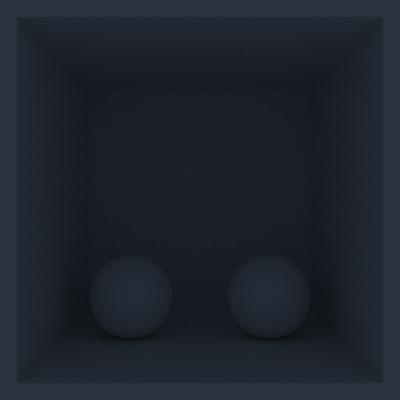
Direct area sampling for primitive shapes (rectangles, spheres) with analytically computed PDFs for more efficient light sampling.
Files: src/shapes/sphere.cpp, src/shapes/rectangle.cpp
Modifications: Added sampleArea() methods that
uniformly sample points on the shape surface and return proper area PDFs.
For spheres, ensuring uniform distribution on the surface required using proper spherical coordinates with cos(θ) sampling. Initial uniform θ sampling produced visible banding near the poles.
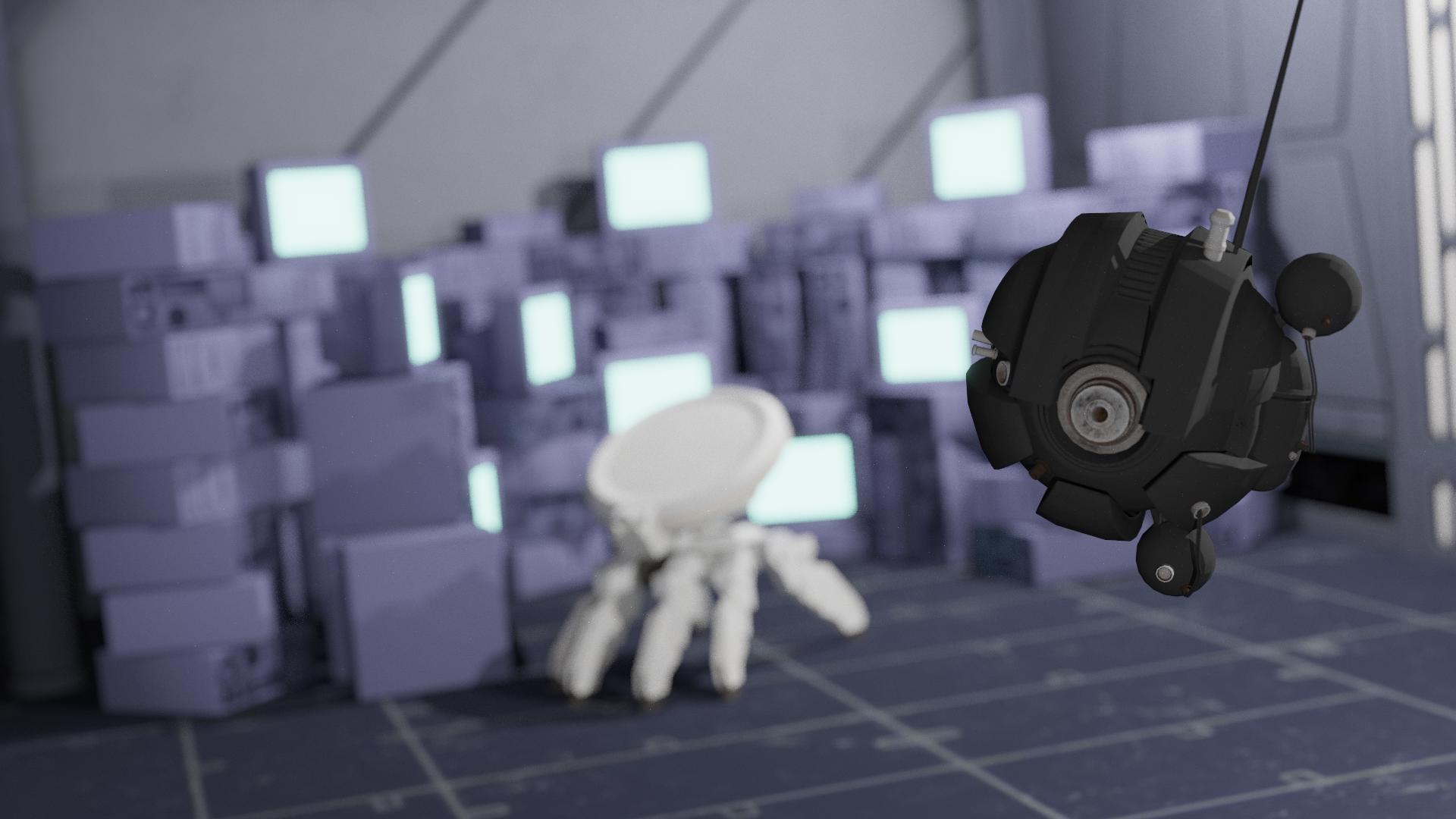
Multi-pass Gaussian bloom effect that extracts bright areas above a threshold and applies multiple blur passes at different scales for realistic light bleeding.
File: src/postprocesses/bloom.cpp
Modifications: Implemented separable Gaussian blur (horizontal + vertical passes), threshold-based bright pixel extraction, and multi-scale bloom combining layers at 1×, 2×, and 4× blur radius.
Performance optimization was critical—the naive implementation was extremely slow. Using separable filters (O(n) instead of O(n²)) and pre-computing kernel weights made the bloom practical for high-resolution images.
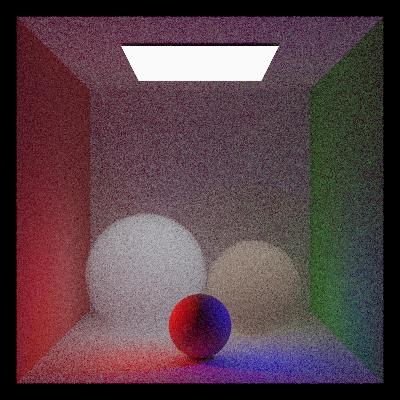
Partial implementation of homogeneous participating media with colored scattering using the Henyey-Greenstein phase function and bounded volume support.
File: src/shapes/volume.cpp
Status: Has colored scattering (HG albedo) and bounded volumes, but emission within the volume is not yet supported.
The transmittance calculation through participating media required careful integration with the existing shadow ray infrastructure. Ensuring consistency between surface and volume sampling was the main difficulty.
The final image goes through a multi-stage post-processing pipeline to achieve the cinematic look:
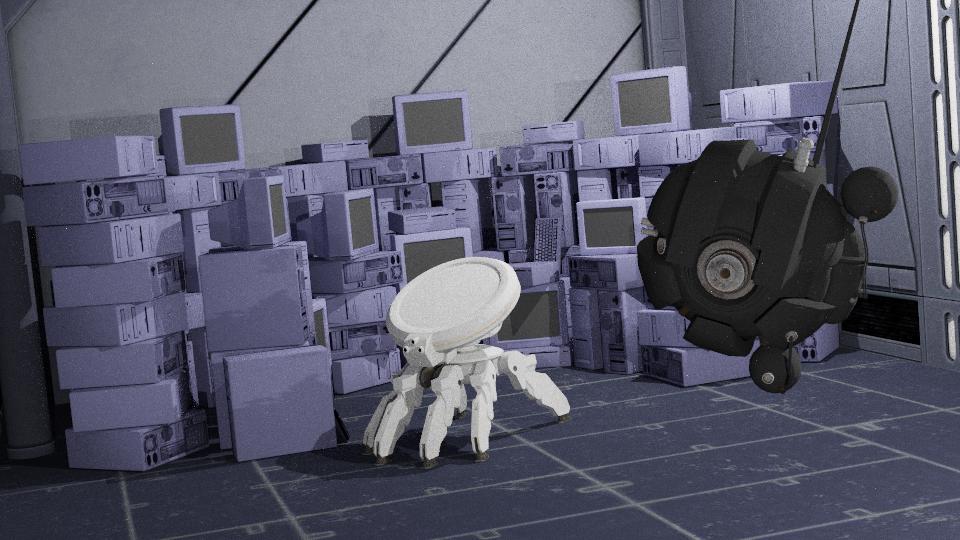
Raw path-traced output (512 spp)
After bloom effect
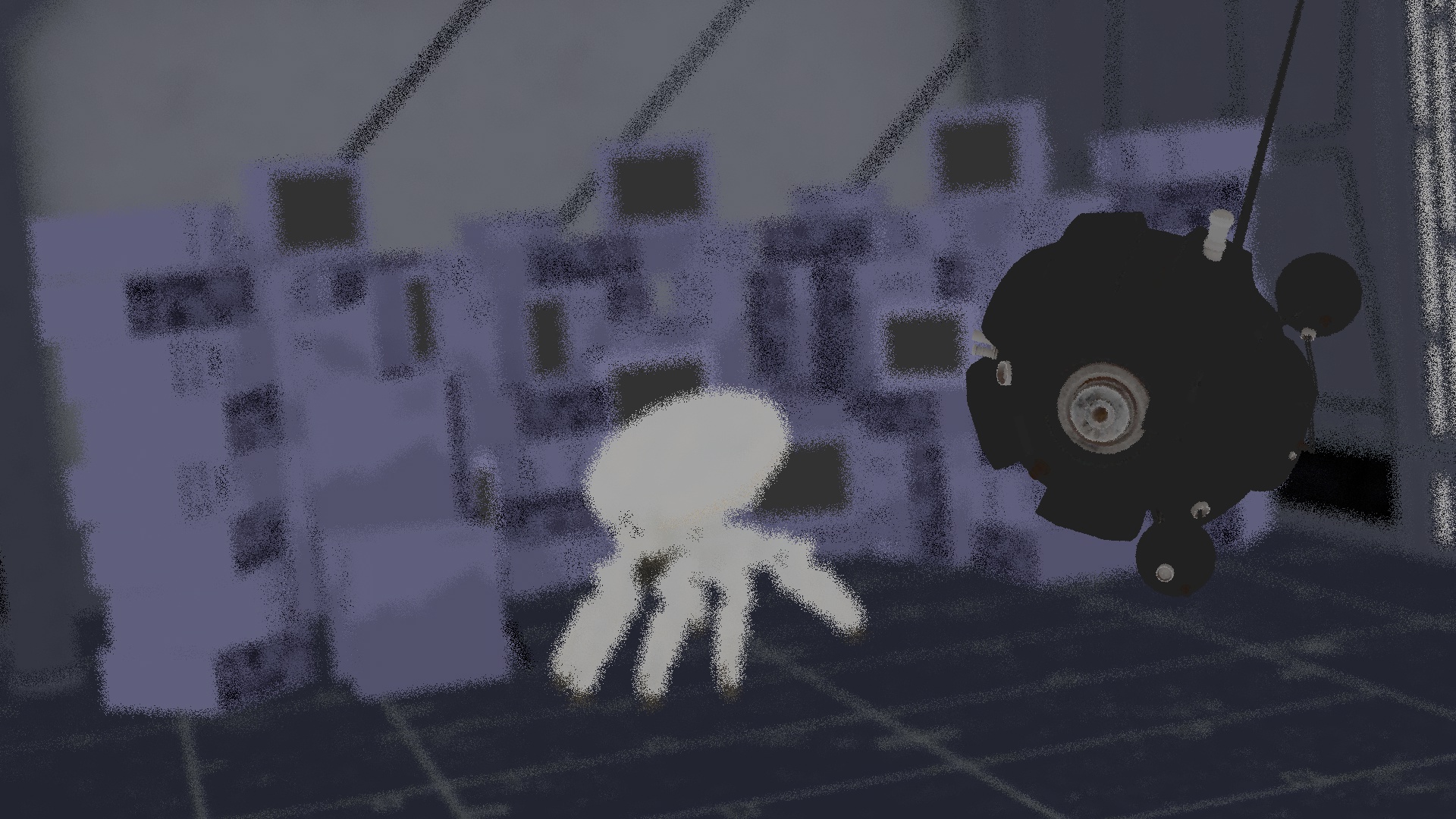
Albedo AOV (for denoising)
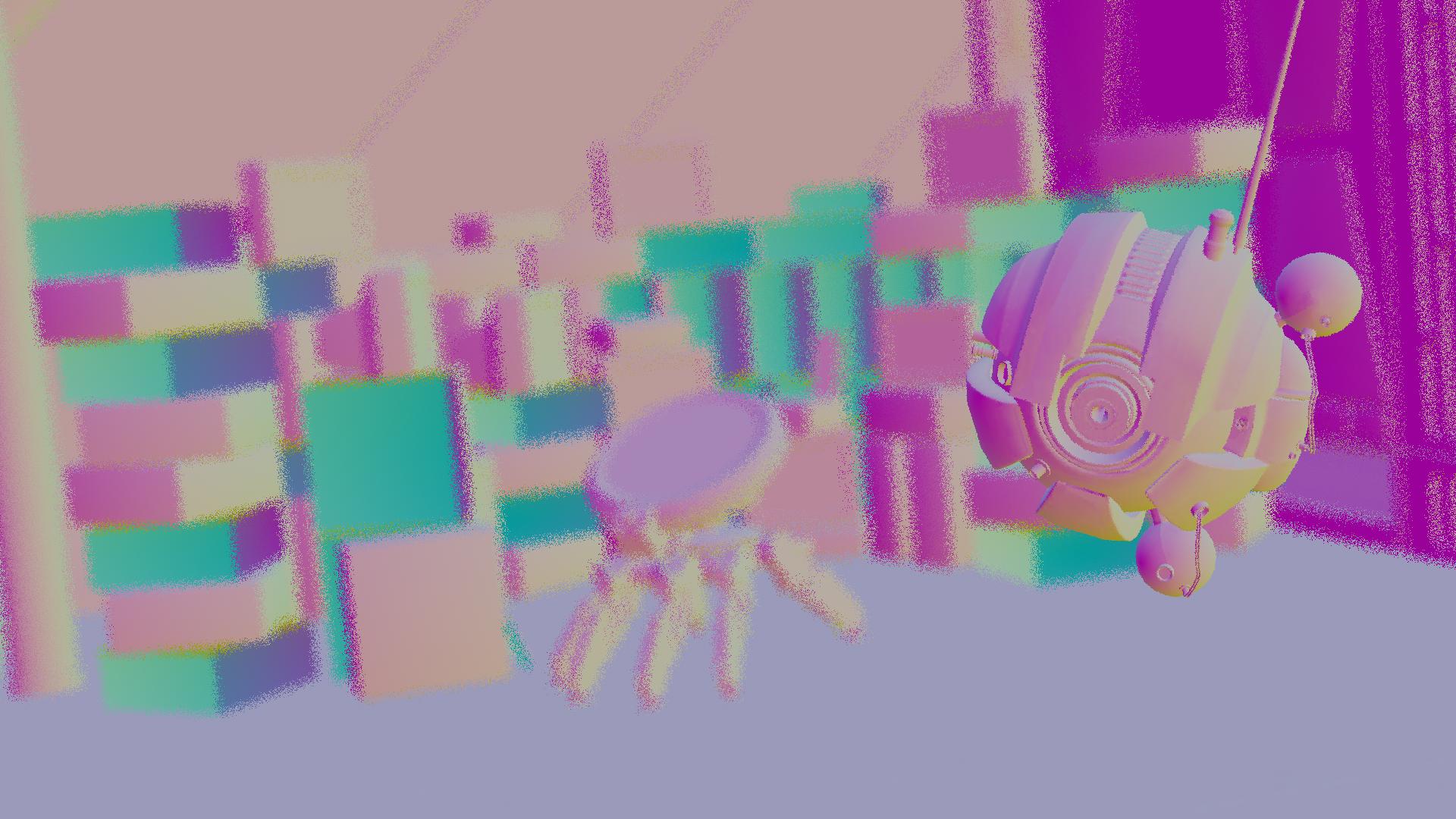
Normals AOV (for denoising)
The scene was inspired by the Star Wars universe, specifically the interior corridors of Venator-class Star Destroyers from The Clone Wars era. Key reference points included:
The scene uses a combination of light sources to create atmosphere:
The thin lens camera is positioned to look down the corridor, with:
All models were converted to PLY format and textures were processed for use with the renderer.