Final Render
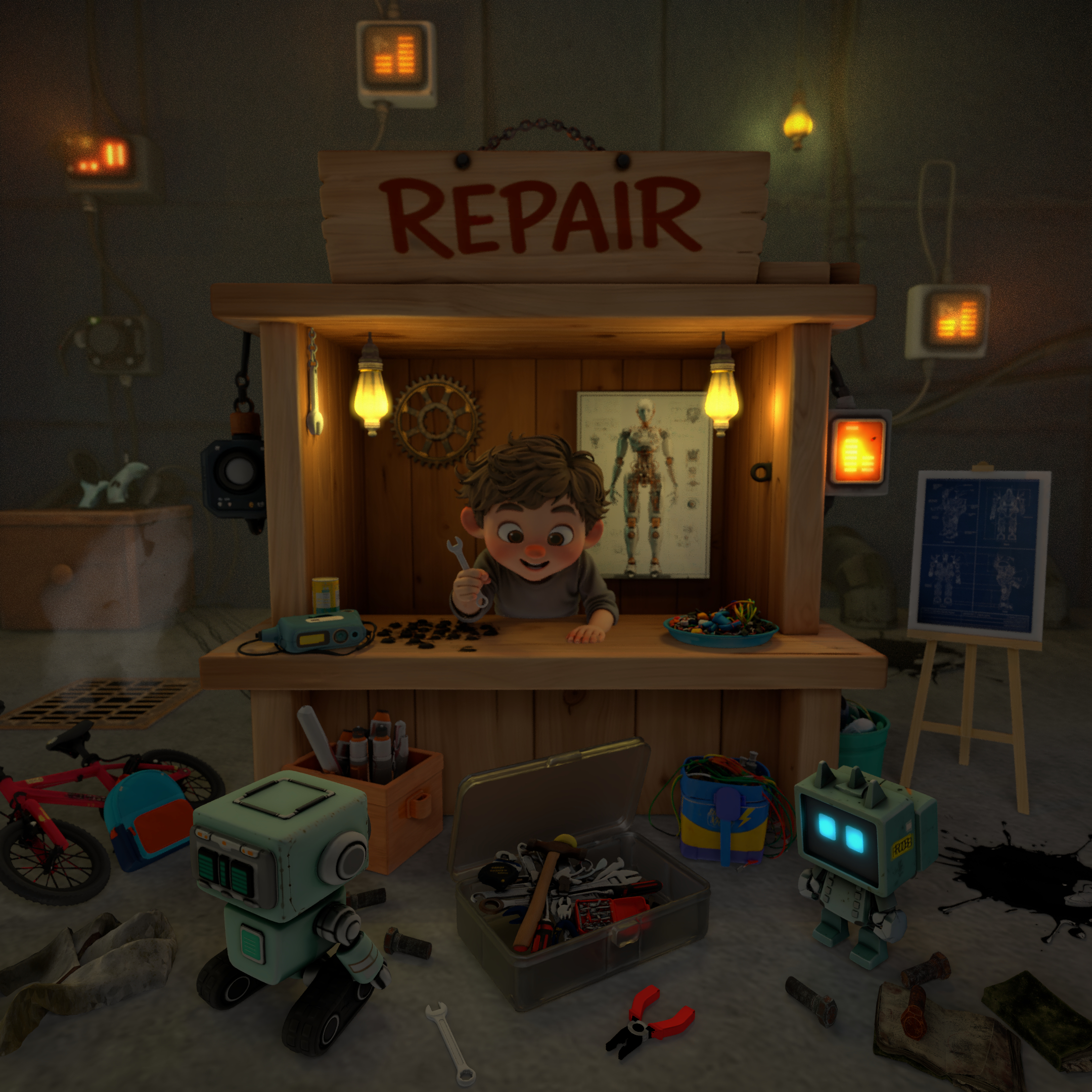
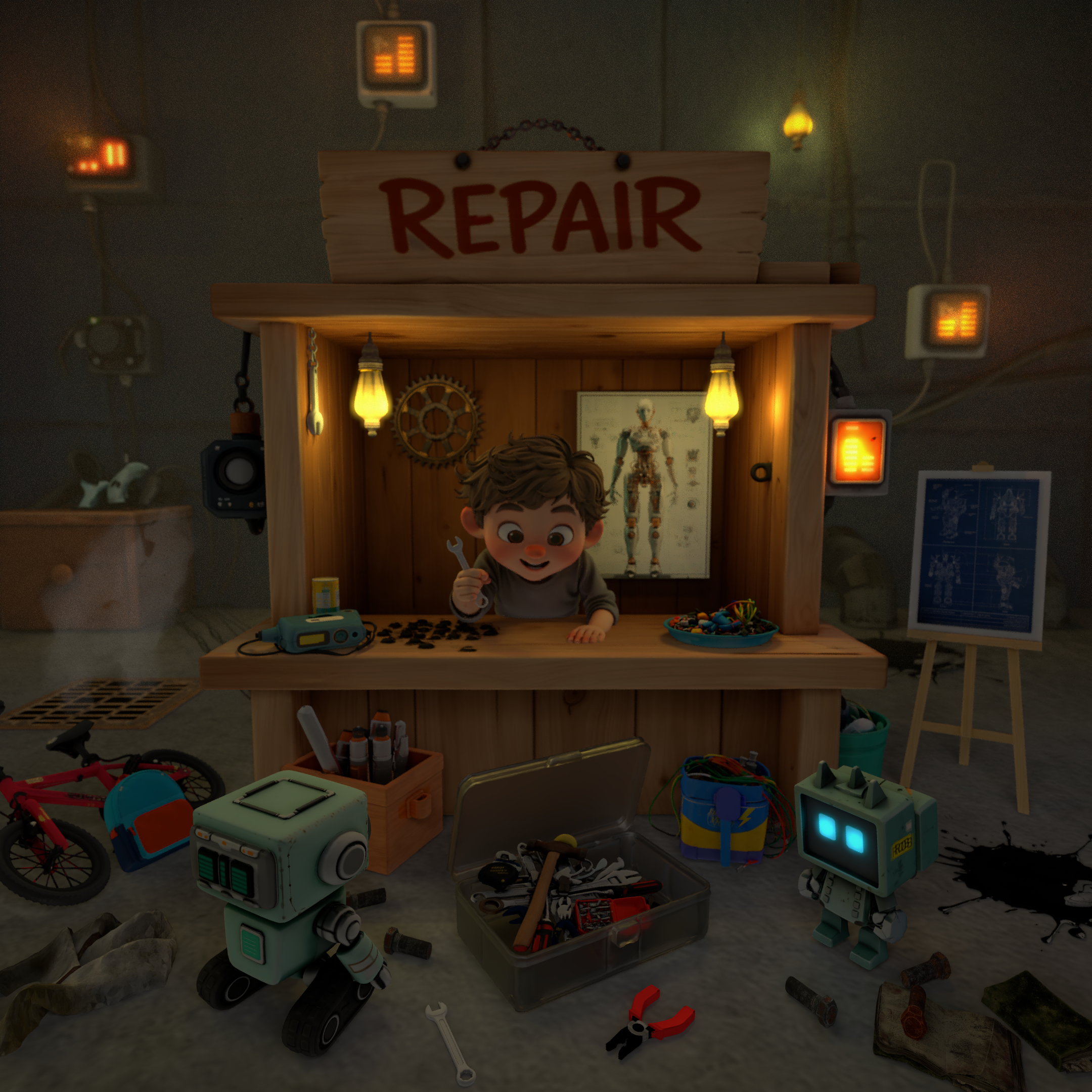
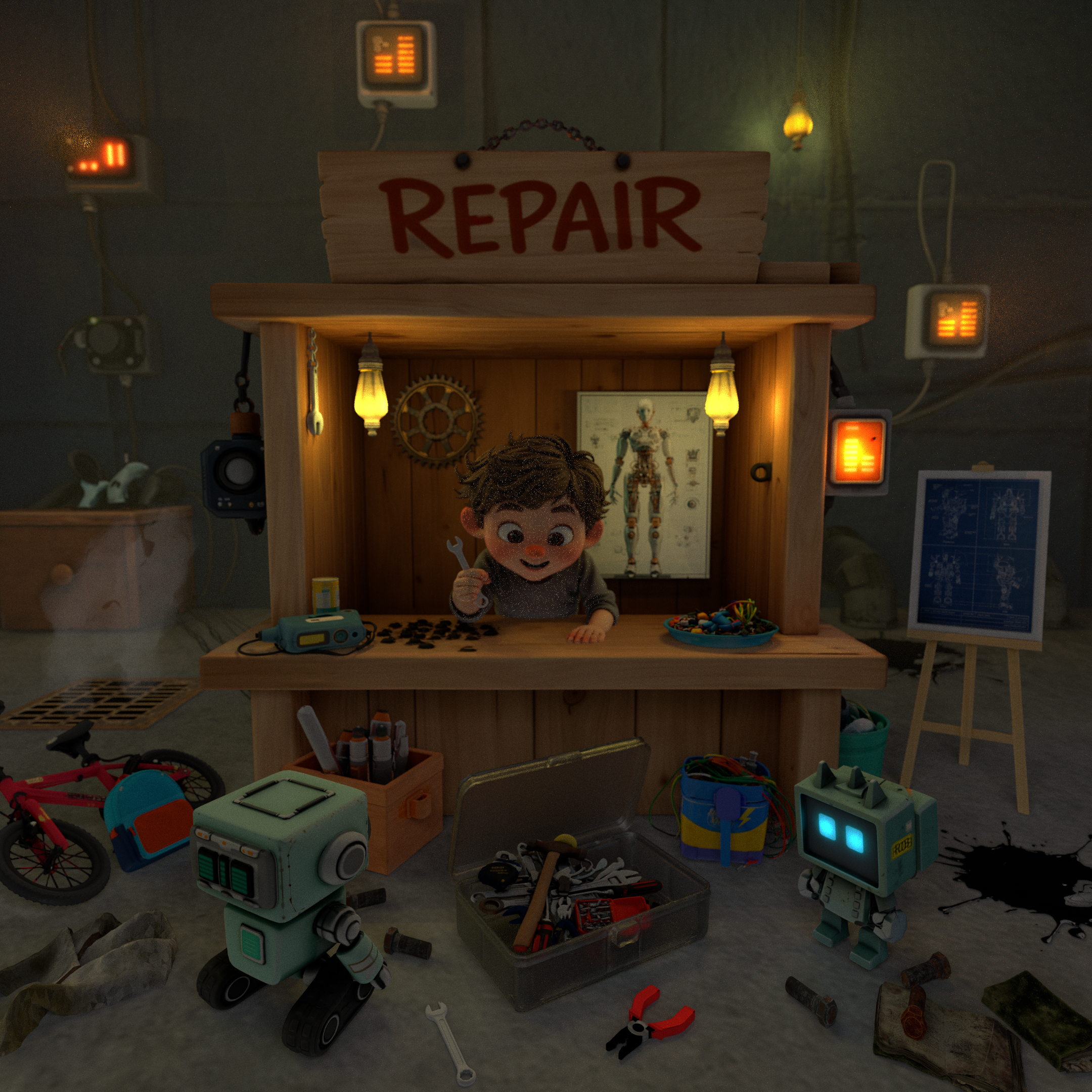
Pixar-style storytelling and the feeling of a “small moment with a big meaning” were the main inspiration. The goal was to show curiosity and ambition through a child’s point of view, with a workshop that feels playful but still suggests a deeper story underneath.
The composition is built to pull attention to the child first, then slowly reveal story clues in the environment. Warm lighting inside the booth creates comfort, while the darker surroundings add secrecy and contrast. Color and depth are used to guide the eye and keep the scene readable without losing the mood.
After school, when everything gets quiet, a child opens a hidden repair booth. With two robot companions nearby, broken machines get fixed and old parts become useful again. Behind the playful mess, sketches and posters quietly suggest a bigger invention in progress. Finding a strange toolbox becomes the turning point, as if this small booth is only the beginning.
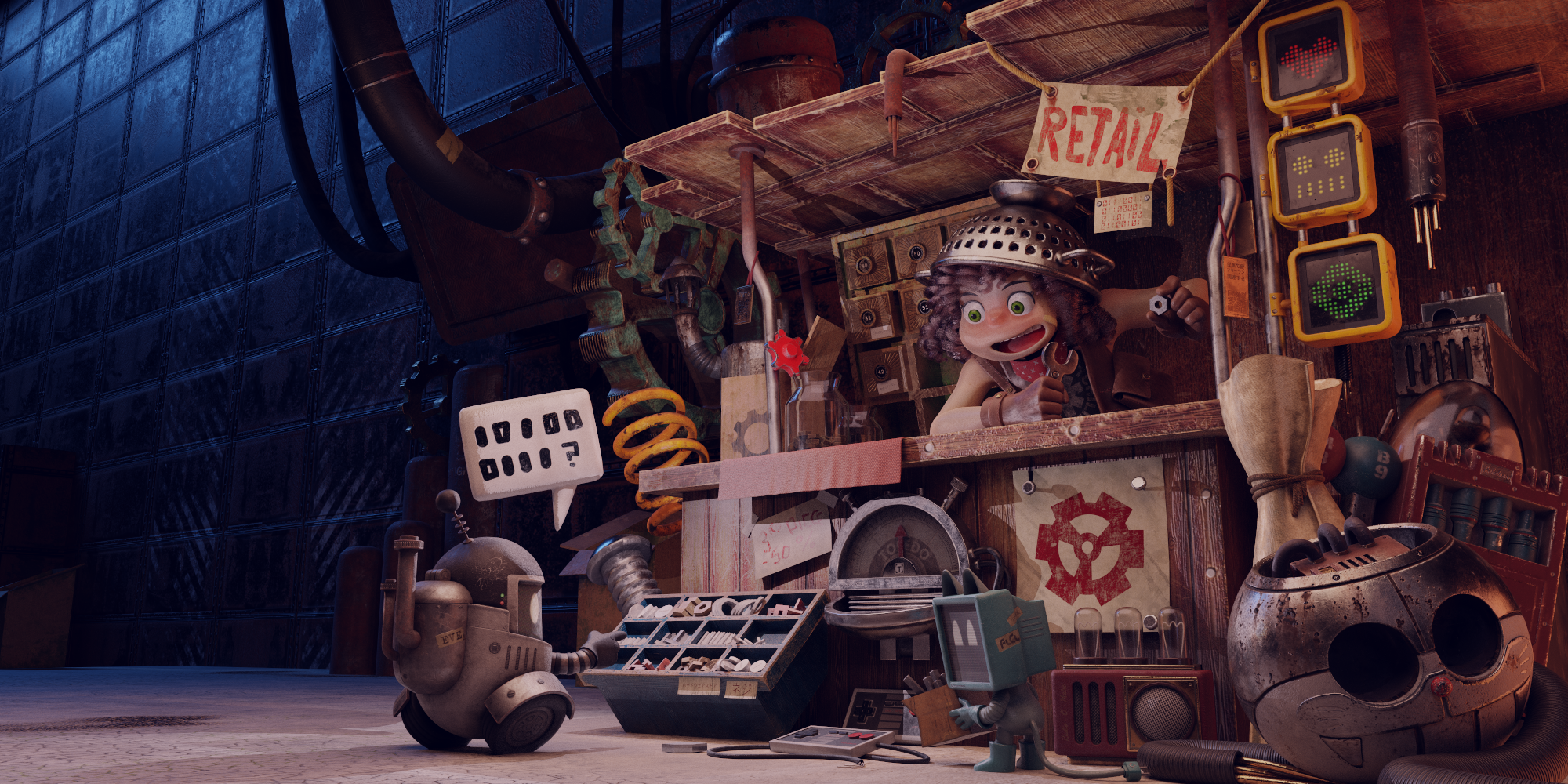
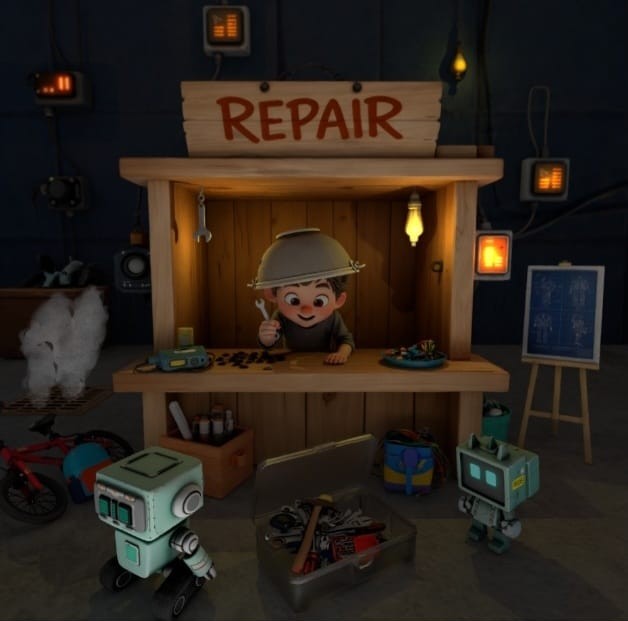
The reference helped set the overall mood: a small repair booth filled with fun clutter and mechanical details. The strong contrast between warm interior light and a darker industrial space was a key idea to keep. The final scene focuses more on the child’s expression and adds extra story hints, like sketches and posters, to suggest a larger project beyond the frame.
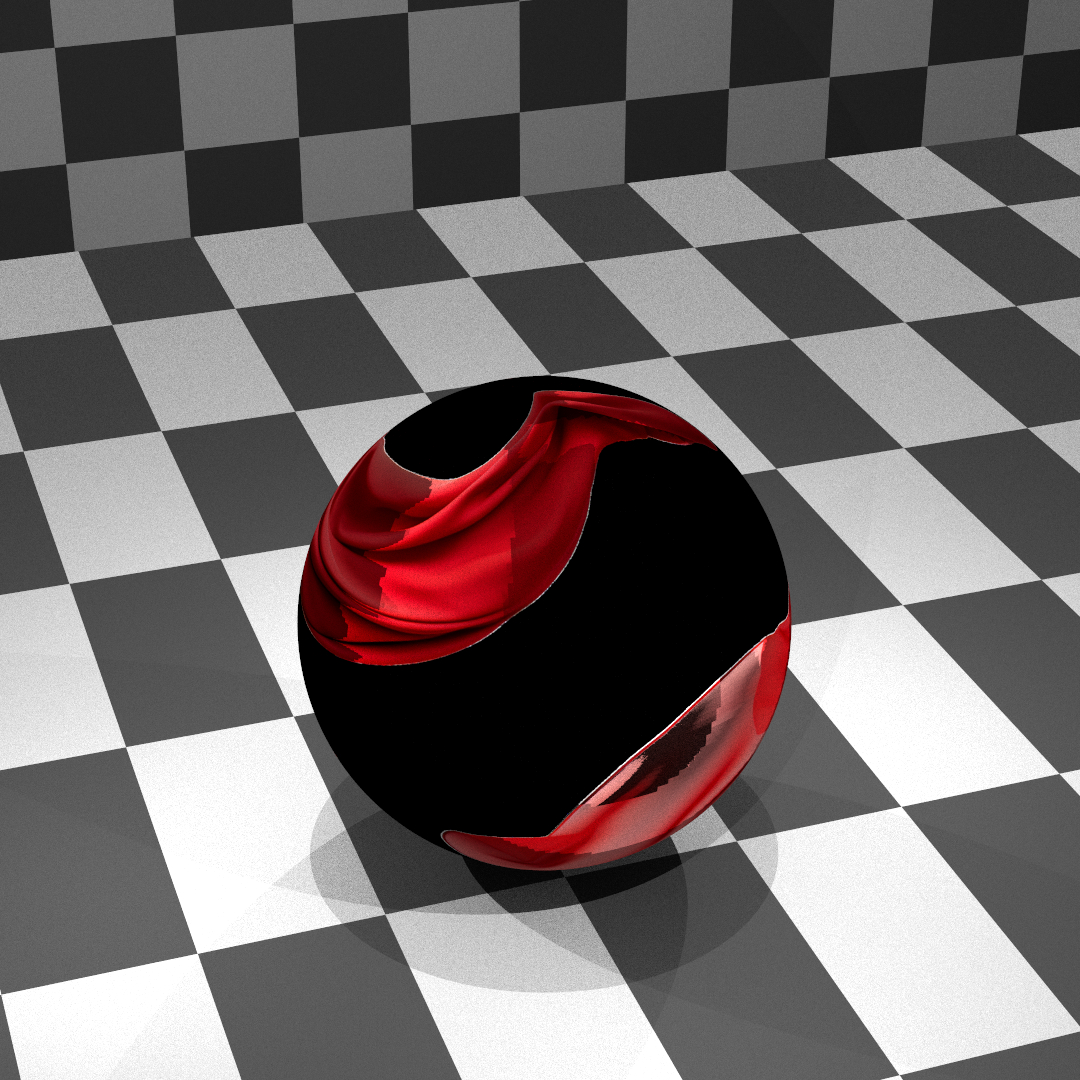
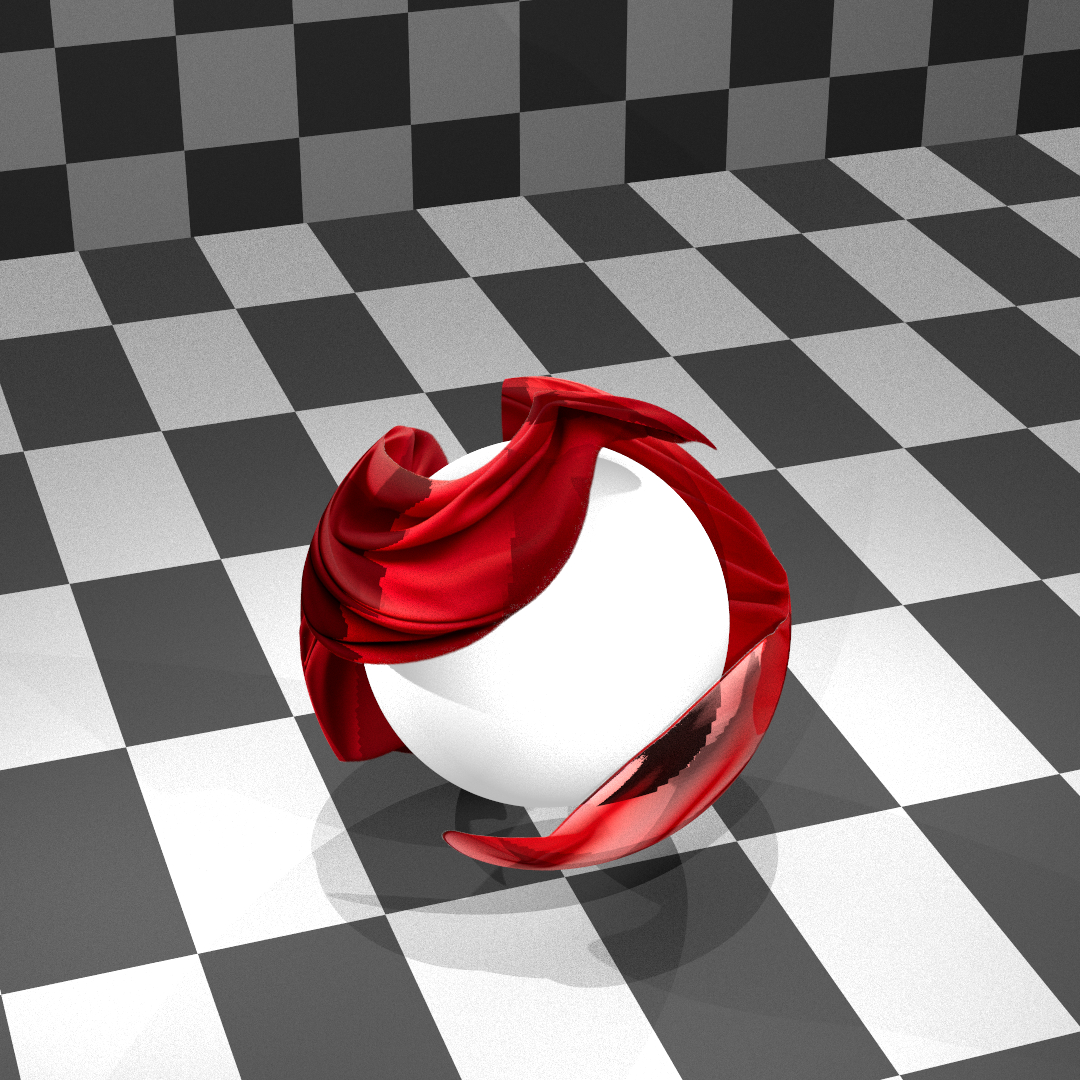
Adds “cutout transparency” using an alpha texture. This makes thin details like leaves, grills, or holes possible without adding extra geometry, so scenes stay lighter and faster.
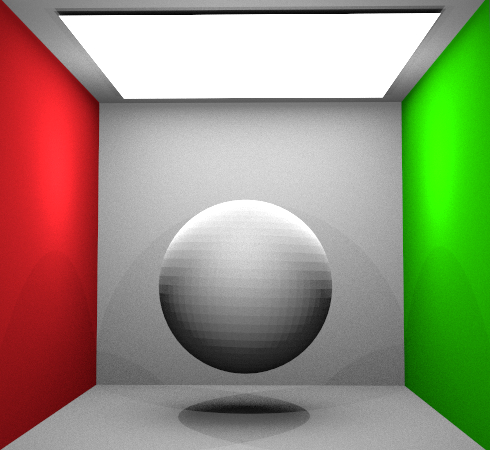
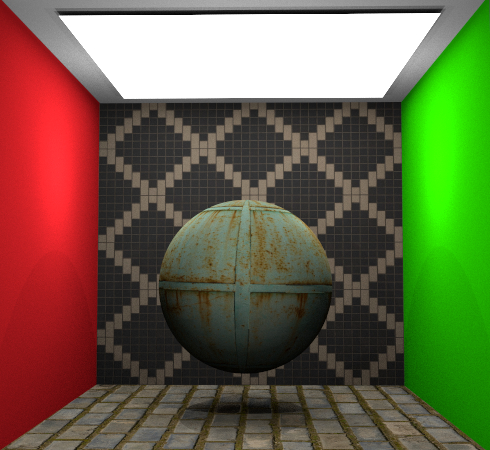
Fakes small surface bumps using a texture that modifies shading normals. This adds detail (scratches, bricks, fabric) without increasing mesh complexity.
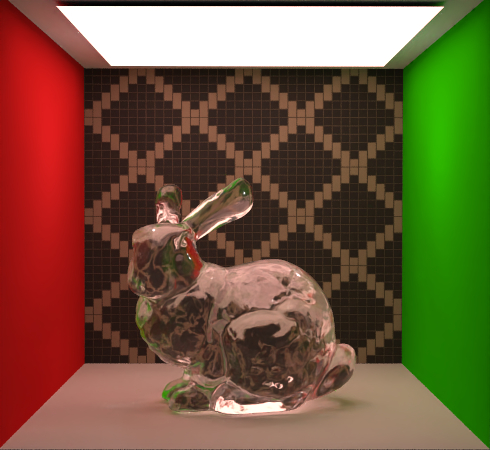
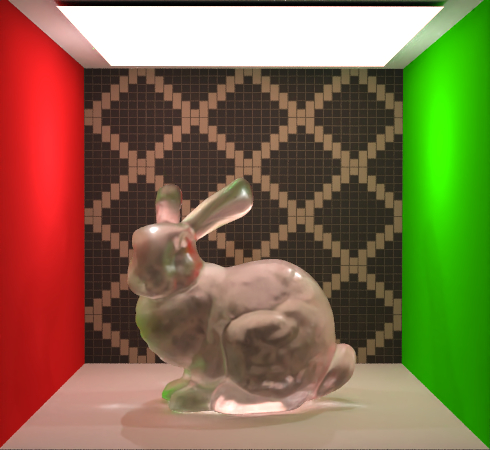
Simulates frosted / micro-rough glass where refraction gets blurred and highlights spread out. This makes glass feel less “perfect” and more realistic.
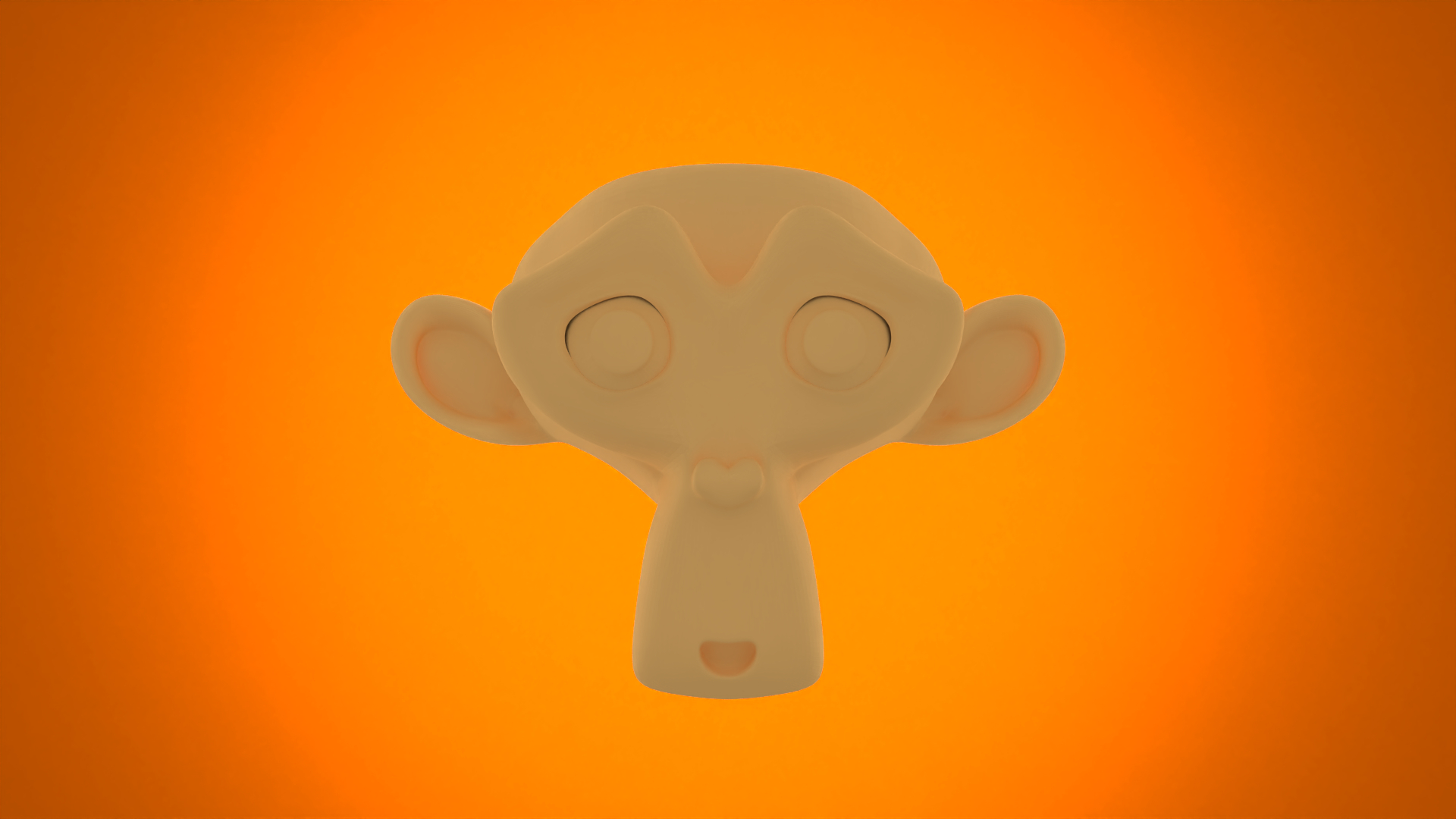
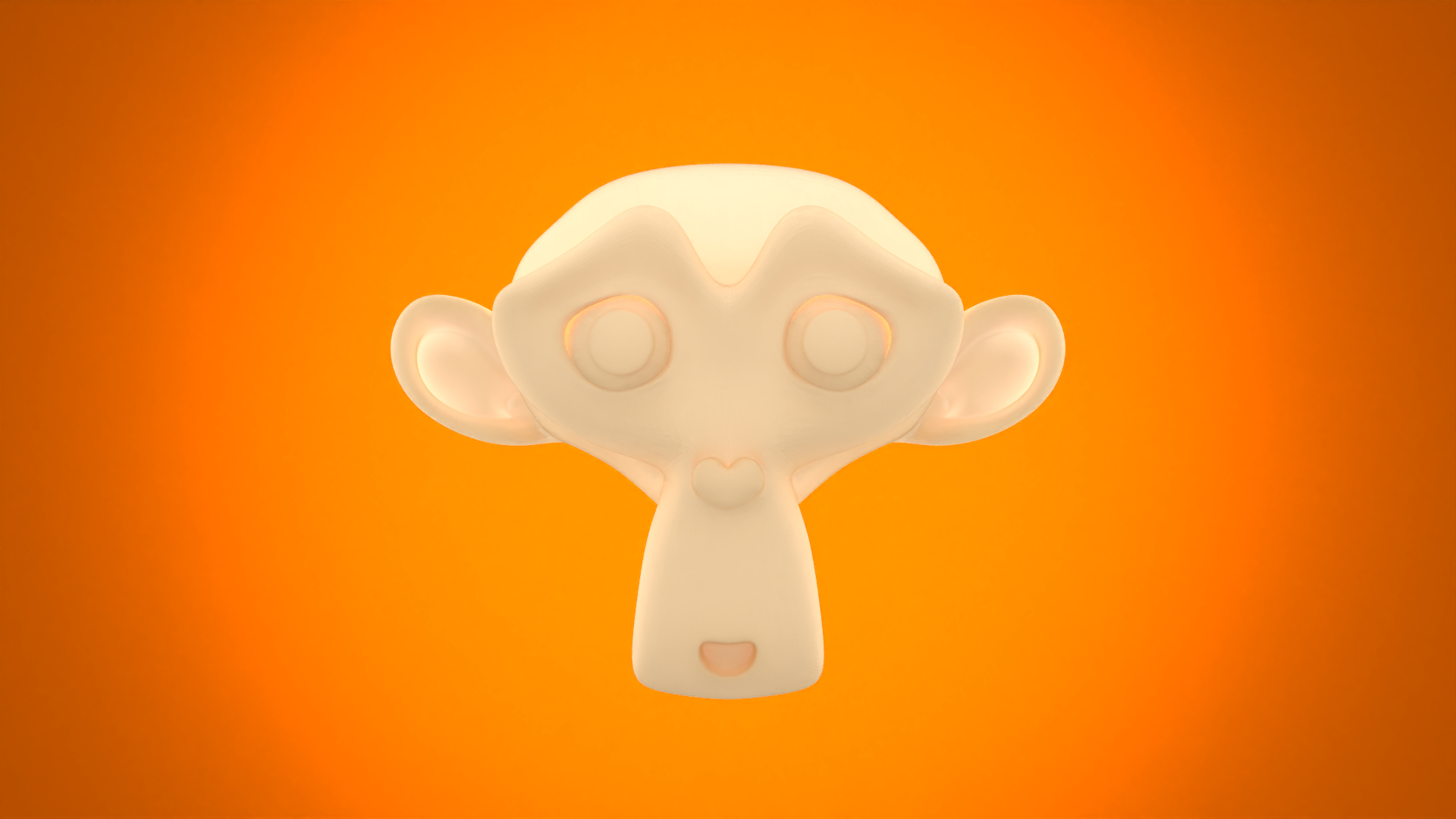
Models light traveling under the surface and exiting somewhere else. This creates a soft “glow” and gentle shading that is typical for skin, wax, paper, or similar materials.
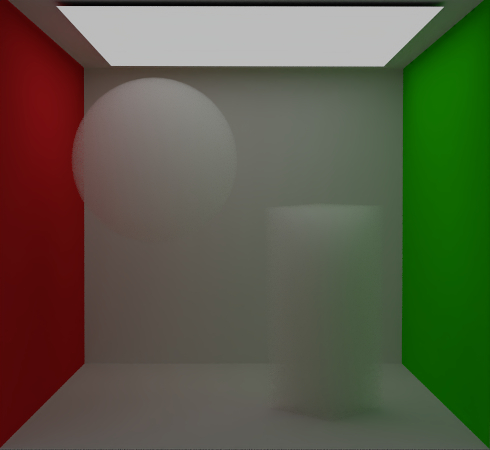
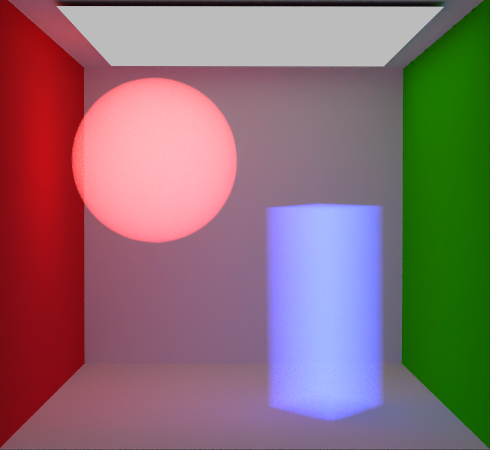
Improves fog/smoke by supporting colored absorption/scattering and (optionally) emission. This makes volume lighting richer and enables effects like colored shadows and depth cues.
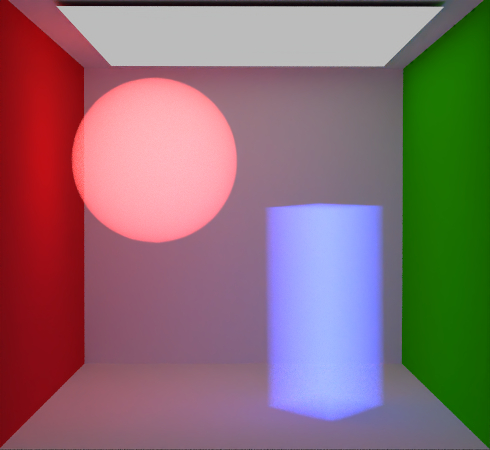
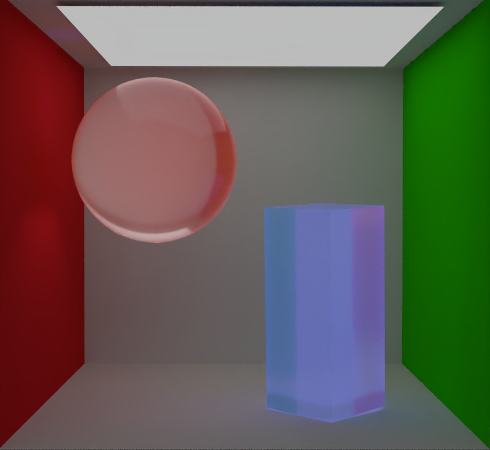
Couples a participating medium with a boundary material. This allows surfaces to still show highlights and reflections while the interior behaves like a volume.
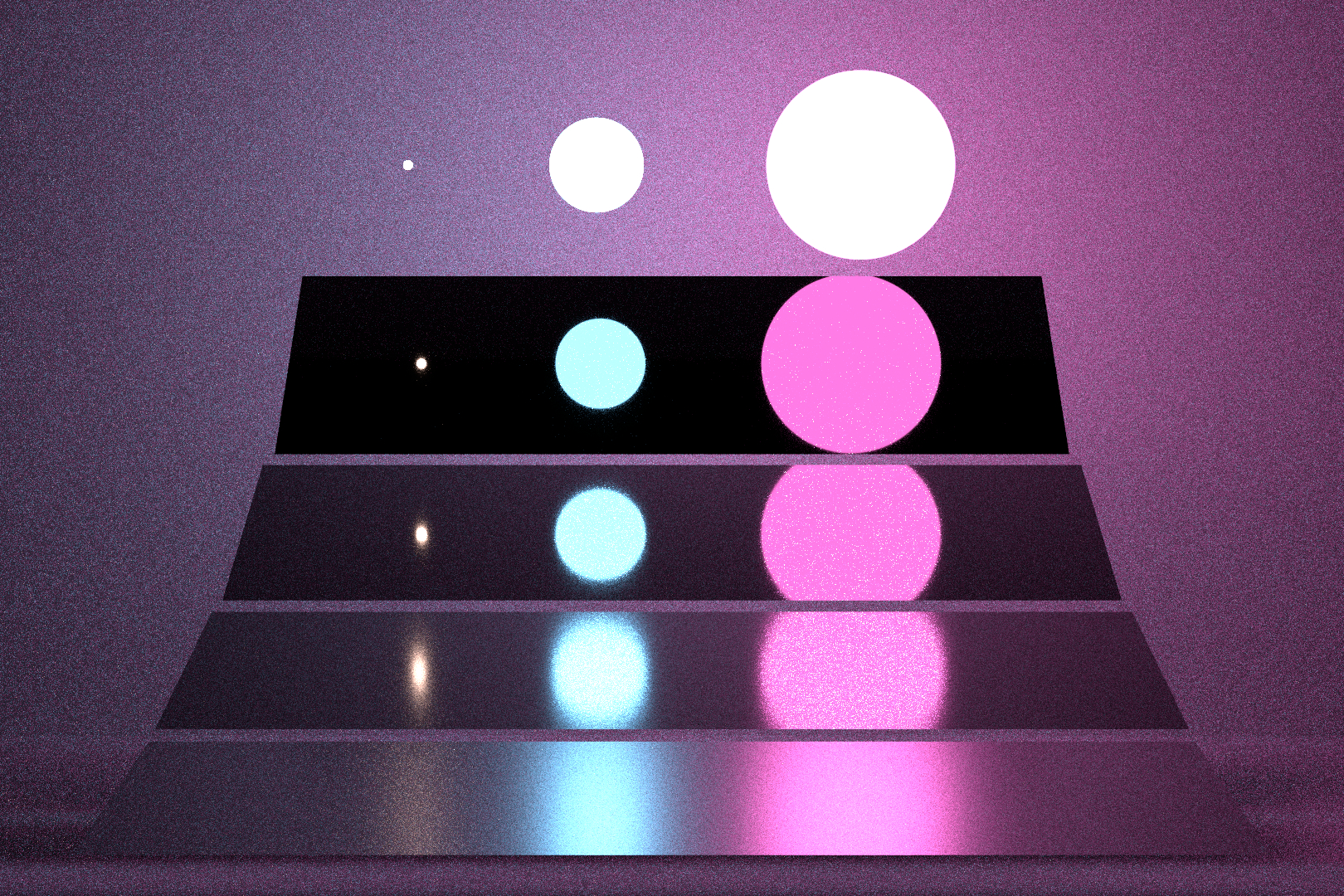
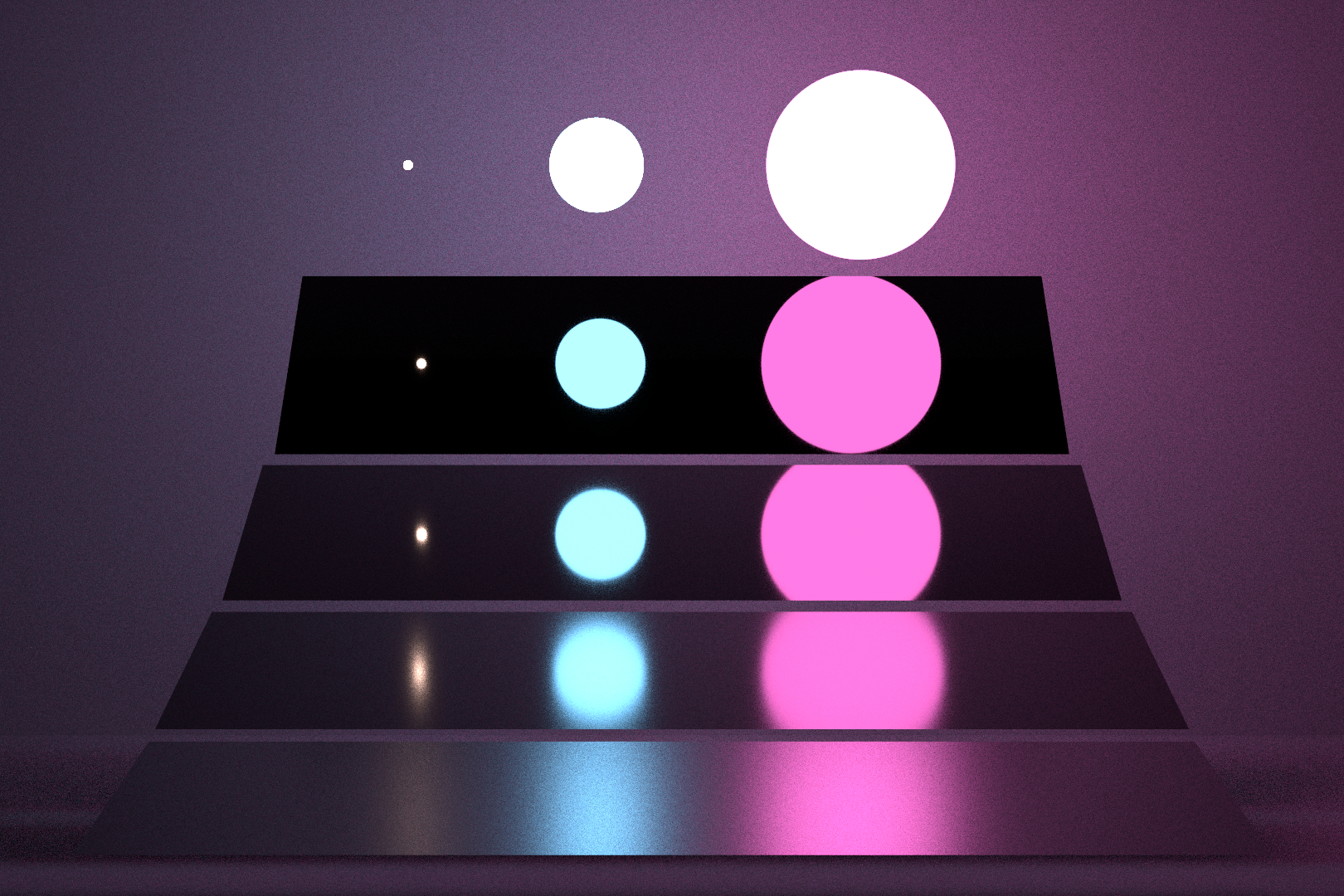
Combines BSDF sampling and direct light sampling at every bounce, then weights both contributions. This reduces noise and avoids having to “pick the better strategy” manually.
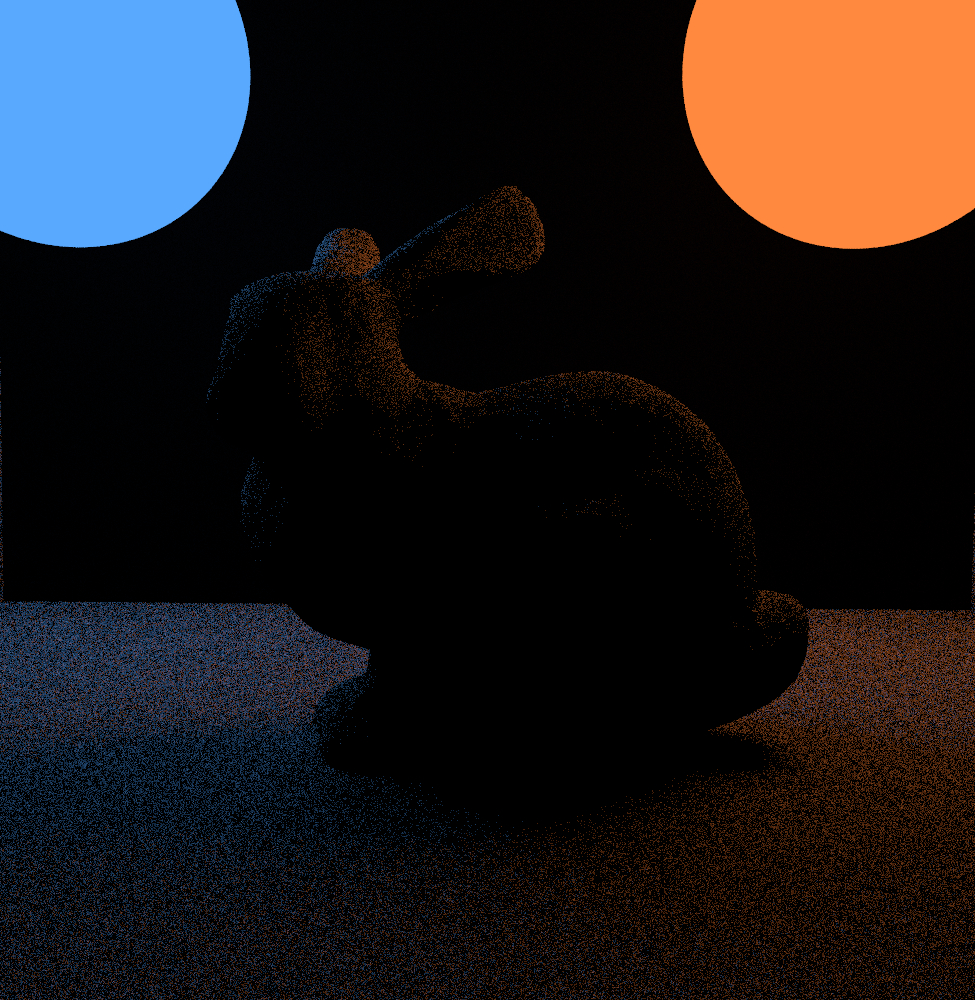
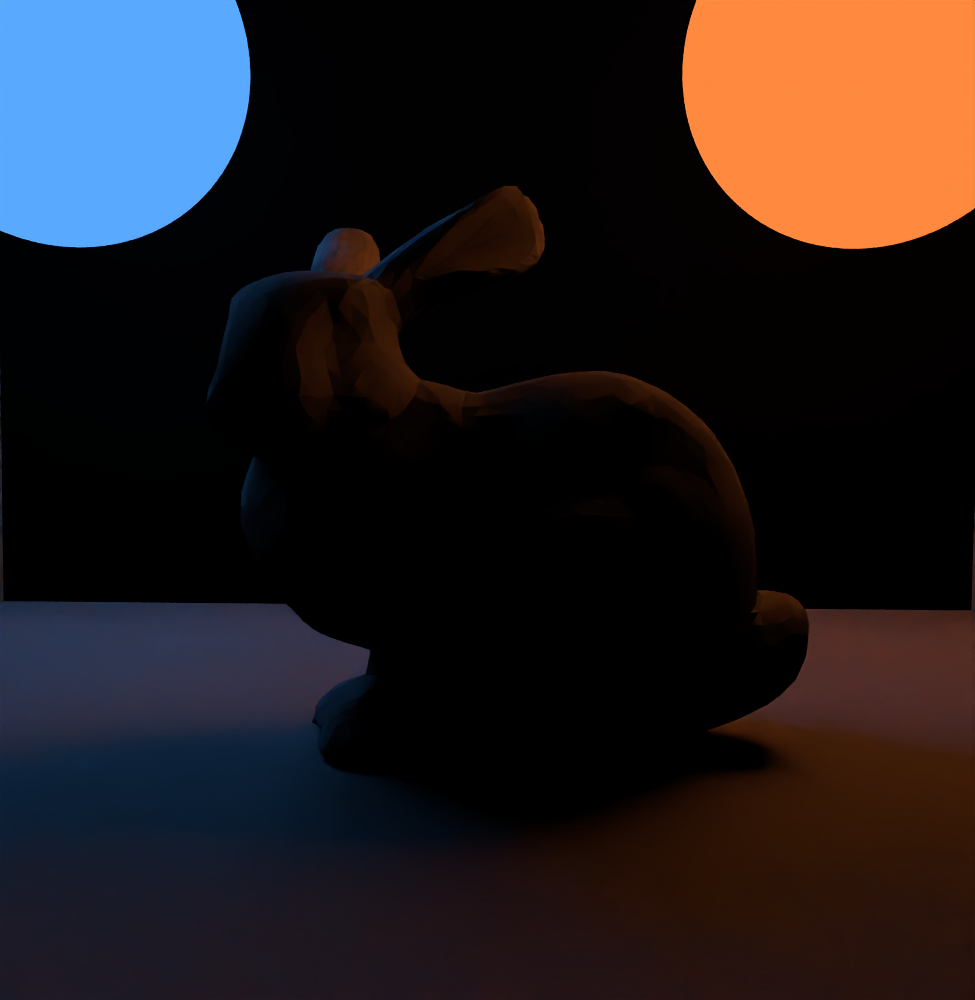
Removes Monte Carlo noise while trying to keep edges and detail. This helps produce clean results at lower sample counts, especially in dark or indirect-lit regions.
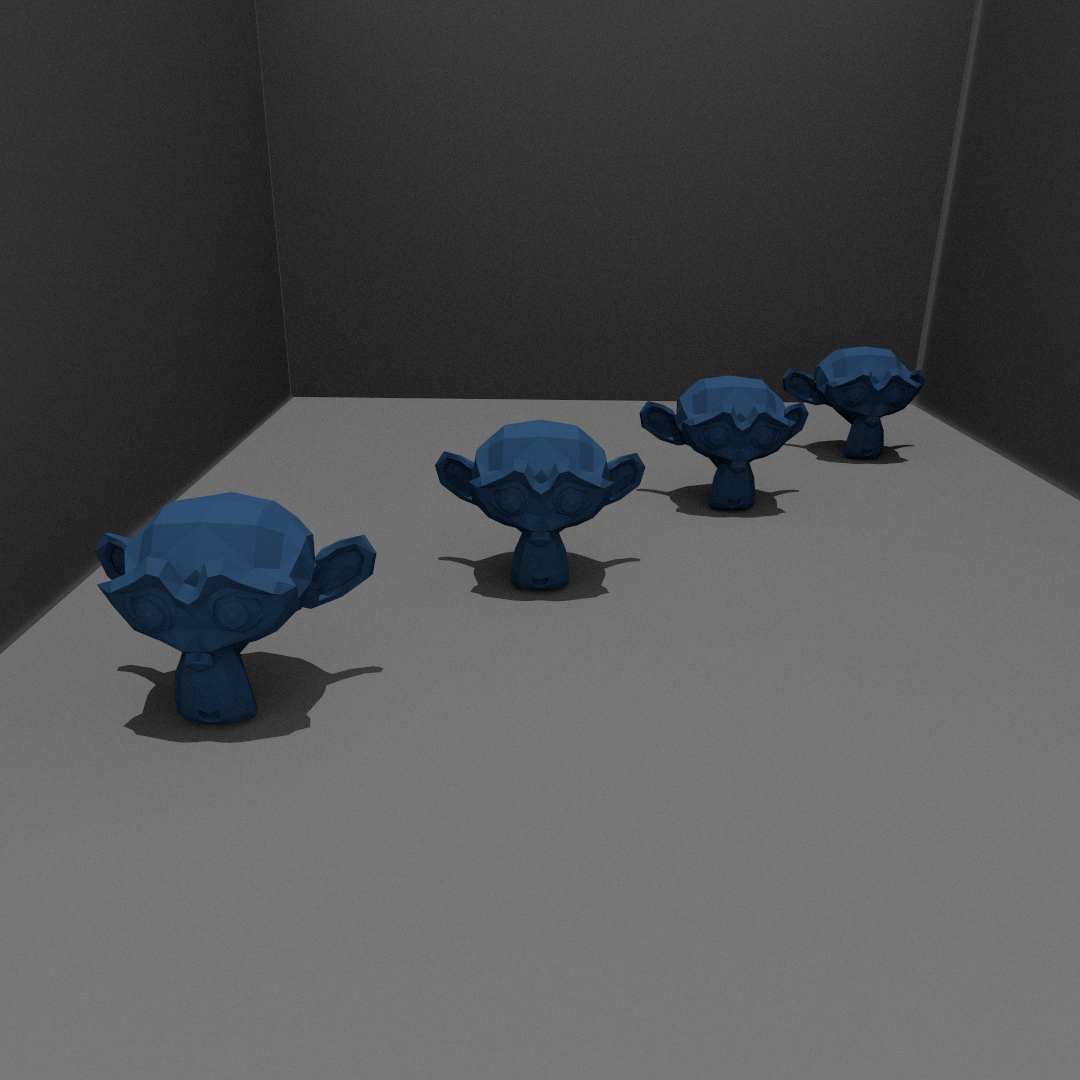
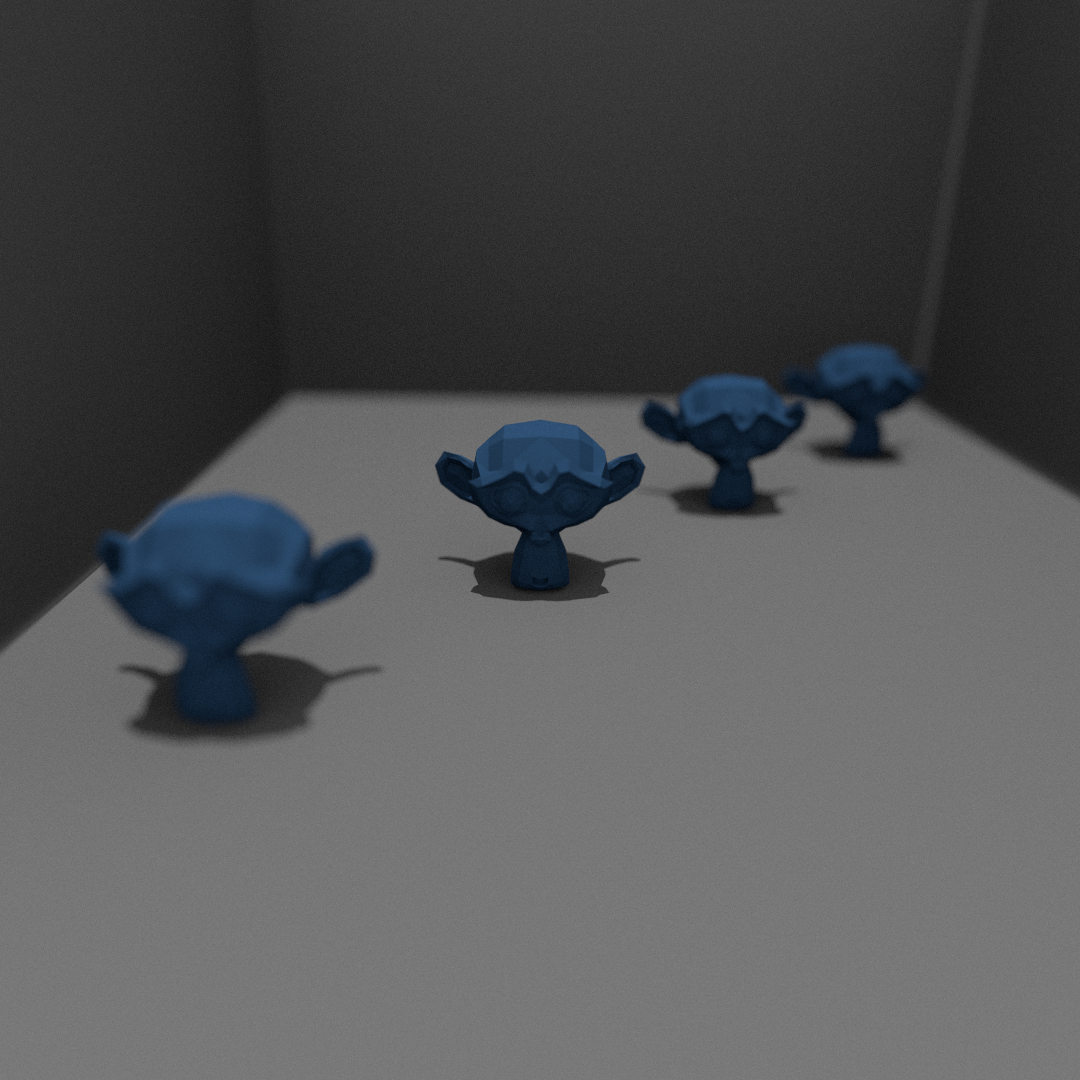
Simulates depth of field by sampling a lens aperture instead of a single pinhole. This creates realistic focus blur and helps guide attention to the subject.
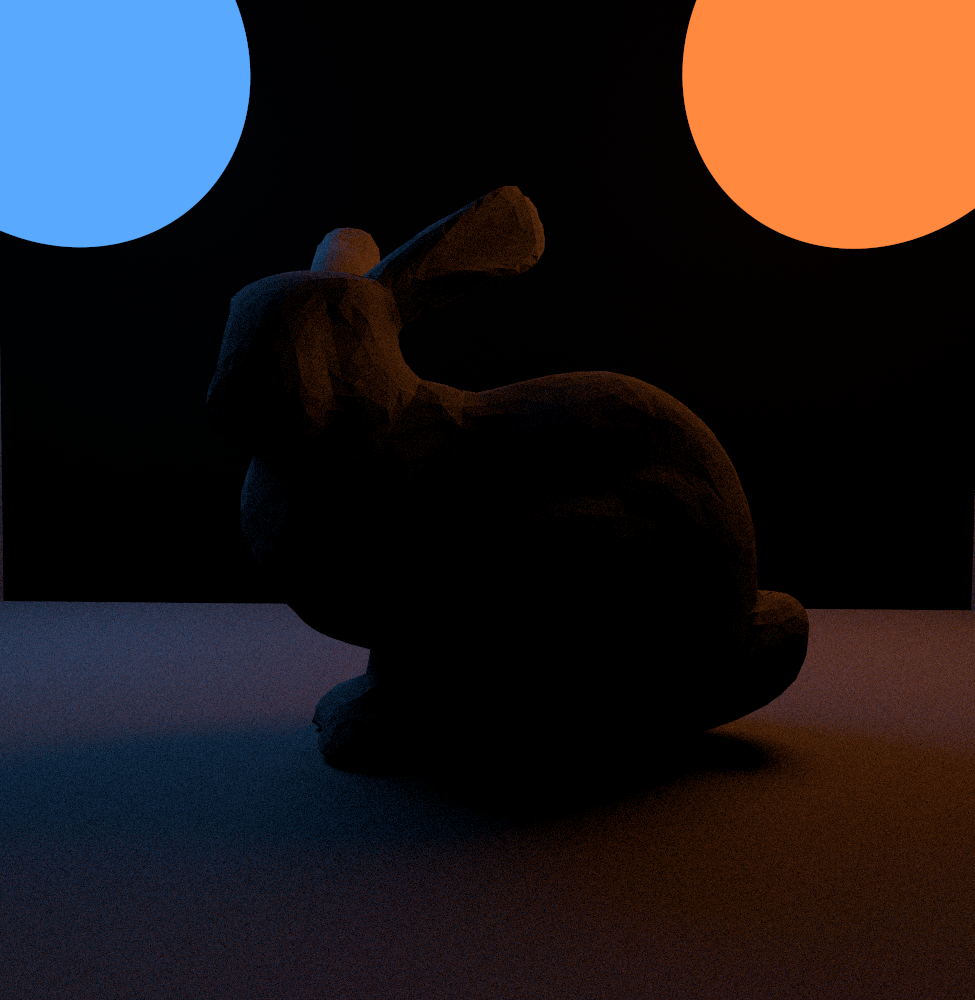
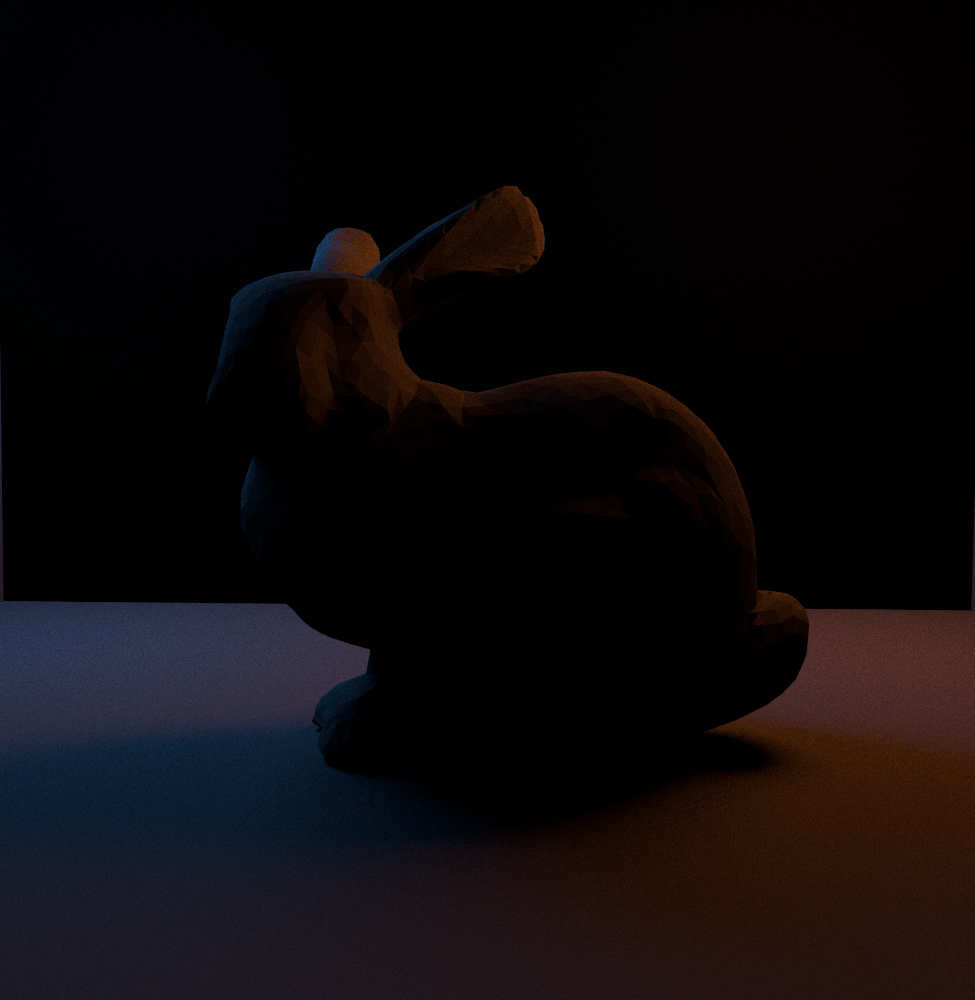
Adds sampling for lights with actual size, which produces softer, more realistic shadows and reduces noise compared to “hoping to hit the emitter by chance.”
| Asset | Author | License | Source |
|---|---|---|---|
| Vintage Bulbs | Angel Ramirez | - | Link |
| Plier | Kroko.blend | CC Attribution | Link |
| Canvas with Easel | projectkaizen | CC Attribution | Link |
| Filthy bar towel | Trey M. | CC Attribution | Link |
| Red Bike | stealth86 | CC Attribution | Link |
| Backpack | yesithlive | Royalty Free License | Link |
| Humanoid White Robot texture | - | Commercial License | Link |
| Cogwheel texture | - | Commercial License | Link |
| Electrical Junction Device | rickmaolly | CC Attribution | Link |
| Wrench | - | Royalty Free License | Link |
| Back Wall Blue texture | - | - | Link |
| Floor texture | - | - | Link |
| Floor Repair Guide | Guy in a Poncho | CC Attribution | Link |
| Air Duct | - | Royalty Free License | Link |
| Drain | Ellis Rogers-Byrne | CC Attribution | Link |
| Oil Spill texture | - | - | Link |
| Blue Bucket | - | Standard License | Link |
| Tools | - | Link | |
| Tool Box | PropsLib | Royalty Free License | Link |
| Wooden Box | JosiahJuice | CC Attribution | Link |
| Tray | JYModels | CC Attribution | Link |
Disclaimer: All the base models have been modified and re-textured.
AI Usage: For models of the Pixar Character, the Repair Booth and the two Robots, Meshy AI has been used in accordance with the guidelines (Project_info: 2.2 "All assets must be publicly available for free") of using FREE assets. ( Meshy AI Free Education Plan)
For MIS, the hardest part was handling many special cases inside the integrator. Even after extending the BSDF and direct light sampling code with a PDF value, several edge cases still needed careful logic to keep the weighting correct and stable. For subsurface scattering, the first difficulty was understanding the heavy math and edge cases in the provided paper. The second difficulty was implementation: it required introducing a new BSSRDF structure and integrating a new architecture into Lightwave.
The main artistic challenge was lighting. The goal was to keep the scene warm and readable while still feeling secret and cinematic. It took experimentation to make the booth feel lively and inviting without flattening the contrast or losing focus.