
A Fight in the Skies
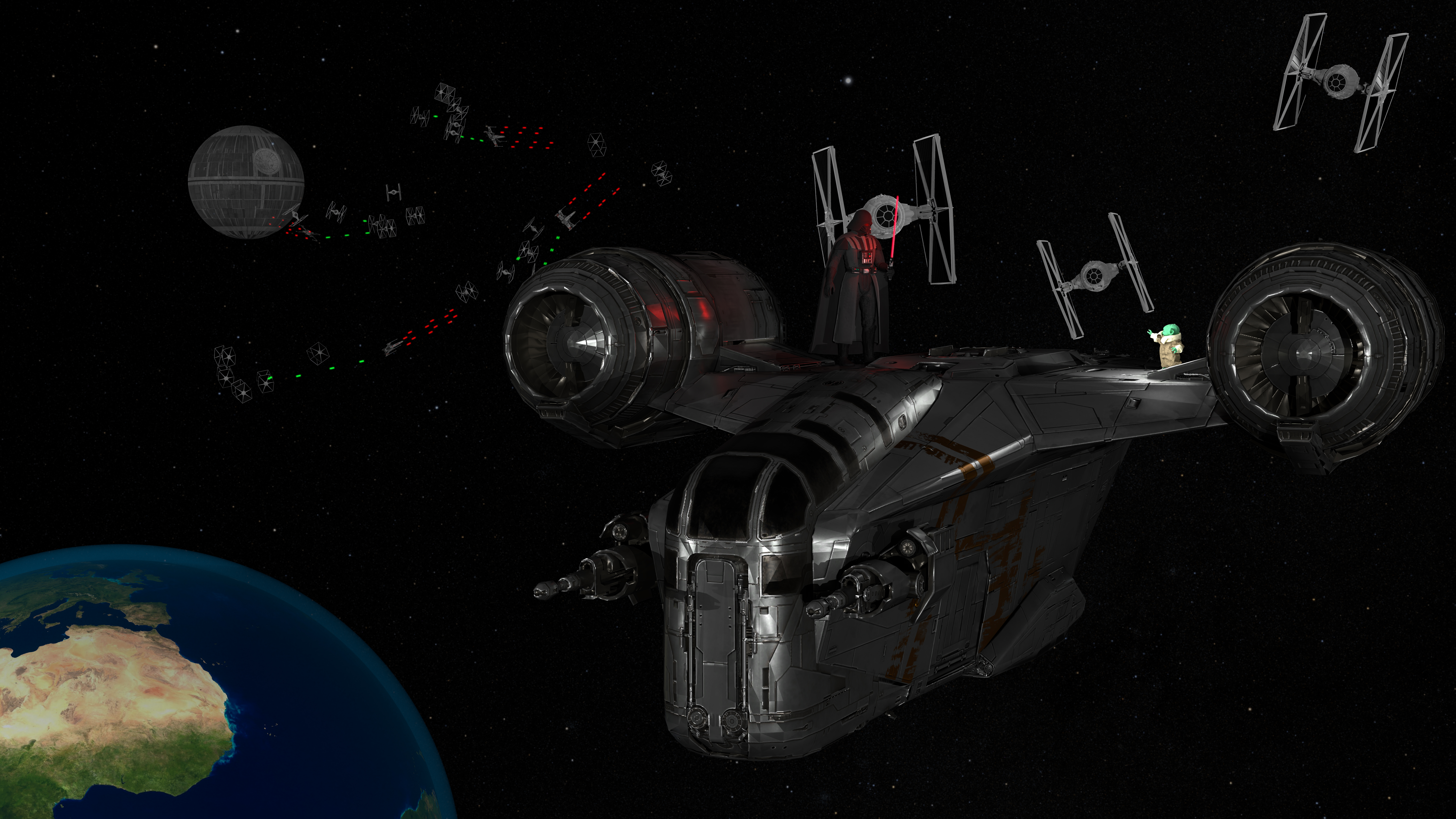
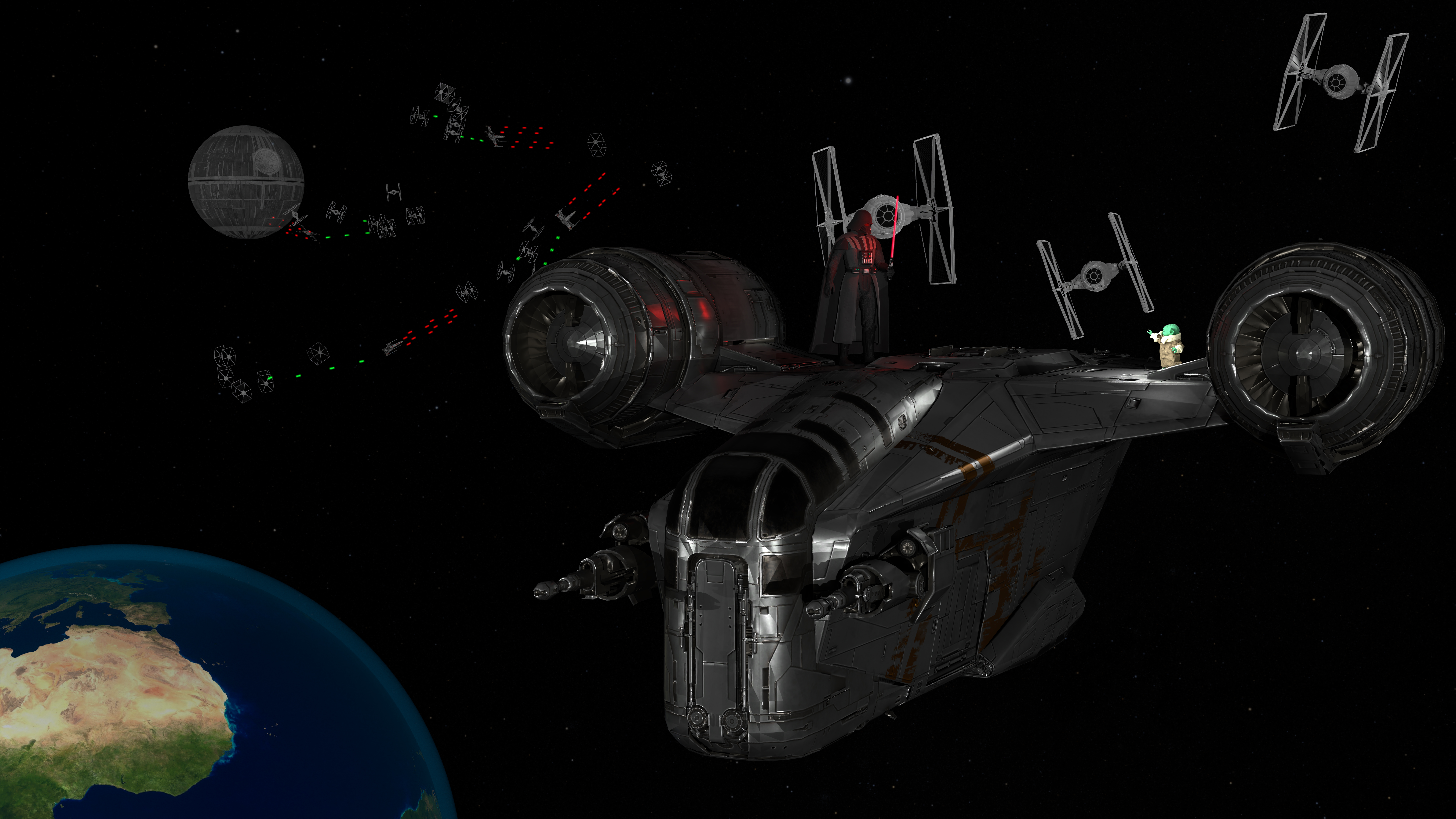
This Scene depicts a fight in an alternate timeline where Grogu fights against Darth Vader with the support of Mando to save the earth. We stole the script of the new movie 'The Mandalorian and Grogu', which will be released in may, in which Grogu and Mando travel in time to face off against the Imperium. We wanted to give a small sneak peak into the movie's resolution.
Interestingly, the fight takes place in the skies of earth. This is possible because earth does in fact exist in the Star Wars universe under a different name!
Render time and hardware details:
This scene contains over 3 million triangles, split across 440 individual meshes. It was rendered in 8K using 1024 samples.
Rendering the base scene took around 8080 seconds.
For post-processing, the normal and albedo passes took 1206 and 1311 seconds respectively.
The blooming and denoising postprocesses each took just over a second.
The PC used to render this has 16GB of RAM and uses a AMD Ryzen 7 5800X3D 8-Core Processor.
Scene evolution:
At the start of the scene building progress was a lot of experimentation using the lighting. This image shows an early concept.
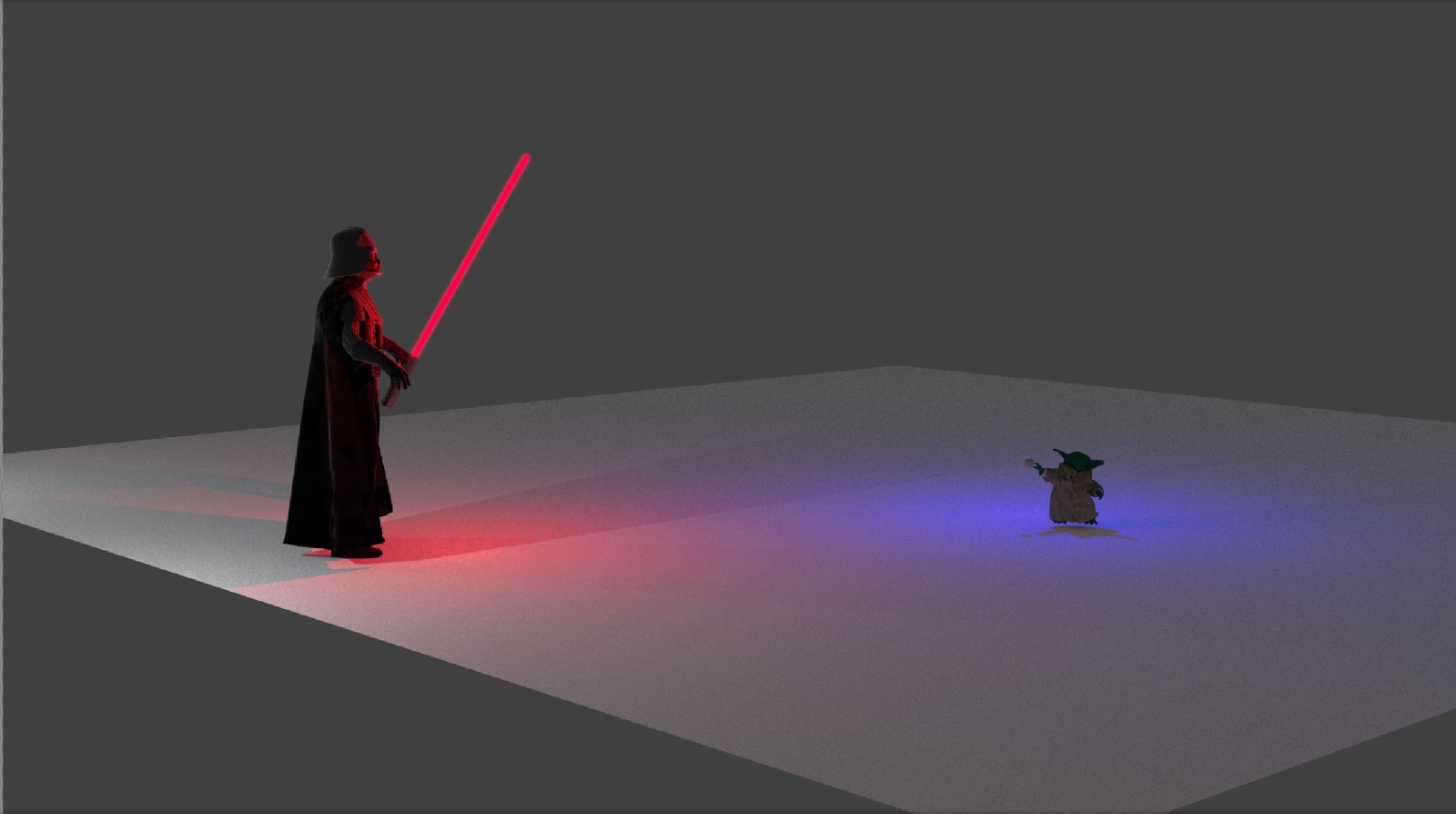
At first, we wanted to have the scene play out inside a spaceship, as can be seen below. We later scrapped that concept and moved the scene outside, to better portait the space fight in the background.
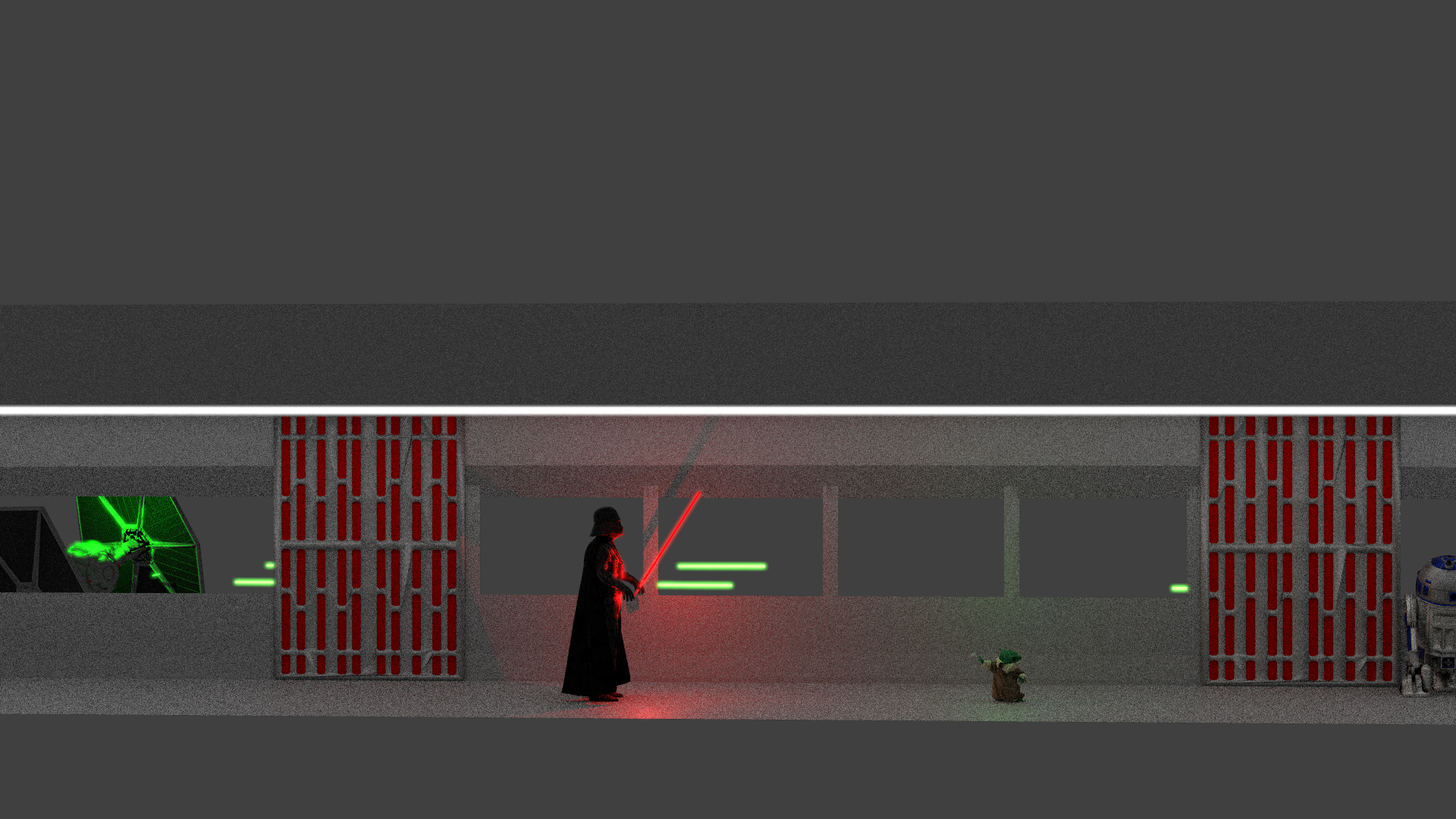
This also allowed us to use many more assets, such as the razer.
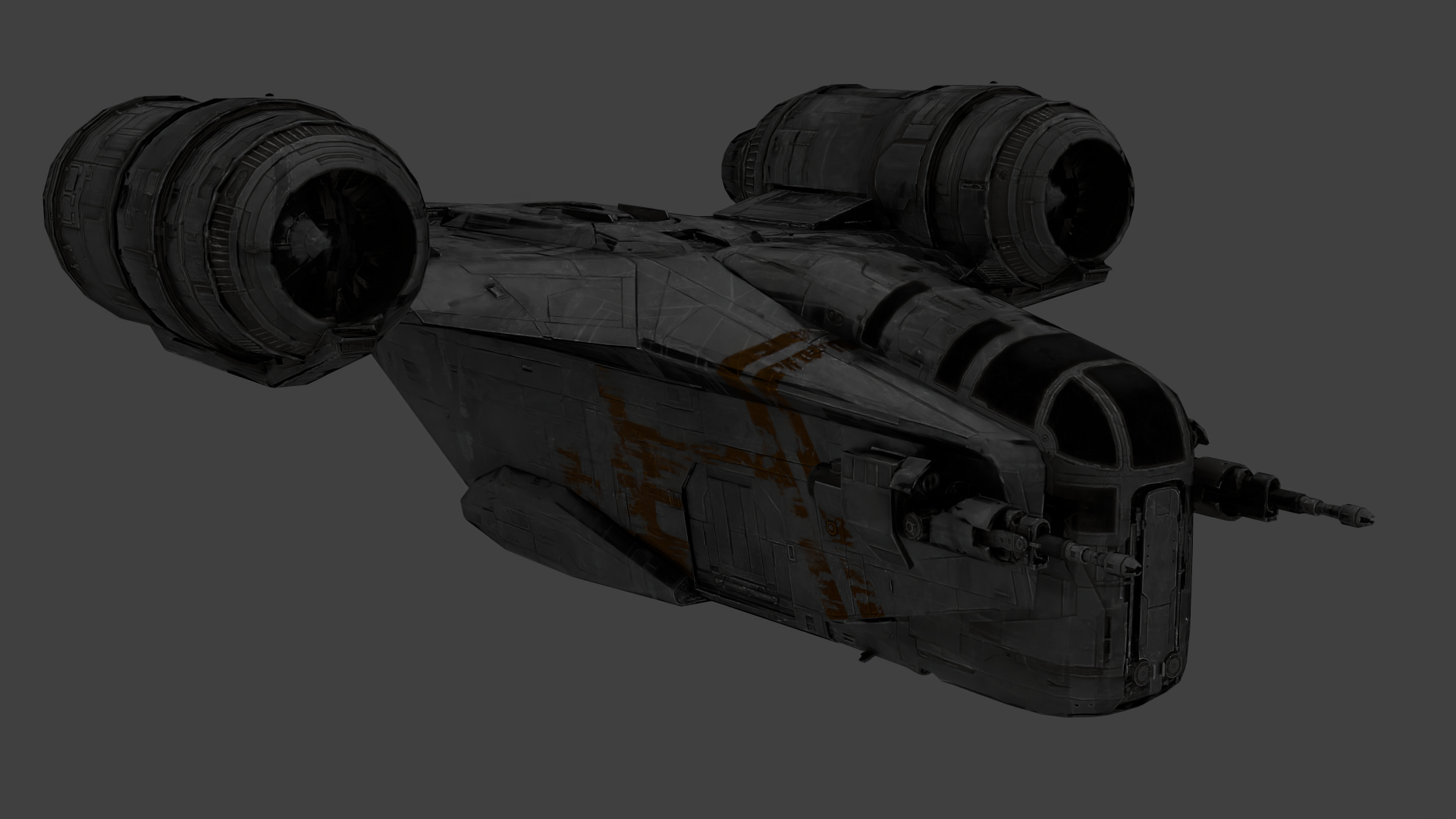
Putting everything together, we arrived at the first scene which took place in space, using the razer in the background:
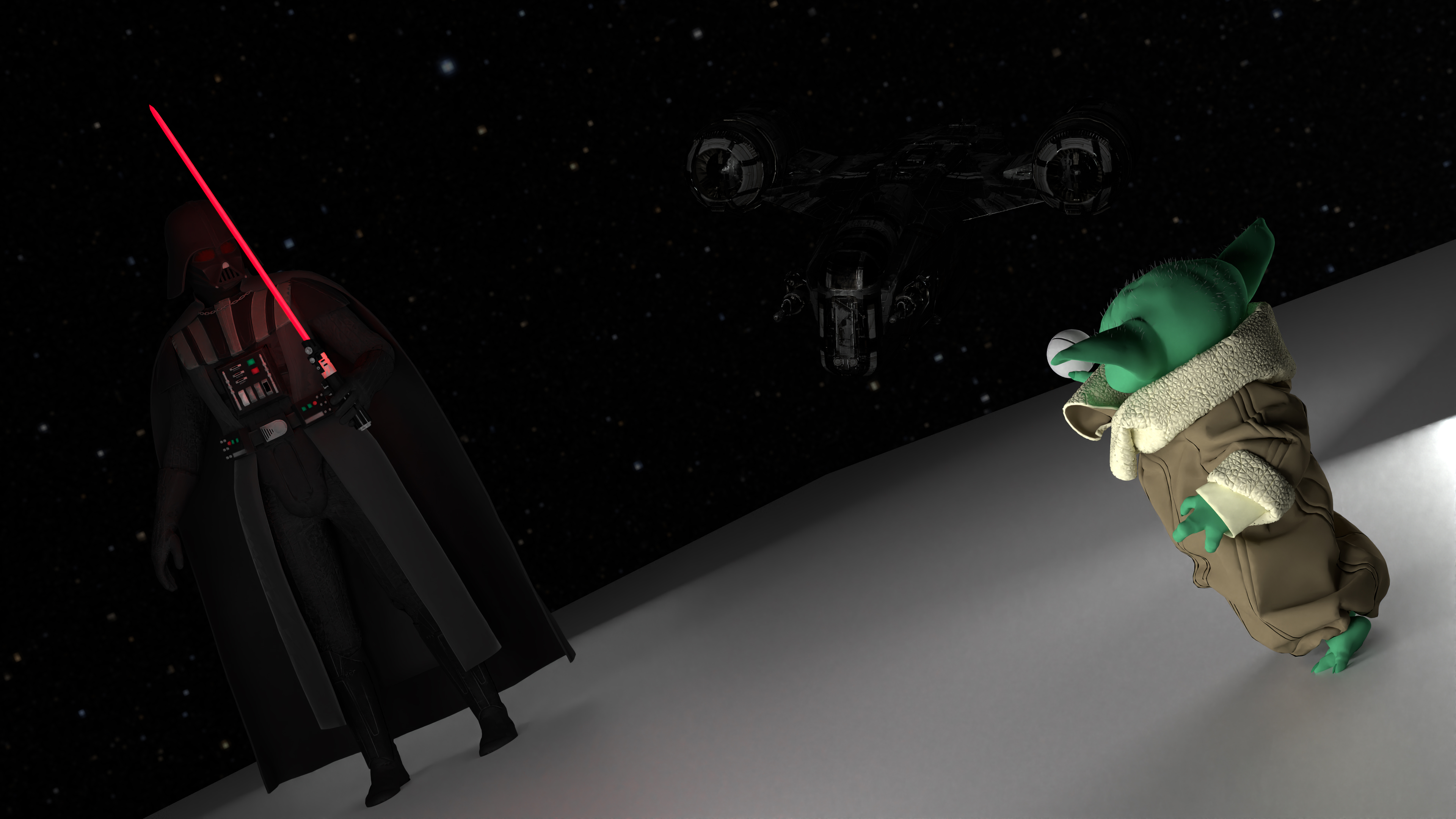
Vader and Grogu were then quickly moved to stand atop the Razer.
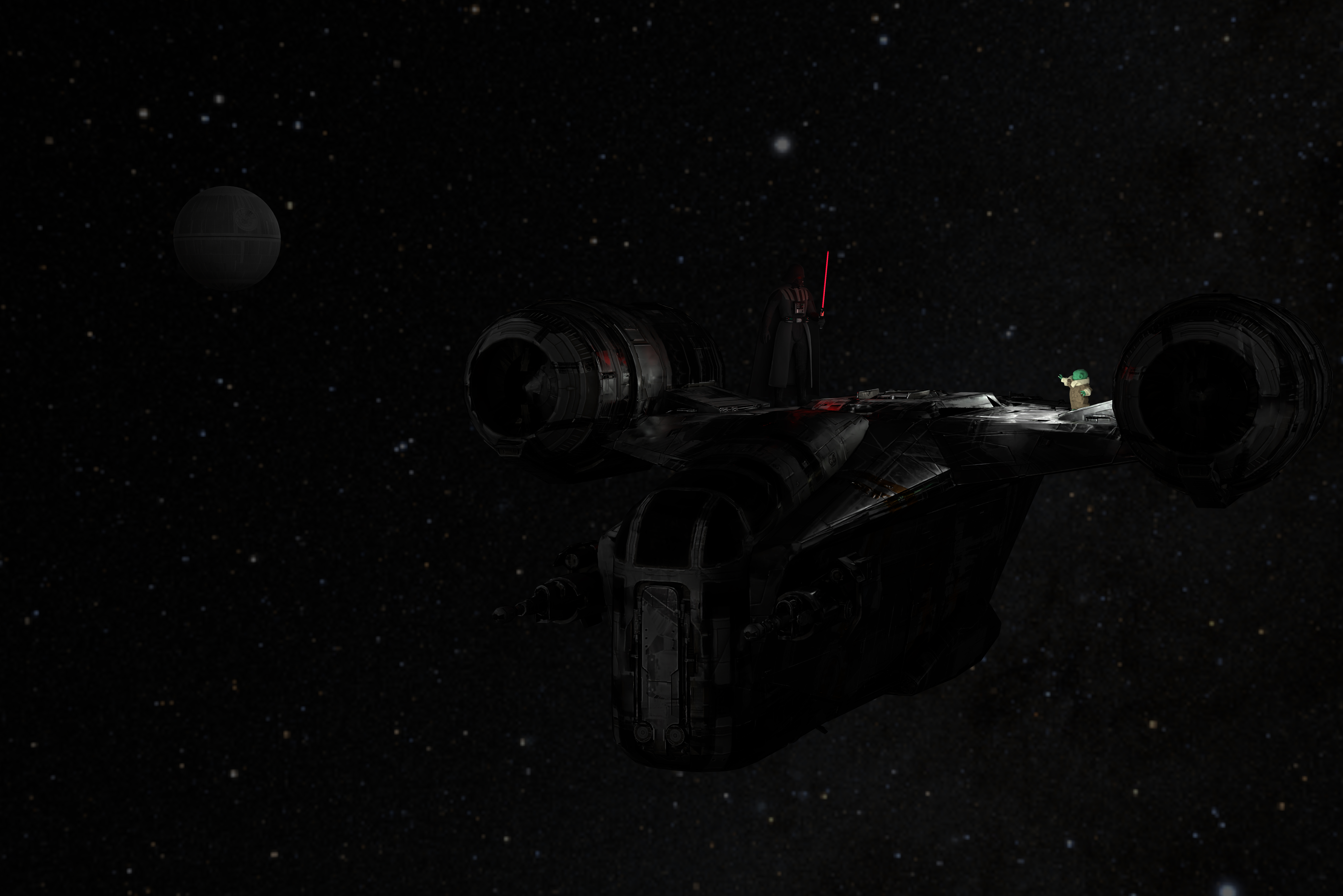
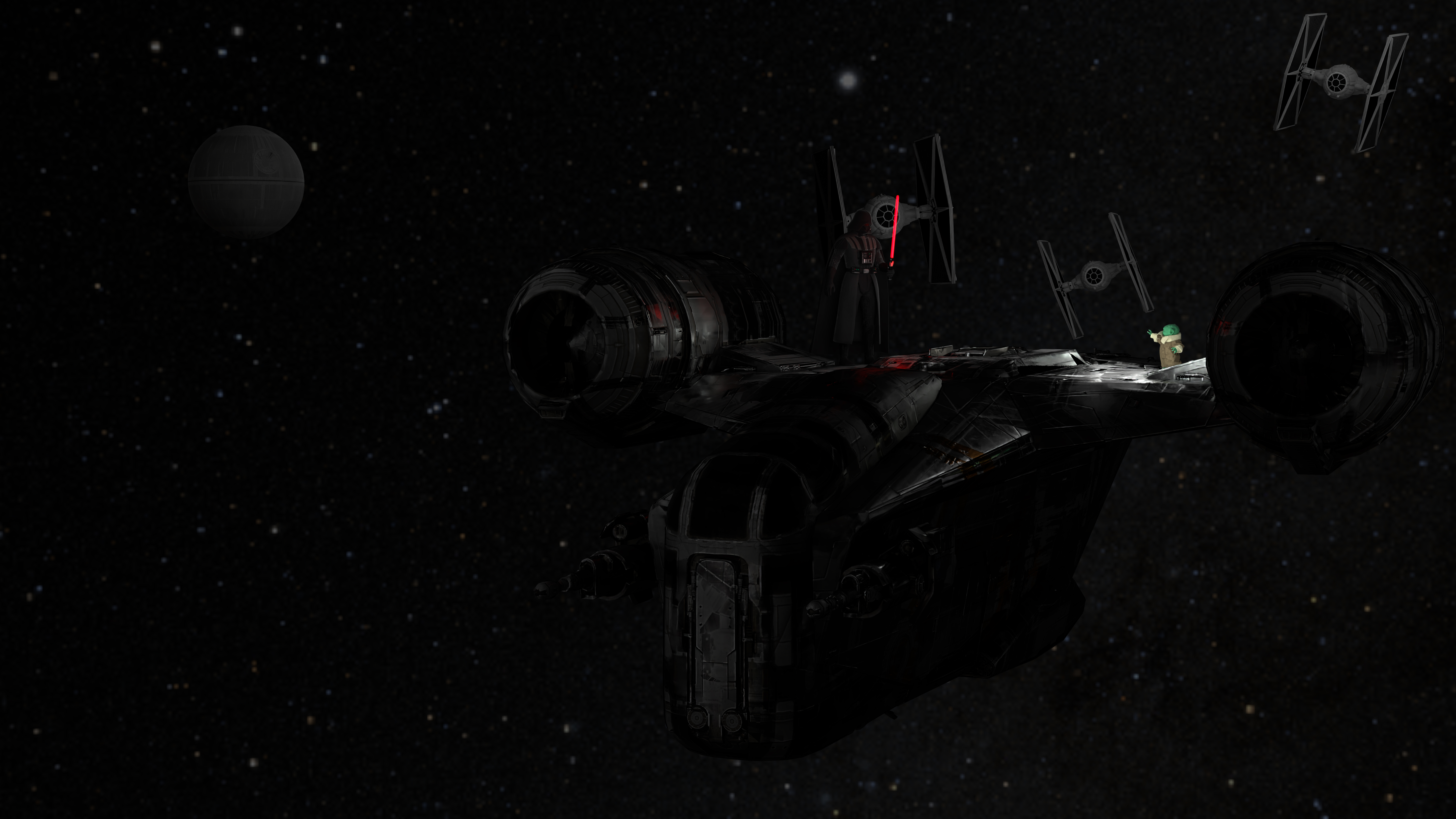
Afterwards, our attention was more on the background fight. Adding a few TIE-Fighers in the background already improved the scene's overall feel.
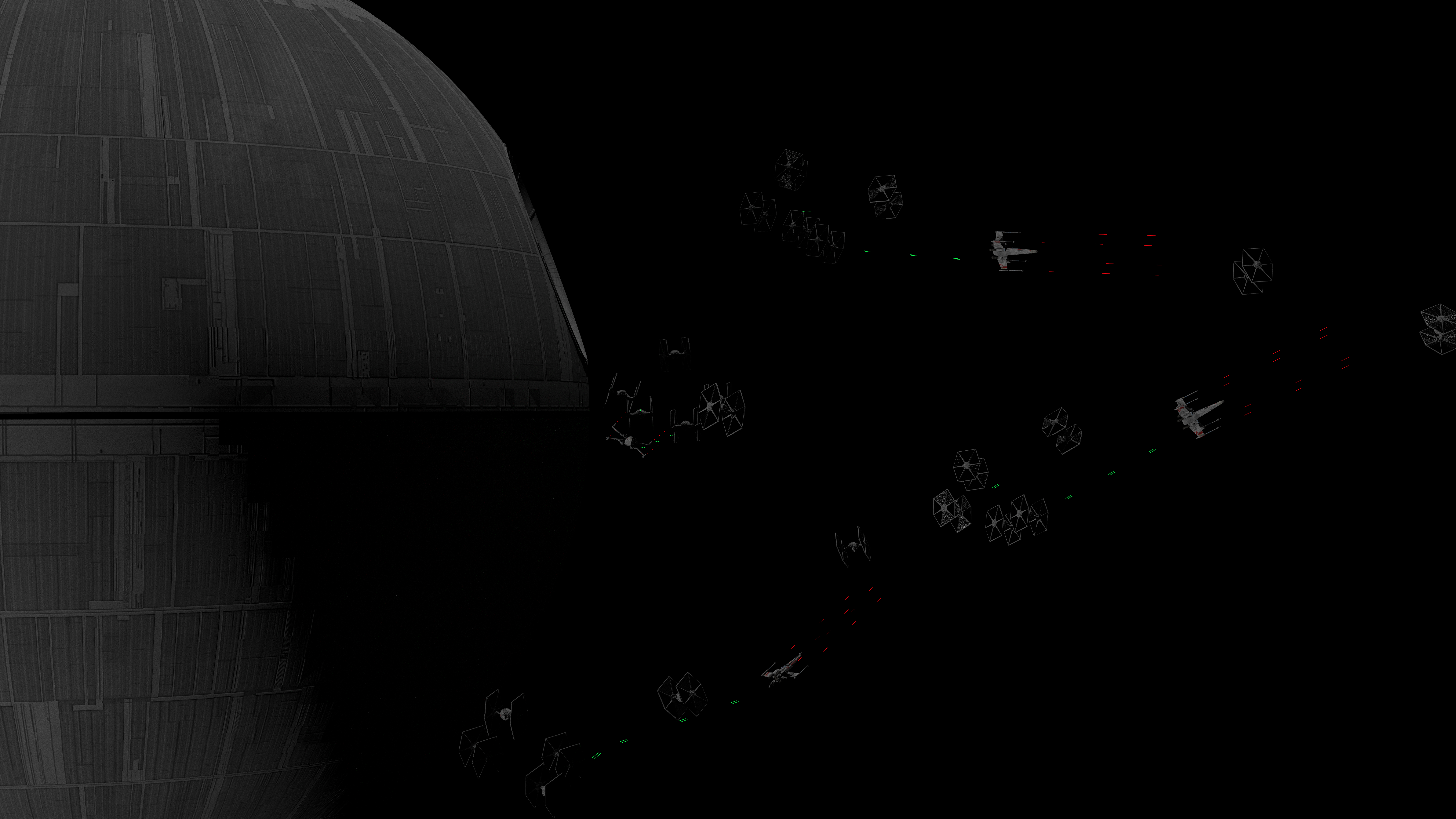
The fight between X-Wings and TIE-Fighters also came together nicely for the background.
Finally, putting everything together resulted in the first version of our final rendering.
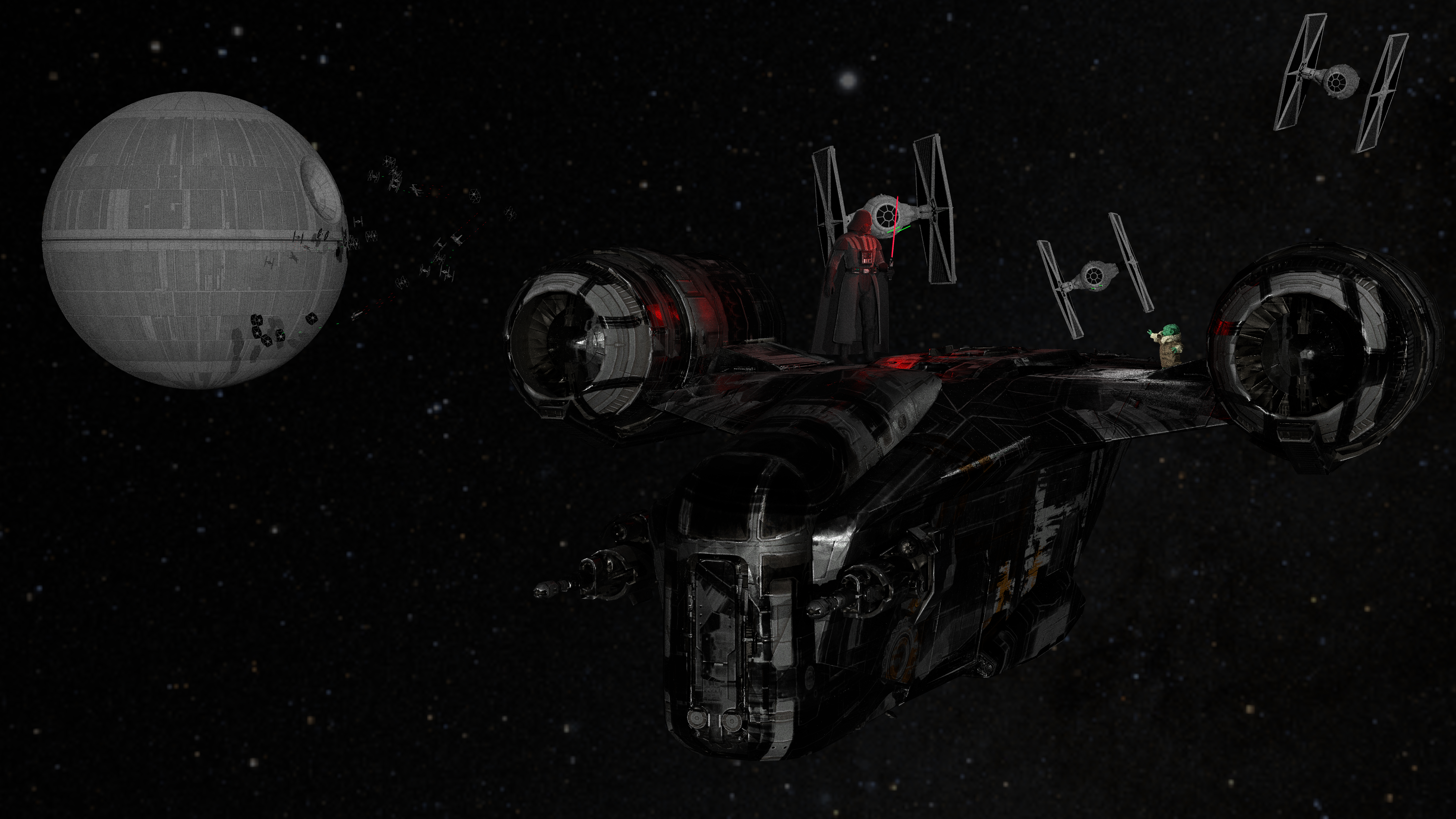
Since then, we have improved the image and lighting quality of the image overall, and had to fix some issues with the roughness and metallic map of the razorcrest, as is clearly visible above.
After adding the planet, we finally arrived at the final image. This was an alternate version, with a slightly lower exposure on the environment map:
Third-party assets:
"Realistic 3D Earth Model With 4K Textures" (https://skfb.ly/6RHTZ) by Omer Bhatti is licensed under Creative Commons Attribution-NonCommercial (http://creativecommons.org/licenses/by-nc/4.0/).
"Sky" NASA/Goddard Space Flight Center Scientific Visualization Studio. Gaia DR2: ESA/Gaia/DPAC. Constellation figures based on those developed for the IAU by Alan MacRobert of Sky and Telescope magazine (Roger Sinnott and Rick Fienberg).
"Mandalorian - Grogu ( The force )" (https://skfb.ly/onVoy) by Nestaeric is licensed under Creative Commons Attribution (http://creativecommons.org/licenses/by/4.0/).
"Darth Vader" (https://skfb.ly/onpSP) by HarrisonHag1 is licensed under Creative Commons Attribution (http://creativecommons.org/licenses/by/4.0/).
"Star Wars: TIE/ln Fighter" (https://skfb.ly/oF7Cp) by Daniel is licensed under Creative Commons Attribution (http://creativecommons.org/licenses/by/4.0/).
"T-65 X-wing Starfighter - Star Wars" (https://skfb.ly/6RUXI) by Quiznos323 is licensed under CC Attribution-NonCommercial-ShareAlike (http://creativecommons.org/licenses/by-nc-sa/4.0/).
"Razor Crest model" (https://skfb.ly/oWoHp) by Doom is licensed under Creative Commons Attribution (http://creativecommons.org/licenses/by/4.0/).
"Death Star - Star Wars" (https://skfb.ly/ouQDM) by SebastianSosnowski is licensed under CC Attribution-NonCommercial-NoDerivs (http://creativecommons.org/licenses/by-nc-nd/4.0/).
"Darth Vader's Lightsaber (Star Wars)" (https://skfb.ly/6FQDo) by Yanez Designs is licensed under Creative Commons Attribution (http://creativecommons.org/licenses/by/4.0/).
"HW13 R2D2 HP" (https://skfb.ly/6WU78) by Dmitriy_Remezyuk is licensed under Creative Commons Attribution (http://creativecommons.org/licenses/by/4.0/).
"Brick Wall Test" (https://skfb.ly/EzMp) by adamdart7 is licensed under Creative Commons Attribution (http://creativecommons.org/licenses/by/4.0/).